Thank you! Your submission has been received!
Oops! Something went wrong while submitting the form.
MENU
Practical resources for independent educators, expertise and organizations turning lived experience into income.
TL;DR: Most platform comparisons focus on discussion features. The real differentiators are fee stacks, tax compliance, and course delivery depth. Skool offers strong gamification and Circle has polished discussion layouts, but both leave international tax filing to the creator across most markets. Our Teachable Payments handles automated tax remittance across 45+ countries, and our Builder plan ($69/month on annual billing) bundles course delivery tools and 0% platform fees in a single subscription. If you sell structured courses to an international audience, the fee math and tax exposure matter more than leaderboard badges.
A thriving discussion board is only as valuable as the business infrastructure sitting underneath it. Creators who pick a community platform based on engagement features alone often discover, after their first international sale, that they owe VAT or sales tax to authorities in various countries, and their platform left that entirely to them. This guide compares the top online community platforms on the metrics that actually determine take-home pay and operational risk: fee stacks, tax compliance, course delivery depth, and mobile delivery.
Running a paid community is running a business. Before evaluating discussion layouts and gamification, confirm a platform covers three operational requirements:
Creators who skip this audit typically discover the gaps during a live launch, when a broken checkout or missing payment tool costs them revenue that cannot be recovered. The launch strategy resources on our blog cover how to pressure-test your full workflow before a live window opens.
Engagement inside a paid community does not happen by itself. The platforms that drive the highest daily active participation combine three mechanics: structured prompts that give members a reason to post, member directories so participants can find peers with shared goals, and gamification layers such as points, leaderboards, and badges that reward consistent contribution.
The trade-off is that gamification without structured content creates engagement that peaks and then plateaus. For creators building course-based student engagement, the combination of discussion spaces and drip-released lesson content produces more sustained retention than either tool alone.
You need built-in checkout support for one-time purchases and recurring memberships, multi-currency acceptance, and subscription management tools that allow students to pause or cancel without manual intervention on your end.
A short enrollment window to a warm email list is a high-stakes event, and downtime or a broken upsell during that window is not recoverable. Reviewing a platform's incident history and uptime documentation before committing is a useful due diligence step.
A community without a learning path is a chat room. Creators who combine structured courses with discussion spaces see meaningfully higher completion rates because students have clear milestones to work toward and a community to discuss them in. The features that separate deep course delivery from basic video hosting include drip content scheduling, progress tracking at the individual student level, compliance settings like minimum watch-time enforcement, and quizzes with graded assessments.
These features also affect how students perceive the value of what they bought. For creators building toward credentialed programs, delivery depth matters as much as the content itself.
Headline subscription prices are the sticker price. The receipt has more lines. Every platform stacks a subscription fee, a platform transaction fee on every sale, and a payment processing fee charged by the underlying card processor. International transactions can add a currency conversion fee on top.
Think of the platform transaction fee like rent versus buying: percentage-based fees on lower-tier plans compound as revenue grows. The revenue and pricing strategy resources on our site cover how to model this across different product structures.
The six platforms below represent the realistic shortlist for creators building monetized communities in 2026. Each has a distinct strength, and each has structural limitations that matter at different revenue levels.
Skool positions itself around community-first design: the member feed is the product, and gamification, including points, leaderboards, and level-ups for participation, drives daily logins. Skool's Pro plan runs $99/month on monthly billing ($82/month effective on annual billing) and charges 2.9% + $0.30 per transaction up to $900, rising to 3.9% + $0.30 above that.
On tax compliance, Skool collects and remits VAT for EU buyers as a qualifying marketplace under VAT regulations. That coverage does not extend to the 45+ countries that Teachable Payments covers, so creators with students in Australia, Canada, India, or across the US may remain personally responsible for those tax obligations.
On course delivery, Skool reportedly lacks quizzes and completion certificates. Skool reportedly includes a drip feature that unlocks content after a set number of days from when a member joins. If your paid community sells certification-based programs or needs graded assessments, Skool may require a separate platform to handle that delivery, which adds cost and integration fragility.
Circle offers polished discussion spaces with custom branding, organized spaces, and solid moderation tools. Circle's Professional plan runs $89/month on annual billing with a 2% transaction fee, and Business runs $199/month annual with a 1% fee, both stacking on top of standard Stripe and PayPal processing fees.
Circle's course builder reportedly includes basic quiz functionality with minimum passing grades and drip content scheduling across structured and time-based release options. It also reportedly supports basic lesson-order enforcement. What Circle reportedly lacks are graded open-ended assessments, rubric-based scoring, and completion certificates at the level we provide. Circle does not automate international tax remittance, so creators handling international sales are personally responsible for calculating and remitting VAT, GST, and applicable sales taxes. Our Teachable Payments automates that across 45+ countries, and our Builder plan includes the certificate issuance and compliance settings that Circle reportedly cannot match at its mid-tier pricing.
Fully branded iOS and Android mobile apps on Circle require Circle Plus, which carries custom pricing. We include native apps on all plans.
Mighty Networks combines community, courses, and live events under one roof. According to third-party sources, its plan structure reportedly includes Launch ($79/month), Scale ($179/month), and Mighty Pro (custom pricing) tiers. Platform transaction fees reportedly run 2% on Launch, 1% on Scale, and 0.5% on Mighty Pro.
Mighty Networks supports drip content scheduling and course modules, but does not issue native completion certificates, requiring a third-party tool connected via Zapier to generate them. Like Circle, Mighty Networks reportedly does not automate international tax remittance, leaving VAT and GST obligations as a manual responsibility that Teachable Payments removes. Custom-branded iOS and Android apps require Mighty Pro, putting them out of range for most independent creators, while we include native apps on all plans without an enterprise subscription.
Discord costs nothing to start, which makes it an attractive early option. The operational reality for paid communities is less convenient. Discord offers native Server Subscriptions where members pay a monthly fee directly for exclusive channels and perks, with Discord taking a 10% cut of subscription revenue. What Discord reportedly cannot do is gate content by lesson completion, track learner progress, deliver drip-scheduled course content, or automate international tax remittance. Paywalled course delivery still requires third-party tools, and each additional integration is a failure point during a live launch.
Slack's free plan limits message history to 90 days of searchable content, which becomes a real problem for a paid community designed as a searchable knowledge base. Paid Slack plans run $7.25 to $15 per user per month on annual billing, and those per-seat costs scale against you as your community grows. Neither Discord nor Slack reportedly includes built-in course delivery, checkout capability, or automated tax compliance. Both require external subscription management software and leave you personally responsible for international VAT and GST remittance that Teachable Payments automates across 45+ countries.
Our course delivery infrastructure covers graded assessments, native completion certificates, drip content scheduling, and watch-time enforcement. No other platform in this comparison provides all four natively. Teachable Payments automatically calculates and remits VAT and GST across 45+ countries, removing the creator from the tax filing loop entirely, at a geographic breadth no other platform here matches. The Builder plan ($69/month on annual billing) carries a 0% platform transaction fee, native iOS and Android apps, affiliate tools, and email integrations. BackOffice, an optional add-on carrying its own 2% to 2.8% fee, automates affiliate payouts and tax forms so you don't have to handle disbursement manually.
"Easy to create courses and sell. The platform is so good, and mainly, the designs of the landing page are stunning... I also loved the community they built." - Raghu V. on G2
The table below covers the full cost stack across each platform for a creator on an entry-level paid plan, including subscription, platform transaction fees, and payment processing ranges.
Teachable processing: 2.9% + $0.30 for US cards, 3.9% + $0.30 for international cards. Non-USD transactions incur an additional 0.95% Stripe currency conversion fee where currency conversion is required.
The Starter plan's 7.5% platform transaction fee costs more than upgrading to Builder once monthly revenue passes $533 on annual billing, or approximately $667 on monthly billing. Creators should model their expected monthly revenue against both plan options to determine which tier offers better economics at their revenue level.
At higher revenue levels, the math becomes more stark. Percentage-based platform fees on lower-tier plans can compound significantly, while plans with zero platform fees eliminate that variable cost entirely. Non-USD creators should also model currency conversion fees against expected international transaction volume before comparing net take-home across platforms. For a deeper breakdown of how these fees interact with different product structures, the revenue and pricing section of our blog covers the modeling frameworks.
The three structural differences that determine long-term operational risk are:
The table shows that drip content scheduling is available across most platforms, but the features that separate us are quizzes with graded assessments, native completion certificates, and watch-time enforcement. For creators building certification-based programs, these features are not optional additions. They are the product.
Your primary interaction mode determines which platform makes the most sense operationally. If your members primarily engage through live events and real-time video sessions, dedicated event integration is a gap on Teachable, but creators who choose a community-only platform for that feature remain personally responsible for VAT and GST filing across the EU, UK, Australia, and Canada, where none of those platforms automate remittance.
If your members primarily work through asynchronous video content and self-paced lessons, our course delivery infrastructure gives you deeper student management, graded assessments, native certificates, and Teachable Payments handling tax remittance automatically across 45+ countries. If long-form threaded discussion is the main mode, community-only platforms offer more layout customization for that format, though adding structured courses or certificates later means either working around a platform that lacks them natively or migrating your community to one that does, which is disruptive to members and administratively expensive.
Building on a platform that handles structured course delivery from day one reduces migration risk, provided community discussion depth is not the primary product you are selling.
Community-only platforms offer threaded, channel-based discussions with search and moderation tools, along with more layout customization or event integration than a course-first platform typically provides.
These platforms require creators to manage international tax compliance manually, which becomes a material risk as international sales grow. Our Teachable Payments removes that administrative burden across 45+ countries, and creators whose members expect a community-first experience should weigh that tax and course-delivery advantage directly against the discussion depth and layout customization that Circle and Mighty Networks offer.
Discussion-first creators who choose Circle or Mighty Networks also inherit the course-delivery gap: no native completion certificates, no graded assessments, and no compliance settings, which becomes a structural problem the moment a student asks for a credential or a program needs watch-time enforcement.
Low-ticket memberships at $10 to $20/month are highly sensitive to transaction fees. Processing fees and platform transaction fees can represent a significant percentage of revenue per member. When a platform adds a percentage-based transaction fee on top of processing, those margin losses compound fast. Our Builder plan eliminates the platform transaction fee entirely at $69/month annual, so the only per-sale cost is payment processing.
A free or low-ticket community tier works as a lead magnet for higher-ticket structured courses. Creators who offer free community access to warm their audience before a course launch consistently see higher conversion rates from engaged community members than from cold email lists. Our audience-building resources detail how to structure this funnel across different audience sizes.
Three clear triggers indicate that a community-only platform is no longer the right fit:
Sending a paying community member to a separate URL to access the course they paid for is friction. Friction reduces completion rates and drives refund requests. Our case studies show how creators structure combined product tiers without splitting the student experience across tools.
When course content and community discussions live on separate platforms, students deal with two login systems, two notification streams, and two places to look for help. Each additional tool is a potential failure point, and the creator absorbs the support load when they break. Disconnected tools also make it impossible to tie community access to course completion milestones, which is one of the most effective retention mechanics available to course creators.
Our drip content lets you release lessons on a schedule that syncs with community discussion topics. For example, a creator running a six-week cohort can unlock lesson three on Monday and progress students to lesson four the following week, all without manual intervention. For cohort-based teaching design, this sync between content release and discussion timing is the structural mechanic that drives higher completion rates.
The most durable revenue architecture for creators combines three tiers: a free or low-ticket community entry point, a structured paid course as the core product, and a high-ticket coaching or mastermind tier for students who want direct access. We support all three through free enrollments, paid course checkouts, and native coaching features. Each tier feeds the next, and Builder's 0% platform fees protect margins across all three revenue streams.
If you're modeling platform costs before committing to a plan, run the full fee stack, subscription, transaction fee, and processing, against your expected monthly revenue. Compare plans and fees on our pricing page, or start a 7-day free trial and build your first course before paying anything.
What should you look for when evaluating platforms for paid groups?
Prioritize payment processing, tax compliance, and course delivery depth before evaluating discussion features. We automate VAT and GST remittance across 45+ countries and include quizzes, certificates, and compliance settings, while Circle and Mighty Networks reportedly leave international tax filing to the creator and lack native completion certificates.
Does managing courses and community in one hub improve student outcomes?
Yes, students who access courses and discussions through a single login complete more lessons and submit fewer support tickets than students navigating between disconnected tools. Single-hub management also allows milestone-based community unlocks, where completing a course module automatically opens a new discussion channel.
How do you calculate your true platform take-home on each plan?
Start with your monthly revenue, subtract the platform transaction fee (percentage varies by plan and platform), then subtract payment processing fees (typically 2.9-3.9% + $0.30 depending on card origin, plus potentially a 0.95% Stripe currency conversion fee for non-USD transactions), and finally subtract the monthly subscription. The economics shift depending on your revenue level and the specific fee structures of each plan tier.
How quickly can you go from signup to first sale on Teachable?
KYC verification is required before payouts are enabled, and processing time varies, so connecting your payout account early in your setup is worth doing before your launch window opens. Most creators build their first course in the no-code editor within a few sessions. The 7-day free trial gives you enough time to build a full course, connect your payout account, and test checkout before committing to a paid plan.
Does Skool handle VAT and sales tax?
Skool remits VAT for EU buyers, acting as a qualifying marketplace under EU VAT regulations, per Skool's own VAT documentation. Skool does not automate tax remittance across the broader set of countries covered by Teachable Payments, so creators with significant sales outside the EU remain personally responsible for calculating and filing those tax obligations.
What is the transaction fee on Teachable's Builder plan?
Our Builder plan charges a 0% platform transaction fee. Standard credit card processing fees apply to US and international card transactions, with a separate Stripe currency conversion fee on non-USD transactions where currency conversion is required.
Teachable Payments: The native payment gateway that automatically calculates, collects, and remits sales tax, VAT, and GST across 45+ countries, removing the creator from the tax filing loop entirely.
Platform fee: The percentage-based transaction fee charged by a platform on each sale, sitting on top of standard credit card processing fees and separate from the monthly subscription cost.
Merchant of Record: A legal entity authorized to process payments and assume liability for financial transactions, including tax compliance and remittance to the relevant tax authority on behalf of the seller.
Drip content: A content delivery method where course lessons unlock on a schedule or after specific conditions are met, rather than all at once on enrollment.
Break-even point: The monthly revenue level at which the transaction fees on a lower-cost plan equal the subscription cost difference of the next plan up, making the upgrade economically rational.

TL;DR The best online learning platform depends on what you're trying to do. If you want to own your brand, pricing, and student list while selling your own courses, we're the strongest fit, with built-in payments that remit VAT and GST across 45+ countries. If you want a ready-made audience instead, marketplaces like Udemy give you reach but control your pricing and discounting. If you're after accredited, university-backed learning rather than a platform to sell your own course, academic providers like Coursera and edX cover that instead. This guide compares all 11 platforms, from course-selling tools to marketplaces to academic providers, so you can match one to how you actually want to teach, sell, or learn.
Picking a place to teach, sell, or learn online can feel harder than it should be, because "online learning platform" covers a lot of very different products. Some are built for course creators who want to sell under their own brand. Others are marketplaces that bring you students but keep control of pricing. Others are academic providers offering accredited, university-backed learning that has nothing to do with selling a course at all. That mismatch is why the wrong choice costs real time: months spent building on a platform that was never designed for what you're trying to do. If you want a deeper walkthrough of that decision, see our guide to choosing a course platform that includes pricing too.
Online learning has grown into a major market. The online education market generated $185.20 billion in 2024 and is projected to reach $279.30 billion by 2029. This growth underscores the increasing demand for flexible and accessible learning solutions. Whether you're a creator turning your expertise into courses, a coach building a paid program, or a learner picking up a new skill, choosing the best online learning platform for you can make or break your results.
The challenge is that not all platforms serve the same purpose. Some focus on hosting and selling courses, while others specialize in structured academic learning or creative skills development. This guide breaks down the best online learning platforms, helping you determine which one fits your needs best.
Before you start comparing platforms, it's important to understand the key factors that determine the right fit. Whether you're a course creator, or a lifelong learner, consider the following aspects:
By keeping these factors in mind, let's explore the best platforms for different learning and teaching styles and needs.
If you're looking to sell online courses, coaching, or digital products under your own brand, we're built for exactly this: you set pricing, own your student list, and keep 100% of revenue from the Builder plan up at $69/month on annual billing. Over 150,000 creators use us to build, sell, and run their online courses.
Best for: Creators, coaches, and educators who want full control over their online school.
Example: A fitness coach could launch a paid video course with us, bundle it with 1-on-1 coaching, and sell it directly to their audience.
Udemy is one of the largest online learning marketplaces, with hundreds of thousands of courses across dozens of languages.
Pros:
Cons:
Best for: Instructors who want to reach a massive audience but don't need full control over branding or pricing.
Coursera offers university-level courses, degrees, and certifications in partnership with top institutions worldwide.
Best for: Professionals seeking accredited certifications, university-backed courses, or corporate training programs.
For creators: Coursera's instructors are university faculty and industry partners invited onto the platform, not a self-serve place to publish and sell your own course. Worth recommending to students who want an accredited, university-backed credential alongside what you teach them.
EdX provides an extensive catalog of university and professional courses, including MicroMasters programs.
Best for: Lifelong learners and professionals looking for structured, high-level education without committing to a full degree program.
For creators: Like Coursera, edX's courses come from university and industry partners rather than an open self-serve upload, so it is not built as a place to sell your own course. Worth recommending to students who want structured, university-partnered coursework beyond your own.
MIT OpenCourseWare (MIT OCW) provides free access to lecture notes, exams, and videos from MIT courses.
Best for: Independent learners who want high-quality, no-cost education from a top institution.
For creators: MIT publishes its own course materials here for free, there is no path for outside instructors, individual or institutional, to sell anything on it. Worth recommending to students who want deeper, no-cost study of a subject you teach.
BBC Maestro offers masterclasses by leading experts, similar to MasterClass but with a UK-centric focus.
Best for: Creative professionals and learners looking for expert-led courses in storytelling, music, and business.
For creators: Instructors are selected and invited by BBC Maestro's curation team rather than applying to self-publish, so it is not a place to sell your own course. Worth mentioning if your students want a UK-centric masterclass experience from recognized experts.
MasterClass offers high-production video courses taught by celebrity experts across various fields.
Pros:
Cons:
Best for: Those looking to gain insights and inspiration from top industry leaders rather than structured skill-building.
For creators: MasterClass invites its instructors directly with no public application or self-serve path, so it is not a place to sell your own course. Worth naming if your students want inspiration from celebrity experts rather than the structured skill-building your course provides.
Udacity specializes in technology and AI-related courses, often in collaboration with major tech companies.
Pros:
Cons:
Best for: Tech professionals looking to upskill in AI, programming, and data science.
For creators: Udacity instructors go through an interest-form and selection process and are compensated by contract rather than per-sale, so it is not a self-serve place to sell your own course. Still a reasonable recommendation if your students want deeper technical upskilling than your course covers.
Pluralsight offers cutting-edge courses in software development, IT, and cybersecurity.
Pros:
Cons:
Best for: IT professionals, developers, and cybersecurity experts.
For creators: Pluralsight's Author program lets individuals apply to create courses, but it is a competitive vetting process, and authors earn royalties on Pluralsight's pricing rather than owning their own pricing and student list the way you do with your own course. Worth pointing IT or developer students toward it for depth beyond your own curriculum.
Khan Academy provides high-quality, free educational courses in subjects like math, science, economics, and humanities.
Pros:
Cons:
Best for: Students, educators, and lifelong learners looking for accessible, high-quality education in core academic subjects.
For creators: Khan Academy is a nonprofit with no paid courses or creator payouts, so it is not a place to sell anything. Worth recommending as a free resource if your students need to shore up core academic fundamentals alongside your course.
YouTube has become an informal learning powerhouse, with countless channels offering free educational content.
Best for: Self-motivated learners who prefer flexible, video-based education at no cost.
For creators: Anyone can upload to YouTube, but it has no built-in course structure, checkout, or student management, so it is not a course platform you would sell through the way you do with your own course. Worth acknowledging as the free discovery channel where many students already look first.
With so many choices, picking the right platform depends on your goals. If you're a creator or educator looking to teach and sell your own courses, we're built for exactly this, with 0% platform fees on the Builder plan and up. We offer complete ownership, flexible pricing, built-in payments through Teachable Payments, and tools to grow a course business you own.
Do you have an existing audience through a Youtube channel, podcast, newsletter, social posts, or books? You can turn it into a paid course. With a free trial, you can be up and running in a few days.
Explore how we can help you build, sell, and grow your online courses. Start with a free trial today. Join the creators who use us to build and sell their courses.
What is the best online learning platform?
It depends on your goal. To sell your own branded courses, we're the best fit because you own your pricing, content, and student list. For a ready-made audience, Udemy is the largest marketplace. For accredited academic learning, Coursera and edX partner with top universities.
What is the best platform to sell online courses?
We're built for selling your own courses: you set your own prices, keep your student list, and our Teachable Payments checkout remits VAT and GST across 45+ countries. Marketplaces like Udemy reach more people but control discounting and take a larger cut.
What is the best free online learning platform?
For free study, Khan Academy, MIT OpenCourseWare, and YouTube offer high-quality content at no cost. They are built for learning rather than for selling your own courses, so creators who want to earn from their content will still need a course platform.
What is the difference between an online learning platform and a course marketplace?
We're a course platform: you build and sell courses under your own brand, keeping ownership of pricing and students. A marketplace, like Udemy, lists your course alongside others and brings its own audience, but controls pricing and discounting.
How much does an online course platform cost?
It varies by platform and plan. Our paid plans start at $29 per month (billed annually), with higher tiers removing transaction fees and adding more products. Marketplaces are often free to publish on but take a share of each sale.
Course platform: A tool built for creating, hosting, and selling your own branded online courses, where you set the price and keep ownership of your student list, unlike a marketplace.
Marketplace: A platform, like Udemy, that lists your course alongside thousands of others and brings its own built-in audience, in exchange for control over pricing and discounting.
Teachable Payments: Our integrated payment system that processes checkout and automatically calculates, collects, and remits VAT and GST across 45+ countries on your behalf.
Transaction fee: A percentage taken from every course sale on top of your monthly subscription. Ours starts at 7.5% on the Starter plan and drops to 0% from the Builder plan up.
Accredited certification: A credential issued in partnership with a recognized academic institution, as offered by platforms like Coursera and edX, distinct from the completion certificates course creators issue on their own.
TL;DR: You don't legally need a life coach certification: life coaching is unregulated, so it's optional, not required. Certification can add credibility with corporate or higher-paying clients, plus structured training and a professional network, and accredited programs (look for ICF or NBHWC) range from about $1,400 to $20,000, with some unaccredited courses under $500. Real-world experience, starting with a few clients, and referrals are legitimate alternatives if you'd rather skip a program. Whichever path you choose, you can build and sell your own coaching program on Teachable.
If you've thought about becoming a life coach, you may have also thought about whether you need a life coach certification. The short answer is no, you don't need one. There's no official life coaching certification process. However, the long answer is it depends on your coaching services, clients, and goals.
Life coaching is a fast-growing industry, with the US market estimated at $2.6 billion in 2025 (IBISWorld). Globally, the coaching industry generated $5.34 billion in revenue over the past year, according to the ICF's 2025 Global Coaching Study. It could be a profitable business for you, but what do you need to get started?
There are hundreds of life coaching programs to choose from, which can also make it hard to decide. In this article, we'll dive into life coach certification programs and alternatives to help you make a decision.
To be a life coach, you only need knowledge and experience in your coaching niche. An accredited life coaching certification can distinguish you from other providers. For example, let's say you work with a large company and offer your coaching services to their employees. The company may ask for a certification as an extra layer of credibility.
Life coaching isn't a regulated profession. It doesn't have a universal standard or certification process. It's up to each coach to decide whether to pursue formal life coaching certification.
However, you can use the qualifications below to help you land more (and higher-paying) coaching clients.
Most life coaches hold a degree, according to ICF's 2023 Global Coaching Study: 30% have a Bachelor's degree and 65% hold a more advanced degree. They don't usually go to college specifically to pursue life coaching. Rather, backgrounds like psychology and business can naturally transition to a life coaching career.
Certification may provide resources, training programs, and networking opportunities. You can supplement certifications with real-world experience, too. For instance, a former personal trainer or professional athlete would have the right experience to become a fitness coach.
Ultimately, life coaches should be ethical, honest, and knowledgeable of the subject they're coaching. Whether you gain those qualities through a life coach certification program or somewhere else, isn't as important.
Becoming a certified life coach won't hurt, but is it worth it? The answer depends on your background, needs, and goals.
For some, life coaching certification is a valuable way to gain the tools and knowledge for a professional coaching career. It can also help you connect with potential clients, demonstrate your expertise and credibility, and expand your network.
On the other hand, you can be a successful life coach without it. Ultimately, you must decide what's best for you. Consider the potential benefits and other factors to determine whether life coaching certification is worth it for you.
Opting out of life coaching certification today doesn't mean you can't do it later on after you have your first coaching clients. You can jump into your coaching career and revisit it in a year or two. There's no right or wrong way to start down the path of coaching.
If you pursue certification, look for programs that are accredited. The International Coaching Federation (ICF) and the National Board for Health and Wellness Coaching (NBHWC) accredit coaching programs. ICF focuses on life coaching more broadly, while NBHWC accredits health and wellness coaching programs.
ICF offers three coaching credentials (ACC, PCC, MCC), each requiring an exam, specific education hours, and logged coaching experience. Here's the breakdown for each level:
Many legitimate coaching programs use the ICF credentialing structure for their certificate programs. However, they may call their levels different names from those above. Carefully review the details of a program to verify it's worth your time and money.
Your coaching niche will also influence the certification you choose. For instance, if you specialize in nutrition, business, or executive coaching, you might look for a certification for that area versus a broader life coaching program.
When you're ready to choose a life coaching program, you may find the number of available courses overwhelming. First, it's helpful to narrow down your niche. Here are different types of life coaches:
Once you have a niche, you can research programs that suit your goals, skillset, and budget.
If you want a thorough life coaching program and don't mind a higher price point, the Institute for Professional Excellence (iPEC) is a good choice. This program focuses on developing leadership qualities and core competencies, including:
The program also includes training on how to create coaching business plans and develop successful teams. The cost includes ongoing support, membership in an online community of other coaches, and monthly seminars from experts.
The base program includes two life coaching certifications, with a third available as a paid add-on. As a result, the iPEC program is one of the most comprehensive, and also more expensive, options on the market. Therefore, it's ideal for full-time, experienced coaches.
If you've been coaching for a few years and want to boost your credibility for higher-paying clients, it could be worth the investment.
The Institute for Life Coach Training (ILCT) has several programs and paths for different credentials and coaching specialties. It offers programs for the following coaching specialties.
At the end of the program, students receive a life coaching certificate and take the ICF exam. Pricing varies depending on the course you choose. ILCT is a good option for those who want to start small and take more courses from the same school later.
Life Coach School's Coach Certification Program is a self-paced, budget-friendly option for those who want to build coaching skills without committing to a long, expensive program. Participants will learn to help others set meaningful goals, create actionable plans to achieve those goals, and develop coaching skills.
The program includes foundational modules, deep-dive coursework, and a certification exam, with 12 months of access to complete it on your own schedule.
Upon completion of the program, participants receive a certification from the Life Coach School.
The Health Coach Institute's courses cover nutrition, lifestyle coaching, business development, and more. It's best for those who want to become a health and wellness coach.
Courses from the Health Coach Institute are entirely online. Still, there are opportunities to connect with others in the program. The Institute gives students access to an online library and a private Facebook group.
Trustpilot users rate the company 4.0 out of 5 stars, based on over 1,100 reviews.
One unique aspect of the certification program is addressing your self-limiting beliefs. Learning to do this personally will help you teach your own pupils to do the same.
Professional health coaches teach all Health Coach Institute courses. Parts of the program offer 1:1 instruction, so you can ask experts questions directly.
The CaPP Institute offers several programs, but the best choice for new coaches is its Coach Training Intensive program. Unlike other coaching certifications, this is a three-day, online workshop that teaches you how to change lives as a coach.
The program focuses on psychology and coaching theory. The end of the course focuses on business development. It includes a workshop where you'll create a coaching business plan.
The Coach Training Intensive program is best for coaching beginners who want to start right away. It's also a solid option for coaches who have been out of the market for a while and want a quick refresher course.
The five programs above compared side by side:
The cost of life coach certification programs depends on the program. Generally, accredited programs range from about $1,400 to $20,000. Some unaccredited online courses may offer life coaching programs for less than $500. However, intensive courses and those accredited by the ICF cost more.
While these prices may seem high, they could be worth the investment compared to how much life coaches make. According to ICF's 2023 Global Coaching Study, the average annual revenue for coaches in North America is $67,800, though this figure will vary based on your niche, experience level, and overhead expenses. The same study puts the average cost per coaching session at $244 globally.
Once you are ready to coach, you can keep your own overhead low by running your program online: with us, you sell coaching without a physical location.
Given all the variables at play, choosing a life coach certification program can be challenging. Answering the questions below will help you decide which coaching program is right for you.
If you don't think life coaching certification is right for you, don't fret. Getting certified doesn't guarantee a profitable coaching business. It's optional. People care more about results than credentials.
Here are some alternatives for life coaching certification:
If you've worked as a personal trainer, nutritionist, therapist, or in another role related to the coaching vertical you've selected, put that to use. Talk about your experience when interviewing new clients and include information about your past in your marketing materials. Relevant work history may get you farther than a certification.
You can always learn by doing, and anyone can start coaching. In the beginning, you can take on two or three clients to build experience. As you gain new skills and confidence over time, you'll be able to take on more clients or charge higher rates. If you want a structured product to sell from day one, you can create an online course or coaching program and price it around your niche.
Most coaches get new clients through referrals. Request Google or social media reviews from your satisfied customers and ask them to pass your name along to anyone they know in the market for services like yours. Those testimonials will do more for your credibility than any certificate would.
Ultimately, whether to pursue life coach certification is a personal decision that you should base on your circumstances and goals. Weigh the pros and cons carefully to decide what's best for you.
If you enroll in a life coach certification program, be sure it's accredited. You should also run the numbers on the course cost and outline a plan for when you'll break even in your coaching journey.
If you decide that certification isn't right for you, draw on your experiences and seek referrals to help you build your business. You can start your coaching journey today without a life coaching certification. Start a 7-day trial and build your first coaching product before committing to a plan.
Do you need a certification to be a life coach?
No. Life coaching is not a regulated profession in the United States, so no certification is legally required to practice. Certification is optional and mainly helps with credibility, training, and access to higher-paying or corporate clients.
Is a life coach certification worth it?
It depends on your goals. Certification is worth it if you want structured training, a professional network, and added credibility with clients who ask for it. It is not essential if you already have relevant experience and can win clients through results and referrals.
How long does it take to become a certified life coach?
It ranges from a few days to over a year. Short intensive workshops run about three days, while ICF-accredited programs require 60 to 200-plus education hours and 100 to 2,500 hours of coaching experience depending on the credential level (ACC, PCC, or MCC).
What is the best life coach certification?
There is no single best certification. Look for programs accredited by the ICF or, for health and wellness coaching, the NBHWC, then match the program to your niche, budget, and schedule. This guide compares five accredited options across price points.
How much do life coaches make?
The average annual revenue for coaches in North America is $67,800, according to ICF's 2023 Global Coaching Study, though it varies widely by niche, experience, and how many clients you take on. The same study puts the average cost per coaching session at $244 globally.
Life coach certification: a voluntary credential from a training program that signals a coach has completed structured education and, often, supervised coaching hours, it is not a legal requirement to practice.
ICF (International Coaching Federation): the leading accrediting body for life coaching, with three credential levels (ACC, PCC, MCC) based on training hours and logged coaching experience.
NBHWC (National Board for Health and Wellness Coaching): the accrediting body for health and wellness coaching certifications, distinct from ICF's broader life-coaching focus.
Accredited program: a certification course that has met an external body's, like the ICF or NBHWC, standards for curriculum, training hours, and assessment.
Coaching niche: the specific area a coach specializes in, such as executive, relationship, or health coaching, which shapes which certification and marketing approach fits best.

TL;DR: Starting a YouTube channel is completely free, and setup takes under a minute: you only pay if you buy gear or editing software. All you need to begin is a computer, a camera (your smartphone works fine), reliable internet, and a microphone. This guide then walks you through 14 steps covering everything from defining your niche and planning content to filming, branding, uploading, and staying consistent, including newer features like YouTube Shorts. Most of these steps take under a day. Your real time investment goes into filming and editing your first video. Once you've built an audience, you can monetize through ads, channel memberships, sponsorships, or by turning your videos into a paid course.
If you love creating and sharing content with others, you might be curious about how to start a YouTube channel and make money. There has never been a better time to showcase your knowledge online with engaging video content. Over 80% of all internet traffic comes from video.
YouTube is one of the most popular video-sharing and social media platforms. According to global website rankings, YouTube is the second most visited website after Google Search. The platform also boasts an impressive following. There are currently over 2.5 billion monthly active users on YouTube, who together watch more than 1 billion hours of YouTube content on TV screens alone every day.
In this article, we walk through how to start a YouTube channel for beginners in 14 steps, what it costs, the gear you need, and how to set up your channel and monetize your knowledge.
If you're interested in creating a YouTube channel, you're probably wondering how much it costs to get started. The short answer: it is completely free to start a YouTube channel. However, you may have some upfront costs if you decide to buy any video equipment or video editing software. Similarly, if you choose to film certain videos like "haul" or "review" videos, you may need to pay out of pocket for products if you're not gifted the products or sponsored by a brand.
To set up a YouTube channel, you'll need a few basics: a computer, a camera, reliable internet access, and a microphone.
Starting a YouTube channel is easier than you might think. The channel setup process takes less than 60 seconds. But before you dive right in and start sharing, you'll want to create a plan for how you'll show up on the platform. Below are 14 beginner tips to help you get started.
Before you can start sharing content on YouTube, you need to set up an account and channel. This is the fastest part of starting a YouTube channel: the whole setup takes under a minute. If you don't already have a YouTube account, simply go to YouTube and use your existing Google account to set one up.
Then, once you've signed into your account, you can create a YouTube channel:
After you've created your channel, you'll get redirected to your channel dashboard. The dashboard is your channel's home base. Here you can customize your channel appearance, upload videos, monitor analytics, reply to viewer comments, and more.
It's important to have inspiration and (at least some) clarity about the content you'll be creating for your channel. This makes the process move a lot smoother. And having a plan helps to quell any overwhelming feelings. One easy and strategic way you can do this is to explore video ideas and gauge what your audience is consuming by doing keyword research.
Keywords on YouTube are words or a phrase that users type into the search bar. The YouTube search engine is powerful and second only to Google (which makes sense, as Google owns YouTube!) Keyword research shows you the hot topics other creators in your field are discussing, and helps you boost your own views by using those keywords when you create content. Including these words in your title, video description, and thumbnail can dramatically increase the views of your content. It's an easy step that can get people to watch your YouTube videos, even if you're just starting out. There are a few different ways you can do this:
Let's say you were making a video of a guided meditation. Type in the first few words related to your niche/what you're creating and check out the suggested searches that pop up to see what's most frequently being searched!
Before you start producing YouTube videos, you need to identify what your channel is all about. Your niche is the foundation of your YouTube channel and the focus of your channel's content. Knowing your channel purpose will also help streamline the content creation process later.
Some of the most successful YouTube channels have a well-defined niche. People like Graham Stephan (5M+ subscribers) educate on how to make money with real estate sales. Peter McKinnon (6M+ subscribers) shares entertaining, beginner-friendly photography tips.
Not sure how to choose a niche for your YouTube channel? Start by asking yourself a few questions.
Once you've identified what you want to talk about, do some research. Figure out what your target audience wants to see. Look at what types of content other YouTubers in your niche are producing. Determine how you'll bring value or a new approach to that audience or market.
Now that you know your purpose and target audience, it's time to plan your content. An organized content plan keeps your channel consistent. Start by selecting the type of content you want to produce. Remember, you can have more than one type of content for your channel.
Popular content types include:
Next, schedule how often you plan to create and upload content. Use your niche research to determine the best upload frequency. Consider picking a publishing day (e.g., every Thursday) to promote consistency and get subscribers excited about new content.
Then, sit down and brainstorm content ideas. Jot down 10 to 20 video ideas based on your audience research. If you've already built an online course on Teachable, you have a lot of this legwork done. YouTube is a great place to share small parts of teachings from your courses. You can encourage people to learn more at the end of your video by redirecting them to your Teachable course page or website.
If you're serious about starting your channel and making money from your content, you need to put your best foot forward. Like other social media platforms, YouTube is highly visual, and each channel has unique visual elements. To customize the look and feel of your channel's page, start by adding a few essential brand elements, including:
Add these items to your channel with three easy steps:
In addition to your channel branding, consider adding a channel trailer or featured video to your homepage. A channel trailer is a preview of your channel shown to people who haven't subscribed yet. Your featured video is a highlight video for your subscribers to watch. Both will give current and potential subscribers a good impression of your channel and brand.
Your YouTube channel description is like the "About" page on your website. It tells viewers about you and your channel. Use it to share your story and give visitors a reason to watch your videos and subscribe. Be specific and include your posting frequency, content style, purpose, etc.
Your channel description will appear in the About section of your channel and search results. The first 100 to 150 characters of your channel description are critical. YouTube only shows this snippet next to your channel in search results. It is the first thing people read when finding your channel, so you want to communicate your value and purpose right away.
Just like other search engines, YouTube also uses keywords to rank channels, so be sure to do your research and include target keywords in your description.
To update your description, click "customize channel" and navigate to the "Basic info" tab to add your channel name and description. On this tab, you can also edit your channel URL and add links to other pages you want to share with viewers (e.g., your website, Teachable homepage, social media pages, etc.)
A well-written script is essential to creating quality, watch-worthy YouTube videos. A good script captures the viewer's attention, keeps them engaged, and leaves them with a key takeaway. A script will also help you stay on track during production and reduce the time you spend making edits afterward.
Start by writing down your video goals and key takeaways. Keep the content short and straightforward. For best performance, keep videos between 7 to 15 minutes. Remember, YouTube ranks videos based on total watch time. Your goal is to get viewers to watch the video from start to finish.
Need help structuring your script? Follow this basic framework:
Once you've drafted your script, it's time to start filming.
Here are some easy tips to improve your filming quality:
Remember, you don't need to spend a fortune on cameras and recording equipment. You can inexpensively create a home recording studio setup.
If you want to invest in a few pieces of equipment, it's also possible to do it without breaking the bank. For example, you can easily learn how to record sound from your phone or computer. However, you can grab one of these best budget microphones for under $35.
To start, use what you already have and focus on getting the content out there rather than making it perfect.
As you practice and produce more content, you'll learn what filming techniques work best for you and your audience.
You've worked hard to create, film, and edit your video. Now it's time to upload your video and share it with the world. Here are eight easy steps to upload your first video:
Your video thumbnail is the static image people see before clicking your video. This small but important detail can make or break your channel performance. A good thumbnail gives your video a professional look and entices viewers to watch it.
Although you can select an auto-generated thumbnail for your video, we encourage you to create a custom thumbnail for each video. A good thumbnail can help your videos stand out and increase the click-through rate.
Your custom thumbnail should always include the following:
Consistency is critical to your success on YouTube. When people think of consistency, they often think of how often they post. But, on YouTube, consistency is important with both your schedule and your content.
Not only do viewers expect to see new content on your channel as promised (e.g., "new videos every Monday and Friday"), but they also expect the quality and style of your videos to remain consistent.
Here are a few tips to help you stay consistent:
Wondering how often you need to post? Posting consistently matters more than posting often. Research on YouTube channel growth shows a regular, predictable upload schedule tends to outperform an erratic one, even when the erratic channel posts more total videos. Pick a cadence you can sustain, whether that's once a week or several times, and stick to it.
In 2020, YouTube released a new feature called YouTube Shorts. Like Instagram Reels and TikTok videos, Shorts are vertical, short-form videos (60 seconds or less) created on smartphones. Creators can easily film, edit, and upload Shorts directly on the YouTube mobile app.
YouTube encourages creators to use this new feature to expand their reach, increase engagement, and drive more traffic to their long-form content. Viewers can easily share, comment, like, or subscribe to your channel while viewing your Short.
To create and upload YouTube Shorts, follow these easy steps:
It's best to keep content for your Shorts specific, catchy, and valuable. You can use Shorts to give an update, share highlights from a recent event or launch, tease a new product, pull clips from long-form videos, and more.
Finally, let's talk about data. YouTube provides extensive data about your channel performance, content, audience, and more. Measuring your channel performance will help you better understand your audience and promote your YouTube channel. Use the YouTube Analytics feature to review your channel performance and determine what's resonating with your audience the most.
It's easy to access your YouTube Analytics:
Inside the Analytics dashboard, you can review data in four different tabs:
We recommend reviewing your content and engagement metrics at least once a month. That way, you can decide what's working vs. what's not. You can also analyze who is coming to your channel and why. Once you've done that, you can adjust your content strategy to fit your audience's interests and needs better.
Analyzing your competitors' YouTube channels is a great way to gather inspiration and see what your ideal audience is already consuming. If you're not sure who your competitors are, then start by searching keywords related to your topic or niche. Ask yourself where your ideal audience would hang out, and check out the channels that seem the most popular within this.
Once you identify who your competitors or fellow creators are, do a deep dive into their page. Notice what topics, keywords, and playlists they've curated. Check out views and comments on their top videos, and any other details of how their channel is set up. Do they have a welcome video? What do their top videos have in common? What is the common structure/style of their videos?
It's important to remember that everyone has their own unique way of doing things. The goal here is not to directly copy what your fellow creators are doing, but to get a better idea of what resonates with your ideal audience, and to let that inform your creative process.
Focus first on creating high-quality content people want to watch. Once you have an audience, there are several ways to make money on your YouTube channel.
Two of the most common YouTube partner program features are:
Another way people make money on YouTube is through YouTube sponsorships. Many brands use this powerful influencer marketing strategy to promote their products and services on YouTube. There are three primary types of YouTube sponsorships: product reviews, affiliate marketing, and paid brand sponsorships. Once you've grown an engaged audience on YouTube, you can learn how to get sponsored on YouTube and start making money off your video content.
There are other ways to monetize your knowledge, not just on YouTube. Many YouTubers use their video content to create paid courses on Teachable. As you grow your following on YouTube, consider taking your creative skills to the next level. With us, you can continue to teach people what you know and easily get paid for creating content you love.
The most important factors when creating quality content are lighting, clear video, and easy-to-hear sound. You can hit all these marks with a smartphone.
Invest in a tripod. You can get a decent one for under $30 on Amazon. Then find a well-lit spot (natural, indirect sunlight is usually best) and a quiet room to film in. You'll also need access to video editing software, such as iMovie or Premiere Pro. If learning how to use these tools feels overwhelming, don't worry! YouTube Studio has basic editing tools available that you can use before publishing a video, and there are plenty of free resources you can access to learn more about how to edit YouTube videos.
If you're in a space to do so, getting a ring light and wireless microphone can improve the quality of your videos, and having a membership to a site like Epidemicsound (or another royalty-free music site) can provide you with opportunities to make your videos more engaging.
Don't get too caught up in needing to get all the latest gear or feeling like you need to have all these things in order to get started. Your smartphone is more than enough. The most important part is showing up authentically in the video!
Start a 7 day free trial and join the more than 150,000 creators already using us to make a real impact and earn a real income.
How much money do you need to start a YouTube channel?
You need no money to start a YouTube channel. Creating an account and channel is free, and the setup takes under a minute. Costs are optional and come only if you buy gear or editing software, many creators start with just a smartphone, natural light, and a basic microphone for under $35.
How do I start a YouTube channel and get paid?
Start by creating your channel and posting consistent, high-quality videos in a defined niche. You get paid once you join the YouTube Partner Program and earn from ads and channel memberships, or through sponsorships. Many creators also turn their audience into recurring income by selling a paid course based on their videos.
Do you need 1,000 subscribers to get paid on YouTube?
To earn ad revenue through the YouTube Partner Program you need to meet YouTube's eligibility thresholds, which include a subscriber minimum and a watch-time or Shorts-views requirement. You do not need to hit that threshold to earn from sponsorships or from selling your own course, both of which you can start with a smaller audience.
What is a brand account on YouTube?
A brand account allows you to have an account that is associated only with your brand instead of being linked to your personal Gmail account, as would usually be the case. It also means you can allow multiple people to access the account as you grow your team, while protecting the privacy of your personal account/email.
What type of content is popular on YouTube?
The majority of content falls into one of the following categories: comedy, music, entertainment/pop culture, and "how to". Overall, you can think about the purpose of the content is to entertain, to inform, and/or to inspire. The best YouTube channels will have a variety of content that serves a mixture of purposes. Do keyword research and analyze your fellow creator's content to get more specific ideas on videos that fit in your niche!
How can I change my YouTube channel name?
YouTube Partner Program (YPP): The program that lets eligible creators earn ad revenue and other monetization features on YouTube once they meet its eligibility thresholds.
Watch time: The total number of minutes viewers spend watching your videos, a factor YouTube uses to rank and recommend content.
Niche: The specific topic or audience your channel focuses on, which shapes your content, your branding, and who finds your channel.
Thumbnail: The clickable preview image for a video, custom-designed to stand out and encourage viewers to watch.
YouTube Shorts: Vertical, short-form videos of 60 seconds or less, uploaded directly from the YouTube mobile app to reach new viewers.

TL;DR: Self-hosted online course prices run from around $50 to $1,000 or more, and a very low price can be harder to build a profitable business on than it looks. This guide covers pricing your own course in three steps: set a baseline of at least $100, work backwards from an income goal using price times number of buyers, then sweeten the offer with pricing tiers, payment plans, and small extras like live Q&As or coaching. Premium pricing tends to beat volume over time: fewer buyers at a higher price meets the same goal with less time spent chasing enrollments.
Knowing how to price your online course is a common and often difficult challenge for content creators. But understanding how to sell online courses and putting a price tag on your knowledge doesn't have to be intimidating. By valuing yourself, your course, and the work you put into course creation, you'll be able to come up with a fair price that your audience will be more than willing to pay for.
So exactly how much should you charge? We've created a three-step guide to online course pricing to help you figure it out. We'll also cover what online courses actually cost, so you can price yours against the market.
Before you set your own price, it helps to know the range buyers see. Online course prices run a wide range, from around $50 for short, introductory lessons up to $1,000 or more for comprehensive, certification-backed, or cohort-based programs. A very low price can be harder to build a profitable business on, since it leaves little room to cover your own time and marketing costs.
So what should you charge? Rather than copy a market number, work backwards from your own income goal and the value you deliver. The three steps below walk through exactly that.
Make your baseline price higher than you think. We're just going to lay it out: Consider pricing your online course at a minimum of $100. Because you've validated your idea, acquired an audience, and developed your course, you already know it's valuable. A good baseline price for a course is $100, if not more.
So, why have a baseline price of at least $100?
With premium pricing, more is absolutely more. Would you believe us if we said it's as simple as: Charging less means you make less money. It's normal to worry about scaring off potential clients with a higher priced course, but playing it safe can be dangerous in business as it may not accurately reflect the work content creators put into their offerings. Plus, if you price too low, students might not appreciate it as much or be as motivated to follow through with it.
In addition to the overhead needed to create the course, such as video production equipment, you can also factor in soft costs. Think about the time you put into creating your course, what you'd charge a client for that same time, and what you invested learning the material you're teaching. Your time and expertise are valuable.
While there is a ton of free information available, don't underestimate the value of the information you curate, organize, and package for your students. It will save them time and energy, and make their lives easier in the long run.
It can be difficult to measure the true value of your course, which gets easily entangled with financial gains. When considering what makes your idea or offering valuable to others, go beyond what you're selling and consider why you're selling it.
For instance, you might be an art teacher, who beyond different painting techniques, empowers students to explore their creativity with confidence and playfulness. Or you may be a yoga teacher who doesn't just demo the fundamentals of poses but also offers tools for increasing mindfulness and building resilience, too. Set your prices bearing in mind all students get out of the course, rather than just the course itself.
Meanwhile, you can always reduce the price via course sales or promotions after your go-to-market strategy is finished, but unless you're prepared to enhance your original offering, it can be harder to raise the price of a course once you've announced it to your audience.
While online courses don't always have to have a high price tag, premium pricing will help you in the long run and has a number of benefits.
How much can you really charge for your online courses? It's up to you, but arming yourself with some pre-pricing knowledge can be indispensable.
The simplest method is to work backwards from an income goal:
Before anything else, you should come up with income goals for your online course. Whatever you're hoping to accomplish with your business, come up with a goal number.
For example: Let's say you're hoping to make $5,000 with your online course. With that in mind, if you keep your price point at $100, you need 50 people to buy your course to reach your goal.
But, what if you decide to offer at a higher price point of $250? In that case, you only need 20 people to enroll. And if you price your online course at $500, you only need to sell to 10 people. See where we're going?
By putting these goals into place, you can establish a clearer picture of just how many people you need to be selling to in order to consider your launch successful.
Generally, you can assume that at least two percent of your email list will purchase it. That lines up with published course-launch email benchmarks of roughly 2% to 5%, so it's a solid starting point.
For example: If you have 1,000 people on your list, 20 people will likely purchase. If you want to make $4,000, you need to sell your course for at least $200 to meet your goal.
Now that you're armed with some basic knowledge on how to price your online course and more importantly, why you should be aiming for a premium price, close the deal for your students with an offer they really can't pass up.
Pricing tiers make your course accessible to a larger number of students and to students who may not be interested in all of the bonuses you're offering. To create your pricing tiers, first decide on which pieces of bonus content you want to offer. Consider which ones make the most sense for your audience and which ones will have the largest ROI. Once you've decided on your bonus content, decide how much each piece is worth.
Although not every student may be able to shell out a lump sum upfront, it might be more manageable if your course offers smaller payments spaced out over a few months. What's more, you can typically have higher price tags on plans that are paid out over time.
Your knowledge inherently has value, but as your prices increase, so too should your offerings. Some of the best ways to enhance your course content and add value don't have to be overly complicated. Learning some basic tricks for how to market online courses can help.
Remember: Setting your rates is upholding a boundary. It teaches clients how to treat you and respect what you have to offer. So price accordingly.
Once you've settled on a price, start a 7-day trial and get your course live before committing to a plan.
How much should I charge for an online course?
Charge at least $100 for an online course, and often more. Premium pricing will help you in the long run and has a number of benefits. Once you've validated your idea, acquired an audience, and developed your course, you already know it's valuable. A good baseline price for a course is $100, if not more.
How do you determine a course price?
Set an income goal, then divide it by the number of buyers you expect. Before anything else, you should come up with income goals for your online course. Whatever you're hoping to accomplish with your business, come up with a goal number. Then figure out how many people are likely to buy. Generally, you can assume that at least two percent of your email list will convert, which makes it a solid starting point.
How much do people sell courses for?
People sell courses from a wide range of price points. Some start around $50 (though, like we mentioned, we recommend keeping your price at a minimum of $100) while others go up to $1,000 or more.
How much does an average online course cost?
Self-hosted online courses typically range from around $50 for short, introductory lessons to $1,000 or more for comprehensive, cohort-based, or coaching-heavy programs. Price and perceived value tend to move together, so a higher price is not automatically a barrier.
Do payment plans change the total price of a course?
Yes. Courses sold on a payment plan often carry a higher total price than the same course paid in one lump sum, because you are spreading smaller payments over several months. Payment plans widen access without forcing you to lower your headline price.
Baseline price: The minimum price you set for a course, recommended here at $100 or more, so the price reflects the value of your expertise rather than just the time it took to create the course.
Premium pricing: Setting a higher price on purpose. It increases perceived value and revenue per sale, and it takes fewer buyers to reach the same income goal.
Income goal: The specific revenue target for a course, used as the starting point for the price-times-buyers formula that determines what to charge.
Pricing tiers: Multiple price levels for the same course, usually built around bonus content, so the course stays accessible to more students without lowering the headline price.
Payment plan: An option to split a course's price into smaller payments over time instead of one lump sum, which can support a higher total price while widening access.
Sections of this post are adapted from previous content written by Morgan Timm and Katie Davidson.
TL;DR: Creating an online course starts with a profitable idea and a clear transformation for students, not a platform choice. From there: price for value rather than volume, build a curriculum lesson by lesson, and choose a creator-first hosting platform that keeps you in control of pricing, content, and student data. You do not need expensive gear, voiceover slides and a basic microphone are enough to start. Grow an email list before you launch, then launch with a planned email sequence. This guide covers all nine steps, idea to launch, plus FAQs on cost, timeline, and platform choice.
If you've been wondering how to create an online course, we'll walk you through the entire process in nine steps, from picking a profitable idea to launching.
With the rise of online course creators, more people are interested in how to start teaching online for a living. Is it profitable to sell online courses? Our answer would be yes. More than 150,000 creators use Teachable. Across Teachable and Hotmart combined, creators have earned more than $10 billion to date.
That said, when it comes to how to sell a video course, PDFs, templates, quizzes, live coaching, or other teaching resources, there are best practices to keep in mind. Across thousands of course launches on Teachable, we've found a standard pattern that has been proven successful time and time again.
Everything you need to know about how to create, build, and make your online course, then start making money is here.
For some, coming up with a course idea is the hardest part of the process. We all want a slice of that multi-billion dollar pie, but how do you know your online course idea is profitable?
We created a profitable course idea workbook to help you unleash your money-making course idea. Download our guide if you're ready to:
Believe it or not, everyone has an online course in them. We all have unique hobbies, passions, and skills that can translate into an online course. We have profitable teachers with courses ranging from cake decorating to watercolor painting.
When it comes to finding your profitable course idea, it can be broken down into three main questions:
If you know a topic well, you can create a profitable online course around it.
For example, perhaps you're passionate about horticulture. While everyone may not be invested in aquaponics, some are dying to learn more about aquaponics. You need to find them.
Finding your audience is easy. Your audience may hang out in the same online spaces that you do. Whether you frequent horticulture subreddits or are active in Facebook groups, go there and ask about their struggles.
Think about the transformation your course provides for your target audience. What outcome will students have after taking your course? As a course creator, you need to make that outcome apparent in your pitch to potential students.
Do your students want to learn all about aquaponic gardens? Maybe not. But if you can teach them how to set one up in their own home on a budget, that will get people excited!
To ensure that your customers value your course, present it clearly. You can tell them that you'll teach them programming, and that's fine and dandy. However, you'll show them real value if you tell them instead that you'll teach them programming so they can get a job that pays more and has more flexibility.
It's great to advertise what your customers are going to learn. It's even better if you can market your course and tell them what they will get from learning the skills you'll teach them.
Many creators have brought in attractive, sizable incomes through online courses. Setting clear income goals is important, but your goals should be more specific than "make money."
Whether you're hoping to make $1,000 or $10,000, keep that number in your mind while you're pricing your course. You can systematically work backward to make sure you hit your revenue goal.
To make $10,000 from creating an online course you could either sell it for $10 to 1,000 students or for $100 to 100 students.
To make more money with an online course, the answer is simple: charge more.
If you price too low, students might not be as motivated to follow through. People oftentimes associate "cheap" with "low-quality" and will be less inclined to buy based on that perceived value.
There are many benefits to using premium pricing. Here are a few proven ones to consider:
There are many considerations when it comes to pricing, so we have an in-depth post on other pricing strategies here.
Charging more for your courses is one of the easiest and most important tactics you should take. However, there are other ways that you can make more money. We've built in course features like upsells, course bundles, and more to help creators increase course revenue.
You've got your idea and you've figured out pricing. Now you get to start creating your course.
When people set out to make an online course, this is often where they get stuck. They know what they want to teach, but implementing it is another story entirely.
The best way to plan your course is to write down every step that students would need to do in chronological order to get their desired outcome. Each step becomes a lesson in your course.
Keep in mind that the purpose of your course is to bring your students to a transformation, so plan your course accordingly. Each lesson should lead to that final outcome.
Once you've outlined your lesson topics, you're one step closer to building a complete curriculum. You'll probably spend the most time here, and it makes sense. Your course is your product.
Developing a full course curriculum can feel overwhelming, so complete it in small steps. For example, set aside at least 30 minutes a few days a week to develop a 10-minute lesson. When it's broken up into smaller tasks, it feels easier to accomplish.
Also, remember that the curriculum you use after your first-course cohort can change and evolve. There will be opportunities to improve your content, so gather feedback from your students. Much of the feedback you receive will be things you wouldn't have thought about or noticed without having real student experiences to pull from. It is completely acceptable to launch your course and adjust it later, so don't let the fear of imperfection hold you back.
It is easier to sell an online course when you have an organized curriculum with learning objectives, milestones, lessons, and estimated hours to complete. You should include these specifics on the sales page so that potential students know what to expect and understand what is expected of them in terms of time, costs, and benefits.
If you still aren't sure where to begin, you can follow our step-by-step guide on how to create a curriculum.
Of course, your course will need a home. Before you can launch, you'll need to decide where you will host your content. At a minimum, the platform that you choose should house your course materials in various formats: video, PDF, and so on. It should also serve as a sales page, also called a landing page.
This will help potential students learn more about you and your course. It's also where they will hit buy and make a purchase.
There are typically three options for hosting:
An online course platform is designed for creators. For instance, with Teachable, you'll have everything you need to create and sell online courses, on your terms. You can start a 7-day free trial and start uploading your videos, PDFs, and other course materials right away.
There is also the option to host your site on Teachable. Alternatively, if you already have a website, we can easily integrate with it.
A creator-first platform lets you keep control of your content, pricing, and student data, which is the key point marketplaces lack. (More on the specifics below.)
With self-hosting, you set up everything yourself. You'll need to set up and pay for a server to host your site. Then, you have to build the site, set up payment processing, design landing pages, and everything in between.
Self-hosting gives you the freedom to build your site how you like, but doing that also takes a significant amount of time and technical knowledge.
In terms of hosting, learning marketplaces like Udemy and Skillshare act similarly to YouTube. They host everything on their site, and you upload the videos. The appeal for some is that these sites have users and traffic, although, that doesn't mean that those users will watch your video course.
We commonly see creators move away from marketplaces because the platforms take a significant portion of a creator's revenue. After putting hours of time into a course, you could end up keeping only a fraction of what a student pays, since a marketplace platform can take as much as 63% of a standard sale.
When you're figuring out how to create an online course, consider which features are not negotiable for you. Here is what many creators prioritize:
All of the above is available on Teachable. If you are itching to make a course, you can get started right now with a 7-day free trial.
People often ask: What equipment do I need to create an online course?
With Teachable, you can get started without fancy camera or microphone equipment. We let you upload text, PowerPoints, keynote presentations, videos, and audio interviews, so you can work with whatever medium you are most comfortable with.
To create slides, you can use templates from one of the below free services, and customize them with your own personal branding:
Most often we see instructors using a combination of both text and video. If you are voicing over slides, we recommend using a free tool like Loom or trying out Screenflow for Mac. Both allow you to voiceover slides, and you can edit the video afterward.
You can also easily set up a low-cost home video studio in the beginning. As your online course business grows, you can always invest in equipment but it isn't needed to get started. Video content can seem intimidating, but with a bit of practice, you'll start feeling like a natural.
If you want to invest in audio, video, or other recording equipment, we have some recommendations.
You can start off using natural lighting for your videos. All you need to do is set up near a window with the light facing you. However, natural lighting can be fickle. If you are filming during rainy days or early morning and evening hours, there may not be much daylight to work with.
It is a good idea to have backup lighting equipment, and there are a lot of affordable options. With a home studio, you'll generally want to go with two lighting choices.
If you have a space in your home or office to set up a background that reflects your brand and business, then you may not need a backdrop. However, if you don't have a dedicated space or just want a simple background, you can do that with the help of a backdrop. If you plan to change your background through editing, grab a green screen. You can find a backdrop separately for as low as $35, or get an all-in-one studio kit that includes it along with lights.
Once you record your videos, you may want to add or overlay them with images or text. You also may make mistakes during recording. Instead of completely redoing your course, you may be able to simply clean up and cut sections. To do that, you'll need video editing software. The most popular choices are:
When it comes to how to sell a video course, you may want to invest a little more into the production quality of your content. These tools can help give your courses a professional polish, but again, they aren't required to get started.
You may have heard that you should build an email list for your business, but how do you do that exactly?
The fastest way to grow your email list is to give something away for free.
This free product will be your lead magnet, and it's intended to draw in a targeted and interested audience.
This lead magnet will prove to your audience that you produce quality content and that you're a trusted resource.
Here's what you can give away:
Your lead magnet should be directly related to your online course content, so you attract your target audience. If you teach TikTok marketing, create a lead magnet for TikTok, not Facebook or another platform.
With a mini email course, you can look at your full, ten-section course. Then, take the first section and repurpose it into a lead magnet. The people interested in your lead magnet will also be interested in your premium offering on the same topic.
Viral giveaways are another popular way to grow your email list. With software like KingSumo, you can give away a high-value prize pack. Make sure it's specific to your course and grow your list like crazy. Viral giveaways are effective because entrants can share a link to your giveaway to get more entries, thus advertising your giveaway with zero effort on your part.
If you have a ton of blog posts on your course topic, compile them into an ebook to giveaway to your course audience. If you already have the content it will be nearly effortless to compile and convert to a PDF. From there you can set up landing pages and lead magnets on relevant posts and begin collecting emails.
It's usually safe to say that 2% of your email list will convert into paying customers. Going back to step two, we can figure out how large your list should be before you launch. If you need 100 students to reach your $10,000 goal, then you should aim to have a list of 5,000 before you launch.
Setting up your sales page is key to start making money online and creating your online course.
There are six assets that we recommend including to make your sales page as high-converting as possible:
Interested in more information on creating beautiful sales pages?
After all your hard work, it's time to launch your online course. And, while it's fun to experiment with different marketing techniques, we've found that when it comes to launching, a tried-and-true method always performs better. This is why we've created a plug-and-play email launch sequence for you.
It's easy to implement, effective, and has been used by Teachable creators to drive their own launches.
The idea is simple: After building your email list and nurturing it with some free content (like blog posts, videos, etc.), you launch your course through a series of strategic emails. These emails work to build anticipation for your launch and the urgency to buy now.
Here's what the sequence looks like per day:
To make it even easier, we created a full step-by-step guide and email sequence template for launching a course.
Anyone can learn how to create an online course. However, you can increase your chances of success by following this step-by-step guide. Join more than 150,000 creators who use Teachable to turn an idea into an online course. Start a 7-day trial and build your first course before committing to a plan.
How much does it cost to create an online course?
You can create an online course using a creator platform's free trial plus tools you likely already own, like a laptop and a phone camera. Beyond that, the main costs are optional: a budget USB microphone (around $80), basic lighting (from $30), and a paid platform plan once the trial ends. Most first courses are made for under $200.
How long does it take to create an online course?
Most creators take four to eight weeks to build their first online course, working part-time. The curriculum takes the longest. A good rule of thumb is to set aside 30 minutes a few days a week to produce a single 10-minute lesson, then launch once you have enough lessons to deliver the outcome you promised. You can improve the course after launch based on student feedback.
How do I create an online course for free?
Sign up for a platform's free trial, outline your course as a chronological set of lessons, and record them as voiceover slides using free tools like Google Slides, Canva, or Loom. You do not need paid gear or software to publish a first course. Start with the free trial, then reinvest in equipment once the course earns.
How do you structure an online course?
Structure an online course by writing down every step a student needs to take, in order, to reach their desired outcome, then turning each step into a lesson. Group related lessons into modules or sections, and give each one a clear learning objective. Include milestones and an estimated time to complete so students know what to expect.
What is the best platform to create an online course?
The best platform is one built for creators, so you keep control of your pricing, content, and student email list rather than handing them to a marketplace. Look for an intuitive builder, native mobile apps, built-in payments, and your own course domain. See how we handle all of this.
Online course platform: Software that lets you build, host, and sell digital course content, along with handling payments and student access, without writing code or managing separate tools.
Curriculum: The ordered sequence of lessons that takes a student from where they start to the transformation your course promises, usually broken into modules with clear learning objectives.
Lead magnet: A free resource, such as an ebook, mini course, or template, that you give away to attract and qualify an audience before pitching a paid course.
Sales page: The dedicated page where you present your course's transformation, pricing, and social proof to convert a visitor into a paying student.
Cohort-based course: A course where a group of students moves through the material together on a set schedule, as opposed to a self-paced course students complete on their own timeline.
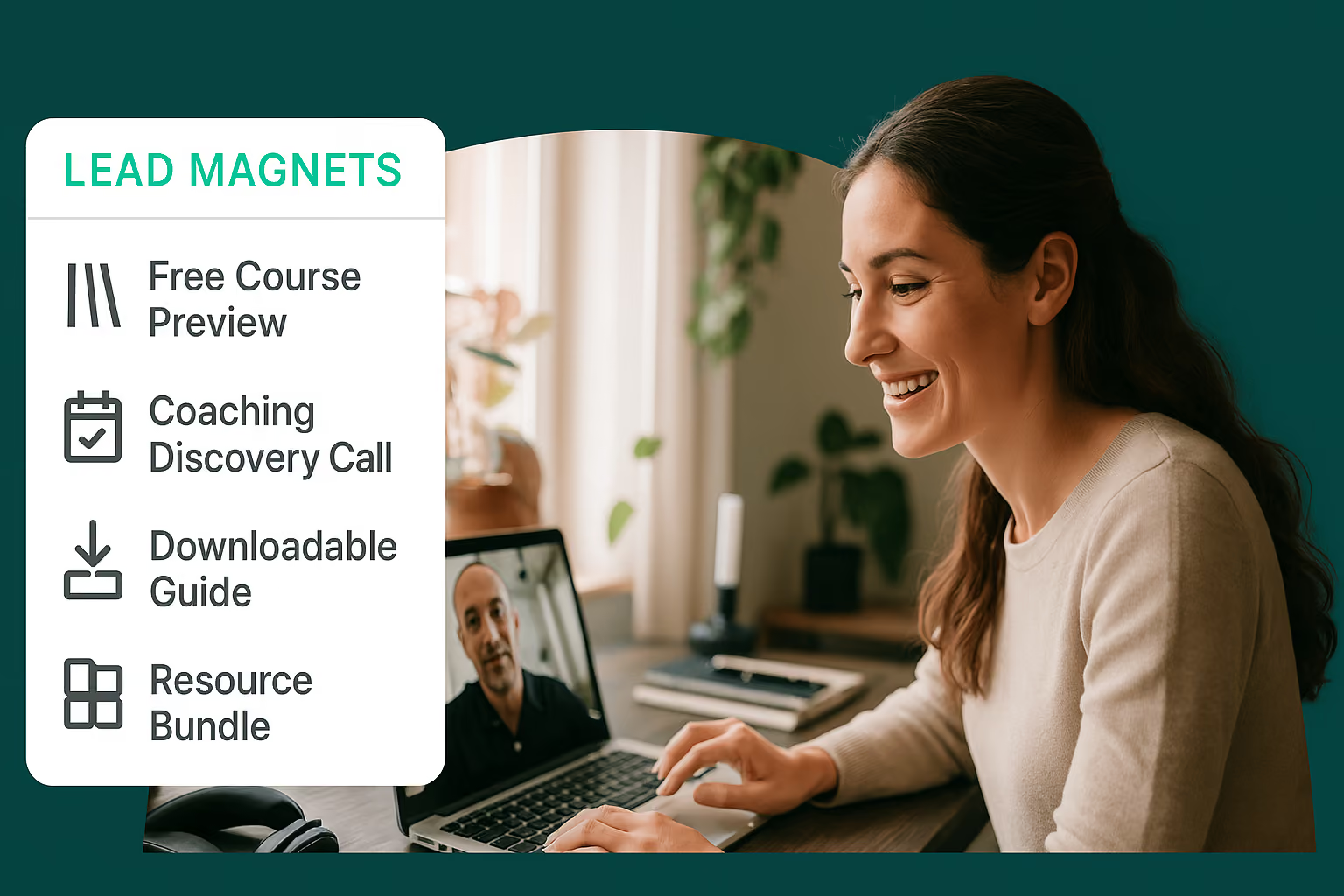
TL;DR: The fastest-converting lead magnets are specific and quick to use, a checklist, template, quiz, or short email course, not a long ebook nobody finishes. Match the format to your offer: a template removes a blank-page problem, a quiz gives a personalized result you can segment by, and a mini-course previews what you're selling next. Whichever format you pick, it only works as a lead magnet if it's a free preview of the paid product it's meant to sell.
A lead magnet is the single most reliable way to turn an anonymous visitor into a subscriber you can email. But most creators stall at the same point: they know they need one, they just do not know which format to build or who it should be for. This guide fixes that. Below are 52 lead magnet ideas and examples, grouped by format, each with a one-line note on why it works and who it suits, followed by how to turn any of them into email signups and, eventually, a paid course.
A lead magnet is a free resource you give away in exchange for an email address. Someone lands on your site, sees an offer worth more than the cost of their email, hands it over, and joins your list. That is the whole mechanic. A good lead magnet solves one specific problem quickly and gets used immediately, and a resource that gets used builds trust.
The lead magnets that convert share four traits. They are specific (they solve one named problem, not everything). They are fast to consume (a checklist beats a course for a first touch). They are genuinely useful on their own, not a teaser for something you have to buy. And they are aimed at a person you can actually sell to later. Keep those four in mind as you read the ideas below, and pick the one that matches where your audience is stuck right now.
Picking the idea is step one. Turning it into subscribers and, eventually, buyers, is where the funnel does the work. Here is the sequence:
What are some good lead magnet ideas?
The lead magnet ideas that tend to work best are a checklist, a template, a quiz, a mini-course, or an email course, because each solves one specific problem fast. Match the format to where your audience is stuck: a template removes a blank-page problem, a quiz gives a personalized result, and a mini-course previews a paid one. The 52 ideas above are grouped by format so you can pick the closest fit.
What makes a good lead magnet?
A good lead magnet is specific, fast to consume, genuinely useful on its own, and aimed at someone you can sell to later. A two-page checklist that gets used beats a 40-page ebook that gets abandoned. The value should be obvious the moment someone sees the offer.
What is an example of a lead magnet for coaches?
A strong lead magnet example for a coach is a short readiness quiz or a first-session prep worksheet. Both surface a gap the coach can help close and start the relationship on a concrete win.
How do I create a lead magnet?
To create a lead magnet, pick one specific problem your audience has, choose the fastest format that solves it (usually a checklist, template, or short guide), build it, then place it behind an email opt-in form so subscribers receive it automatically. Keep the first version small: you can expand it once you see which one converts.
Are lead magnets still effective?
Yes. An email list is an audience you own, unlike social followers, and a lead magnet is still the most reliable way to grow one. Fast, specific, interactive formats (checklists, quizzes, templates) are popular right now, but the mechanic of trading a useful free resource for an email is as effective as ever.
Lead magnet: a free resource you give away in exchange for an email address, built to solve one specific problem fast enough that someone finishes it and trusts you for the next thing you sell.
Opt-in: the moment someone submits their email to receive a lead magnet or access a free offer, the action that turns an anonymous visitor into a subscriber on your list.
Lead magnet template: a fill-in-the-blank document, spreadsheet, or design a subscriber can copy and use immediately, one of the fastest formats to build because the value is obvious on sight.
Mini-course: a short, free 3-to-5-lesson course delivered by email or on a course platform, built to act as a free preview of a paid course so it pre-sells before the reader ever pays.
Email list: the subscribers you've collected through opt-ins, the one audience asset you fully own and control, unlike followers on a social platform.

TL;DR: Making $10k a month online is realistic, but it rarely happens fast, and the method you pick determines how quickly you get there. Service-based paths like coaching, consulting, freelancing, and tutoring pay the fastest since you charge premium rates for your time, while scalable paths like online courses, digital products, and memberships take longer to build but keep earning long after you make them. The strongest approach combines both: a service that pays now and a product that compounds over time. Pick one or two methods that match your skills and audience, go deep instead of spreading thin, and route repeat buyers into a course or membership so the revenue keeps compounding instead of resetting every month.
Making $10,000 per month might seem like a pipe dream if you work a 9-to-5, but if you're an online entrepreneur with the right strategy, it is achievable.
E-learning is one of the most accessible digital income streams to build today. Whether you want to sell online courses, build a membership site, run a coaching business, work from home as a freelancer, or turn a side hustle into a bigger income stream, there are dozens of paths to five figures a month. This guide covers the realistic ones, who each suits, and roughly how long it takes.
Below are 24 proven ways to reach $10k per month, from methods that pay fast to ones that build income you keep earning long after the work is done.
Creating an online course is one of the most scalable and durable ways to build recurring income. If you have expertise in a particular field (like marketing, knitting, fitness, dog training, or a variety of other topics), there's likely an audience out there that can't wait to learn from you. The beauty of online courses is that once you've created the content, it can sell over and over again without much extra effort on your part.
Teachable Tip: With our course builder, it's easy to turn your knowledge into a repeatable income stream. We provide the tools you need to set up your course, promote it, handle payments, and manage your students. And you don't need to be a tech genius to use any of it.
As the longtime bread and butter of online entrepreneurship, digital products are an excellent way to build revenue that keeps selling after you make it once. E-books, design templates, printables, downloadable software… these are all products you can create once and sell indefinitely. The trick here is to find a niche audience that needs what you're offering, and then price your product accordingly. And since you'll have no inventory to maintain or shipping headaches to endure, you can essentially just create, upload, and let the sales come in over time.
Teachable Tip: Did you know that you can easily sell digital products alongside your courses on Teachable? It's true, whether you bundle them together or sell them on their own, it's a smooth process that makes monetizing your expertise easy.
If teaching to the masses isn't your thing, one-on-one coaching might be more up your alley. In high-demand fields like business strategy, fitness, and life coaching, people are willing to pay premium rates for personalized, tailored advice. By charging premium rates for your time and expertise, you could quickly start to see significant returns. Coaching pays faster than most methods on this list, which makes it a good way to hit 10k a month while you build slower, scalable income alongside it.
Teachable Tip: If you're looking for a one-stop shop to build a lucrative (and hassle-free) coaching business, we have your back with our coaching tools. Easily integrate your coaching services with online tools that manage scheduling, payments, and even your coaching materials.
Want to reach more people with your coaching, but don't want to work 24/7? Consider launching group coaching programs. Instead of working with each client individually, you can guide a group of people through your program, maximizing your time while still delivering valuable, personalized guidance. Group coaching lets you earn more per hour, and it also helps you serve more clients in the same hour, which means more engagement and better results for your group.
Teachable Tip: Our platform is built for managing group coaching programs, you can upload resources, run live sessions, and keep all your students on track with built-in progress tracking and communication tools. It's a win-win for you and your clients.
If you're not familiar with what a membership site is, think of it as a digital gathering spot where people pay for ongoing access to premium content. This could be exclusive articles, tutorials, courses, live events, or even just a private space for like-minded people.
The beauty of membership sites is the recurring revenue. Instead of one-off sales, members pay monthly or annually to stay in the loop, which creates a predictable income stream and makes $10k a month far easier to sustain.
Teachable Tip: If you're already using Teachable, it's easy to transition into a membership model. You can offer your courses and digital products on a subscription basis, creating steady income that grows as your member base expands.
Did you know that you can make money without having a product of your own? That's the entire model of affiliate marketing, which involves promoting other people's products, and when someone buys through your link, you get a commission. It's a great income stream because it's low maintenance and you don't need to create products or handle customer service, you focus on sharing great products with your audience.
Teachable Tip: If you've already got a course or an audience, you can integrate affiliate marketing. Recommend tools, products, or services that complement what you're already teaching, and create another income stream for yourself.
YouTube remains one of the top platforms for content creators to share their expertise, grow their audience, and earn money. Whether through ad revenue, sponsorships, or promoting your own products, YouTube offers plenty of ways to monetize. The main thing, though, is that you've got to be consistent, posting regular content, optimizing it for SEO, and engaging with your audience can turn a simple channel into a real income stream.
Teachable Tip: Link your YouTube videos to your courses on Teachable. It's a great way to funnel your audience from free content to paid offerings, giving them more value while boosting your income.
Blogging may seem old-school, but if you're passionate about a topic and can write about it consistently, a blog can bring in ad revenue, affiliate commissions, and product sales. By choosing a specific niche and creating valuable, SEO-optimized content, you can attract both an audience and income.
Teachable Tip: Use your blog to promote your Teachable courses. Offer free content that leads naturally into paid courses or resources. Your blog can be a great top-of-funnel tool to build trust and eventually convert readers into students.
Podcasts are booming, and they are not slowing down anytime soon. Whether you're interviewing experts, sharing your own insights, or just chatting with a co-host, podcasts offer a personal way to connect with your audience. Monetization comes in the form of sponsorships, affiliate promotions, podcast network deals, and of course, promoting your own digital products.
Teachable Tip: Promote your courses within your podcast episodes by offering exclusive discounts or additional content to your listeners. You can even create a mini-course as a lead magnet to grow your email list from your podcast audience.
Freelancing gives you the freedom to set your rates, choose your clients, and work on projects that excite you. Whether you're a writer, designer, or developer, there's always demand for skilled professionals. The downside? Freelancing is tied to your time, so you'll need to balance client work with building scalable income streams.
Teachable Tip: If you've built up expertise in your freelance field, why not teach others how to do the same? You can create a course on how to succeed as a freelancer, offering templates, tips, and workflows that have worked for you.
Print-on-demand (POD) products let you sell custom merchandise without ever having to deal with inventory. Whether it's T-shirts, mugs, tote bags, or whatever else you can design, POD companies handle the printing and shipping for you. All you have to focus on is the design and marketing, which makes this a fairly low-risk way to earn extra income.
Teachable Tip: If you're running a course, why not create branded merch that ties into your teaching? POD products can help boost your brand visibility while adding another revenue stream to your business.
If you have software development skills, consider creating a Micro SaaS (Software as a Service) product. Micro SaaS products are smaller, niche solutions that cater to a specific audience, so developing one can be a steady source of income, especially if you offer it as a subscription service. Think project management tools, budgeting apps, or customer service chatbots.
Teachable Tip: As you build your Micro SaaS product, why not also teach others how to build one? You can use your SaaS product as a case study for your Teachable courses, teaching others how to develop and scale their own software solutions.
In the age of Instagram, TikTok, and YouTube, being an influencer is a legitimate career path, and it's no longer just for mega-celebrities. Micro and niche influencers do well by partnering with companies and promoting products to their highly engaged audiences. So if you've built a strong personal brand, you can monetize through sponsorships, affiliate deals, and even selling your own products.
Teachable Tip: Use your platform to drive traffic to your courses. Influencers who can sell their expertise through Teachable courses are doubling up on their revenue streams.
Dropshipping allows you to sell physical products without needing to hold onto any inventory. You set up an online store, and when a customer places an order, the supplier ships the product directly to them. So with the right products and a solid marketing strategy, a dropshipping business can bring in consistent revenue while keeping your overhead low.
Teachable Tip: If you've mastered dropshipping, consider creating a course on Teachable to teach others how to get started.
Virtual assistants (VAs) are in high demand as more businesses and entrepreneurs go digital. From managing emails to handling social media, VAs can provide valuable services remotely. So if you're organized, good at multitasking, and know your way around admin tools, offering VA services can be a solid income stream. Not only can you choose your clients and set your rates, as your client base grows, you can scale by outsourcing tasks to other VAs.
Teachable Tip: Once you've got experience as a VA, why not package your knowledge into a course? Teach others how to break into the VA industry, build their client base, and manage their workload effectively.
If you're skilled in photography, videography, or music production, selling stock content can be a strong way to build income that keeps earning after the upload. High-quality stock photos, videos, and music are always in demand by marketers, businesses, and content creators. Once you upload your content to stock platforms, it can be purchased and downloaded over and over again.
Teachable Tip: After you start bringing in revenue in the stock content business, consider creating a course that teaches others how to do the same. Share your tips on how to create and market high-quality stock content, and build an audience of creatives who are eager to learn from you.
Website flipping involves buying underperforming websites, improving them, and then selling them for a profit. (It's kind of like house flipping, but without the hammers and nails.) By optimizing a site's content, SEO, and design, you can increase its value before selling it.
Teachable Tip: Once you become a pro at flipping websites, consider creating a course that teaches others how to do it. Share your process for identifying undervalued sites, improving them, and selling them for a higher price.
Online tutoring is booming, and if you're an expert in a particular subject (like math, science, languages, or coding, for example), you can offer your services to students around the world. And with video conferencing tools and digital whiteboards, online tutoring has never been easier to set up. Plus, you can set your rates and schedule to fit your lifestyle.
Teachable Tip: Supplement your tutoring services with digital resources on Teachable. Create courses, guides, or additional materials that students can access on their own time to reinforce what they've learned.
The mobile app market is booming, and if you've got the skills, developing and monetizing apps can be a lucrative business. Whether you create a game, a productivity tool, or a niche-specific app, there are many opportunities to generate revenue through in-app purchases, ads, or a subscription model.
Teachable Tip: Teach others how to develop mobile apps with a course on Teachable. You can offer lessons on app development, coding, and even marketing strategies to help new developers succeed in the competitive app market.
Subscription boxes are popular, offering customers curated products delivered right to their door. From skincare to snacks to hobbies (and everything in between), people love the excitement of receiving a box of goodies every month. The beauty of this business model is the recurring revenue, making it a stable and scalable option for entrepreneurs.
Teachable Tip: If you find that you've got a knack for building a subscription box business, create a course to teach others how to do it. You can offer advice on product curation, sourcing suppliers, and marketing strategies to build a loyal customer base.
Digital marketing is a skill that's always in demand. Whether you specialize in SEO, social media management, or pay-per-click (PPC) advertising, businesses are constantly looking for experts who can help them grow their online presence. The best part about offering digital marketing services is that it's scalable, you can start small with a few clients and grow into a full-service agency if you choose.
Teachable Tip: Package your digital marketing knowledge into an online course to teach small businesses how to handle their own marketing. By offering step-by-step guides and templates, you can provide actionable insights that help your students succeed.
Consulting is similar to coaching, but it's typically more focused on providing specific, actionable advice to businesses or individuals. Whether you're offering business strategy, marketing plans, or financial advice, consulting can be highly profitable, especially if you focus on high-paying clients.
Teachable Tip: Combine consulting with your Teachable courses. Offer packages that include both course access and personalized consulting calls for a premium offer that gives your clients the best of both worlds.
Workshops and webinars are a strong option for those who want to teach but prefer live interactions. These sessions allow you to engage directly with your audience while offering valuable, in-depth content. You can charge for access, or use webinars as a way to promote your courses and other digital products.
Teachable Tip: We don't have a built-in webinar feature, but our Zoom integration lets you schedule and host live sessions right inside your course. Sessions record automatically, so you can offer the replay as an evergreen lesson afterward.
If you're already teaching in a field where credentials matter, like coaching, compliance training, fitness instruction, or technical skills, packaging your expertise into a certification program lets you charge a premium over a standalone course. Students pay to prove they learned it, not just to learn it, which is a different value proposition entirely, and one that supports higher price points.
Teachable Tip: Our course builder includes certificates you can issue automatically once a student completes your program, so credential tracking is built in rather than something you set up separately.
Making $10k a month is realistic, but it is rarely fast. Service-based methods like coaching, consulting, and freelancing can get you there in a few months because you charge premium rates for your time. Scalable methods like courses, digital products, and memberships take longer to build but keep earning after the work is done. The strongest approach is to run one of each: a service that pays now, and a product that compounds.
Pick one or two methods that match your skills and audience, go deep rather than spreading thin, and route repeat buyers into a course or membership so the income compounds instead of resetting every month.
And we're here to help every step of the way, from course creation to payments and tax handling.
Start a 7-day free trial and join more than 150,000 creators who use Teachable to make a real impact and earn a real income.
How much can you realistically make per month online?
It varies widely. Service-based paths like coaching or freelancing can reach $10k a month within a few months at premium rates, since you're paid directly for the time you put in. Scalable paths like courses and memberships take longer because you're building the product before the income compounds, so budget for sustained effort over multiple months rather than a fast payoff. The methods on this list are proven, but none are guaranteed, and the numbers depend on your skills, audience, and consistency.
How fast can you make $10k?
If you need $10k quickly, service work is the fastest lever: coaching, consulting, freelancing, and virtual assistant work pay as soon as you land clients. Product-based income (courses, digital products, stock content) is slower to start but keeps earning after you build it. Most people combine the two so they earn now and compound later.
How do you make an extra $10k a year?
An extra $10k a year works out to under $850 a month, a lower bar than the $10k a month goal covered above. Lighter-lift options like freelancing, tutoring, affiliate marketing, or a small digital product on the side can get you there without a full-time content or launch strategy. If you already have some audience or skill to start from, one focused method is usually enough.
How do you make $10k a month online from home?
The most common home-based routes are selling online courses, offering one-on-one or group coaching, building a membership site, and freelancing. All four run entirely online, need little or no startup inventory, and scale from a spare-room setup. Courses and memberships are the ones that keep earning once they are live.
Can you make $10k a month as a student?
Yes, though usually through time-flexible methods that fit around study: freelancing, tutoring, virtual assistant work, or selling digital products and stock content. These let you set your own hours and scale as your skills and portfolio grow.
How much money do you need to start?
Most methods here need little upfront: a course, a coaching offer, a blog, or digital products can start for the cost of a hosting or platform subscription. Higher-cost routes like dropshipping, subscription boxes, or app development need more capital for inventory or development.
Recurring revenue: Income that repeats without you having to make a new sale each time, like a membership fee or a subscription to digital content. It's the reason paths like memberships and courses can sustain $10k a month more reliably than one-off service work, since the same customer keeps paying instead of you constantly finding new ones.
Scalable income: Revenue that grows without a matching increase in your time or effort, typically because you build something once (a course, an e-book, a stock photo library) and sell it repeatedly. It's the opposite of service-based income, which is capped by the hours you can personally work.
Digital product: Anything you create once and sell an unlimited number of times without inventory or shipping, such as an e-book, a template, a printable, or downloadable software. Digital products are one of the most direct ways to build income that keeps selling after you make it once.
Affiliate marketing: Earning a commission by promoting someone else's product or service through a unique link, rather than selling something you created yourself. It works well alongside an existing course or audience, since you're recommending tools you already use rather than building anything new.
Membership site: A site where members pay an ongoing fee, usually monthly or annually, for continued access to content or resources. Because the revenue repeats every billing cycle instead of resetting to zero, membership sites are one of the more predictable ways to hit $10k a month consistently.
TL;DR: Digital products, like courses, ebooks, templates, and coaching, are made once and sold repeatedly, which makes them a low-cost way to turn existing skills into income. The 23 ideas below cover a wide range of formats, and the most profitable one is usually the one closest to your existing skills and audience, not the trendiest option. You can sell through a marketplace like Creative Market or Canva, which brings built-in traffic but takes 50 to 65% of each sale, or through your own site, which keeps more of each sale after payment fees. With us, you can sell courses, coaching, and digital downloads from one place, so you can start with a single product and add more as you grow.
Choosing digital products to sell is one of the most direct ways to turn a skill into income. Digital products come in many different forms from ebooks and lead magnets to templates and checklists. Selling digital products is attractive to creators because of their convenience for customers, as they are easy to access, easy to consume and a way for customers to take immediate action. Also, the creator economy, which Goldman Sachs values at roughly $250 billion today and projects will nearly double to $480 billion by 2027, is here to stay. One easy way to tap into the creator economy is by offering digital products. Below are 23 of the best digital products to sell online, with real examples and guidance on where to sell each one.
A digital product is anything you can make and distribute online. Digital products aren't physical products but they can become physical products as customers have the option to print some forms. For the most part, digital products are intangible items. For example, a Notion template is a digital product. You can't hold it in your hands but it has value and exists electronically. Examples of digital products range from software and online courses to streaming music and TV.
There are a number of reasons why you should create digital products to sell. Here are five of the most important ones.
One of the biggest perks of selling digital products over physical products is that there's no inventory to store. If you sell physical products, you may need to pay for a space to store them before potential customers buy them.
With digital products, you don't have the same issue. Not only does this save you space, but it also makes it easier to work from wherever. You don't have to spend time or money shipping items, and it's better for the environment.
Selling digital products, such as digital files or digital downloads, on an ecommerce platform requires a fairly low investment. You can make money selling digital products, without the startup costs or risks that come with physical products.
Often, you can start selling online for free. Your main investment is your time. If you've got the time, then you can create digital products to sell. Simply investing your time can lead to a strong return on investment, as the digital product you create once can be purchased by customers again and again.
Once you've created a digital product, it can generate revenue for years to come. Once it is built and automated, a digital product does not require a lot of daily maintenance on your part. Even with little daily effort, the payoff can add up.
The same way James Patterson or J.K. Rowling earns royalties or residuals years after writing a book or making a film, you can continue earning money on the digital product you create years later. After creating and automating your content, you can focus on promoting your product or making new ones that customers request.
Another reason to sell digital products is that they are easy to add to online courses. With us, digital downloads are a built-in feature. When you create a course with us, you can also create coaching services and digital products at the same time.
Whether an automated delivery of a downloadable item or library of content, or online services, such as coaching, digital products are appealing to customers because they can be accessed anywhere. Spending on digital goods runs into the hundreds of billions of dollars a year and continues to grow.
There are many possibilities when it comes to creating a digital product. We've compiled a list of the most profitable digital products to sell with examples and guidance to help you create your own.
The online learning industry is worth hundreds of billions of dollars and continues to grow. If you're not already selling online courses, this is your sign to get started. An online course is one of the best digital products to sell online because you get to share what you're passionate about.
You don't need to be an expert or have a degree in something to be able to make a course and share your knowledge. People create courses on everything from baking bread to investing. Most importantly, they find enjoyment and success in doing so.
For example, Mark Dawson's Self-Publishing Formula has helped thousands of aspiring writers turn their writing into a course business.
Another type of digital product to sell if you've got a passion or expertise is an ebook. You can create an ebook that people can buy, download, and read online. If you use us, you can now add and sell your ebook from your school.
An ebook can be as little as 5,000 words to a few hundred pages. How much you write is up to you. Many authors start publishing bestselling ebooks on Amazon first, before working with a publisher. For example, Pat Flynn of Smart Passive Income has published several ebooks through Amazon.
In addition to ebooks, you can offer workbooks. They are similar to ebooks but are more interactive. Examples of digital workbooks include:
These are a small sample of digital workbooks you can create. Jenna Kutcher of the Goal Digger Podcast sells a daily reflection journal as a physical product. It can be easily sold as a digital product. Customers could print the pages or write in the journal online.
Feel like you've figured out the key to success in your field? Write a guide on it.
Guides focus on how to recreate a process, step-by-step. You can look at them like mini-courses in written form. They can package together templates, visuals, tools, and expert advice.
Here are a few examples of guides that you can create:
Some creators monetize guides, while others use them as a free lead magnet. Determine what your goal is before creating a guide. For example, if your goal is to build your email list, then offer the guide for free.
Digital files include digital art that you can sell online. Your customers can choose what size they want to print or add other customization.
Here are examples of digital products that you can sell.
Remember, if you already use us or sign up, you can offer ebooks, guides, digital files, and more. It's as simple as adding a course or coaching service. Here's a step-by-step guide to selling digital downloads that walks you through how to upload downloadable products.
While coaching isn't quite a downloadable product, it's still a digital product. You can offer your coaching services either as a group or individual coaching.
The ability to coach online has created millions of opportunities for people to connect with coaches who can meet their needs. It has also helped coaches find the right clients too. An example is Luisa Zhou's business coaching services. Luisa is an entrepreneur and investor that mentors others on how to run and grow their online businesses.
Online coaching is a digital product we can help you easily set up and offer, and you can offer more than one type. For example, a career coach might have multiple products. One may be a one-hour interview preparation session for job seekers. Another may be a more general 30-minute session for clients that aren't sure what career coaching needs they have yet.
By offering more than one, you can reach new audiences and add another stream of revenue.
Selling access to a membership site is a great digital product to sell. One of the major benefits of memberships, such as a premium content library, is recurring revenue. Unlike a one-time purchase, subscription-based memberships can generate revenue for you each month.
Then, whatever you want to make "member exclusive" could be part of the membership too. It can include access to gated content or exclusive resources. Tech Ladies, a job board and network of over 150,000 women in tech, has free and paid memberships. Paid subscribers get access to exclusive features and benefits. Their founding membership paid offering includes exclusive perks like private networking events and members-only content.
With us, you can offer exclusive members-only access to digital products like content or coaching.
A podcast where you speak with experts and share your own insights is another digital product idea. You don't need a ton of equipment to create a podcast so it's a low risk that could have a high reward. Podcasts are another example of content you can gate or make member exclusive.
There are other ways to monetize podcasts too. Many will sell ad spots and get revenue from brand sponsors. Finance expert Tiffany Aliche of The Budgetnista co-hosted the podcast Brown Ambition for several years. Podcast episodes like these often feature ads for companies in financial services, since that fits the show's niche.
Like podcasting, you might be able to sell your music or audio online. Most businesses and influencers need music to use in ads and social media posts. Consider selling stock music or audio access as a digital product.
Marketplaces like Envato Elements make it easy to upload and sell audio, including sound effects, meditation music, songs, and more.
You've got information to share. Why not put it in a newsletter and offer it as a digital product to sell? Your customers and audience want to hear from you and you can create a monthly or weekly newsletter to connect with them. If you want to make your newsletter gated content, you can use a platform like Substack or Beehiiv.
Anything can be a profitable digital product to sell if it makes other people's lives and jobs easier. Graphic design templates are great digital products. They make it easy for others to buy and edit or customize for their own needs. For instance, many designers monetize their graphic design templates on Canva.
Canva compensates creators by paying them either 35% of every content license purchase or a percentage of royalties from subscriptions. To have more control over how your design templates are sold (and get more of the sales revenue), offer digital downloads on your website.
You can create design templates for anything. The possibilities are limitless, but these ideas will get you started.
Your photos could be the art someone else frames and features in their home or office space. Offer your photos online as a digital product for download.
You can use photos to promote on social media too. High-quality images grab attention and draw in new followers and potential customers. Some stock photo sites also pay you for your photography, which can be another form of licensed digital content. This means that not only would customers pay for your artwork, they would have the right to reuse it.
Like photography, your digital art could be perfect for someone's space. Selling it online as a digital product could get them the art they've been looking for, and you a little extra cash in your bank account.
For career coaches, resume reviews and templates are invaluable digital products. Resumes are easy to create even for those who don't have a lot of design experience. They also showcase your skills and knowledge and are highly engaging pieces of content for job seekers.
You can charge a fee for your resume templates or use them as a free lead magnet for courses or coaching. An example that you can take inspiration from is HireClub. Their career experts offer a one-on-one coaching session where they provide personalized advice to improve each client's resume.
If you do have a knack for design, you can create social media templates. Many graphic designers start out offering their social media templates on sites like Canva. This may include:
The creative studio Dragonfly Ave takes the last approach. First, it curates an entire Instagram feed, so the design is consistent. Each design template is part of a broader theme, so customers may be interested in bundling their templates to a full brand package.
You can also offer templates on your website. Marketplaces like Canva have a lot of site traffic and can get more eyeballs on your digital products. However, they take a large chunk of your sales too.
There are several platforms that will plug into your site. We have a built-in digital downloads feature. If you want to or already have courses or coaching, it's easy to add digital downloads too.
A font is one of the best digital products to sell because it generates revenue with little ongoing work. Once you create the font, all you need to do is upload it to your site or a marketplace. There are many marketplaces that creators can use to sell fonts. Creative Market and Envato Elements are two of the most popular. Again, as a marketplace, they will take a percentage of your sales.
If you're passionate about creating fonts, add them to your digital online store too. Designers and businesses will pay to download them and use them with the proper commercial licenses.
Everyone from entrepreneurs to students needs well-designed presentations. But, not everyone has the skills, time, or desire to create a polished presentation deck from scratch. You can create presentation templates and sell them online as digital products for people who want more than the usual Powerpoint options.
Here are a few ideas for presentation templates to get you started.
One of the easiest digital downloads to sell is a spreadsheet. You don't need design skills to do it either. An example of this is HerFirst100K's budget spreadsheet.
Spreadsheets are ideal for a financial coach or course creator. They are the tools of the financial world, but many other industries use spreadsheets. Other downloadable spreadsheet ideas you can create and sell are:
A web extension is a software app that plugs into and customizes your browsing experience. If you're able to build it, you can sell it. An extension can do anything, from tracking your time to finding shopping discounts.
Most software applications create browser extensions. For example, Grammarly has more than 39 million users on Chrome. It's free but it raises awareness for its paid offerings.
Since Google Chrome is the most popular browser, start there first. To sell an extension, you'll need to set up a developer account and follow the Chrome Web Store's rules for publishing.
Again, there are many different types of digital products to sell online, especially if you're technically skilled. If you know how to build a mobile app, you can sell it as a digital product. You could monetize a mobile app in a number of ways including charging a subscription fee, in-app purchases, or selling ad space.
Similar to coaching, consider your niche or area of expertise and what online services you can offer to customers one on one or in a group setting. For instance, web design templates and services are other digital products you can sell. Selling a template like a landing page or full website theme is more hands-off. Your customers would handle implementing it on their sites. Making a unique website isn't the easiest but it's in high demand. If you have experience as a web designer or developer, you may also offer those services at a higher price.
Most web designers master building templates for one or two platforms like Shopify or Webflow first. With a little creativity and critical thinking, digital products and online services can translate to most niches.
For those who love cooking, creating recipes and selling them as digital products online is a good possibility to explore. You can promote them on social media with photos of the finished food, or a reel on Instagram of you making it.
A live webinar or workshop is a digital product you can sell without building a full course. Pick a specific problem you can solve in 60 to 90 minutes, price it as a one-time ticket, and record the session so you can resell the replay afterward as an evergreen product.
We don't have a built-in webinar feature, but our Zoom integration lets you schedule and host live sessions right inside your course, and sessions record automatically so you can offer the replay as its own digital product.
While we've already discussed selling licensed digital content, such as stock music or images, you can sell your art for its entertainment value and without licensing, or offering others the right to reuse. You might consider packaging your artistic talents, such as stand-up comedy or poetry, into a library that customers can access by purchasing as a digital product.
When it comes to where you should sell your digital products, there are a few different avenues to explore.
There are many marketplaces that you can use to sell digital products. Here are a few of the most popular ones.
Marketplaces tend to have a lot of traffic and users, so there's already an audience. The major downside is that commissions vary widely by platform, from itemized fees on sites like Etsy to a straight 50% to 65% cut on sites like Creative Market and Canva, in exchange for listing your products. They can also be highly crowded, so you're competing for attention against many other creators and digital products.
One of the best places to sell your digital products is on your own website. For one, you aren't giving up a percent of your sales (minus transaction and payment processing fees).
To easily create, upload, and sell digital products on your site, use a creator platform like ours, which offers a number of ways to sell digital products online.
Simply plug it into your existing website, whether you use Webflow, Shopify, WordPress, or something else, and get started. If you don't have a website, you can also host one with us.
The major advantage our platform has over marketplaces is that it offers creators more flexibility and control.
Also, you don't have to choose either option over the other. When you are starting out and don't have an audience of your own yet, marketplaces can help. Since they often get a lot of traffic to their sites, it can help you promote your products and build awareness. Eventually, you may want to focus on growing your personal brand and website so you own more of your sales.
Etsy is a common starting point, and its fees are a useful benchmark when you compare a marketplace to your own store:
Here's how these platforms compare by product fit and commission fee:
You'll also want to consider the type of digital products you're selling and if the platform fits your niche. It also helps to use a single platform that keeps track of everything you're doing in one place. You can easily sell digital products with us, and we offer the flexibility to expand.
Now that we've explored some examples of digital products, as well as where to sell them, you might be wondering what the best-selling digital product really is. And while we wish we could give you a simple answer, the truth is it's nuanced. There is no one-size-fits-all digital product, and it really depends on your area(s) of expertise and skill sets as a creator. The good news, as mentioned above, is that digital products and online services can translate to most niches.
If you're an online course creator, then you have a head start on monetizing and creating digital downloads. To come up with your course idea, you likely brainstormed, researched, and validated it with your target audience.
You can take a similar approach for digital downloads and other digital products, from coaching services to design templates. Here's a step-by-step guide on how to create and sell any type of digital product, and earn.
Write down a list of experiences, skills, or hobbies that you know in-depth. Narrow your list down to a few ideas that you can see yourself teaching others. Once you have that, you will narrow it down even further to go after the most profitable idea.
Audience research can help you understand if there is a market for your idea. Through it, you can learn:
However, to conduct this research, you need to talk to your target audience. Join Facebook groups, subreddits, or other communities where your audience is active. For example, if your digital products focus on houseplants, then look for and join plant groups.
How do you know what type of digital product to create? You can always test out a few different types and measure what your audience engages with or buys the most. You'll also want to pay attention to average order value.
Let's say you create a 6-week course that sells for $499. Then, you also sell a meal tracker spreadsheet for $25. There are pros and cons to each. Developing a course curriculum, recording videos, quizzes, and more can take more time than one spreadsheet.
But, the price per sale is higher. Ten orders can generate nearly $5,000. Selling 20 spreadsheets would generate the same revenue as one course. Since they are at a lower price point, they tend to be easier to sell quickly.
Don't limit yourself to one type of product like courses or digital downloads. You can always do both and make more money online. Once you know what works for your audience and your financial goals, invest more time creating those products.
No matter how you feel about it, artificial intelligence is here. Check out how we integrate AI technology into our features, so you can create and launch your offerings faster. As you create your digital products, lean on the support of AI to make your job even easier.
To sell products online, you need a shop. Hosting digital products on your site gives you more flexibility and control. You can make more per sale when a purchase is made on your site versus a marketplace.
It is easy to add us to your site, no matter the hosting platform you use, by using our integrations or public API. You can also create a site and host it with us. For more guidance, here's a detailed website set up guide.
Digital products can become a real online business. Like any business, you need marketing to build awareness and increase sales. There are many different marketing strategies that you can use to promote your products.
You aren't limited to selling your products on your site. Discoverability can be one of the challenges online creators face. Marketplaces like Etsy can help you get your products in front of an audience that is ready to buy. If you sell enough products to exceed your revenue goals, it might be worth it.
Offer a free product or service to customers as a lead magnet. It gives them a taste of the value that you provide. Since you didn't ask for anything in return, they are more likely to engage. Once they find your products helpful, they'll likely return and be more open to making a purchase.
Graphic design templates, photos, and digital art are some of the best digital products to promote on social media. Share what you create on Instagram, Pinterest, TikTok, and other channels. Once you've built a social media presence, you can use it to help people find and buy your products.
Ready to turn one of these ideas into your first sale? Start your free 7-day trial and build, price, and publish your first digital product with us before committing to a plan.
What is the most profitable digital product to sell?
The most profitable digital product is usually the one closest to your existing skills and audience. In practice, online courses, memberships, and templates tend to have the strongest margins because you build them once and sell them many times, but a well-matched ebook or spreadsheet can outperform a course in a niche you know well.
What is the easiest digital product to sell online?
Spreadsheets, templates, and printables are the easiest digital products to start with. They take little design skill, are quick to make, and sit at a low enough price point that people buy them without much hesitation, which makes them a good first product while you build toward higher-value offers.
What can I sell to make extra income online?
You can sell any of the 23 digital products above, from courses and ebooks to templates, presets, memberships, and coaching. The right one depends on your skills and audience: pick something you can create well and that solves a clear problem for a group you can reach, then add more products once one is working.
Where is the best place to sell digital products?
You can sell on a marketplace like Creative Market or Canva, or on your own site. Marketplaces bring built-in traffic but take 50 to 65% of the sale, while your own site keeps more of each sale (minus payment fees) and gives you more control. Many creators start on a marketplace for reach, then move sales to their own site. With us you can sell courses, coaching, and digital downloads from one place.
How do I start selling digital products?
Brainstorm ideas from your skills, validate demand by talking to your target audience, pick a format, then set up a place to sell. You can add digital downloads to a Teachable site and start with a single product, then expand into courses or coaching as you learn what your audience buys. Join more than 150,000 creators who use us to sell courses, coaching, and digital downloads.
Digital product: An item you create once and sell online without shipping anything physical, such as a course, ebook, template, or coaching service.
Digital download: A digital product a customer receives as a file to keep, like a template, printable, or font, rather than an ongoing service such as coaching or a membership.
Lead magnet: A free digital product, such as a guide or checklist, offered in exchange for an email address to build an audience before selling a paid product.
Recurring revenue: Income a digital product keeps generating after the initial work is done, such as monthly membership fees or ongoing sales of an evergreen course.
Transaction fee: A percentage a marketplace or platform takes from each sale, on top of any subscription cost, which is why the same digital product can net more or less depending on where you sell it.
TL;DR: This guide ranks the 21 most profitable YouTube niches for 2026, from personal finance and tech reviews to gaming and beauty, each with real creator earnings examples. Niche choice sets your income ceiling, since finance, tech, and education content typically earns more per view than entertainment or vlogs. Broad niches like tech reviews and beauty are crowded, so narrowing your angle, not avoiding them, is how new creators compete. Ad revenue is the floor, not the ceiling: the highest-earning creators in these niches also sell a course, membership, or digital product directly to the audience their niche brings them.
A niche on YouTube is the specific topic your channel is known for, the subject your audience comes back to you for. Picking the right one is the single biggest lever on how much a channel earns, because niche is what decides your ad rates, your sponsors, and what you can sell. Below are the 21 best and most profitable YouTube niches in 2026, with real creator earnings and ideas to help you choose.
The most successful channels almost all have a clear niche, and it has never been more important than in 2026 if you want a profitable YouTube channel.
Most successful YouTube channels on the platform have a niche, and their audience knows and loves the creators because of the value they create in their niche.
YouTube has been growing non-stop as a platform, and it shows no signs of stopping. Many creators have found a way to build a successful YouTube channel, and some have turned their YouTube channels into full-blown businesses.
It's definitely not too late to start a YouTube channel if that's something you've been thinking about. To maximize your success, we recommend picking one of the profitable YouTube niches or niche ideas below to maximize your YouTube earnings and increase your chances for success. New to the platform? Read our guide on how to start a YouTube channel first, then come back to pick your lane.
Nowadays, there is so much educational content on YouTube that you can learn almost anything by watching a couple of videos. Many people do just that, and that's why the education and tutorial niches are so profitable, and many creators find success within these niches. Profitable tutorial content includes things like how-to tutorials, online courses, and general educational content on a certain topic, like gardening.
Blippi is one of the biggest educational YouTube channels for kids, with over 20 million subscribers and 100K+ views on each of their videos. Their channel is estimated to make between $31K and $500K per month from their YouTube channel.
One of the most profitable tech niches on YouTube is technology reviews. Everyone owns a phone, a computer, and plenty of other gadgets. Before people commit to buying an expensive phone, tablet, microphone, or other technology gadget, they tend to seek out reviews to help them make a decision. Tech is also one of the highest paying YouTube niches, because advertisers pay a premium to reach buyers who are about to spend money.
With all the new shiny tech things coming out every year, there is a huge demand for these videos, and tech review YouTube channels are racking up millions of views every month.
Marques Brownlee is one of the biggest tech review YouTubers, with an audience of 20+ million subscribers, and his videos get millions of views.
If your interest is in music or entertainment, these two niches can be extremely profitable on YouTube. Music YouTube channels get hundreds of thousands of views, and many artists were able to build their music careers by posting song covers on the platform.
Music is not the only thing that pays big bucks, as the entertainment niche has a ton of potential too. Profitable entertainment content includes things like entertainment news, participating in challenges, and going out of your way to make people laugh.
MrBeast is one of the biggest YouTubers in the world, with over 500 million subscribers and 100M+ views on every video he posts. His estimated monthly earnings from his YouTube video ads alone are anywhere between $700K to $12M
Food and cooking channels are also extremely popular on YouTube. Profitable food content includes recipe videos, cooking tutorials, food reviews, city food guides, and mukbangs.
Joshua Weissman is a food and cooking enthusiast with one of the biggest cooking YouTube channels that has over nine million subscribers. His videos get millions of views, and his estimated monthly earnings are between $10K and $160K.
Gaming YouTube channels can be super profitable. There are so many games out there that have huge fan bases interested in gameplay and game-related news. Profitable gaming content includes things like Let's Play, new game reviews, gaming tutorials, and even live streaming.
So, how much do gaming YouTubers make? Well, LilSimsie is a gaming YouTuber who posts The Sims 4 content on her channel and has two million subscribers. Her videos get a couple of hundred thousand views and her estimated monthly earnings are $2.6K to $42.3K.
The health and fitness industry is worth $22.4 billion, and the demand for health and fitness-related content is definitely on YouTube, too. Fitness YouTube channels share workout videos that have millions of views, but that's not the only popular content. Profitable health content can be wellness tips, health challenges (like 75 Hard), weight loss stories, "What I eat in a day" videos, and supplement routines.
Sanne Vloet is a health and fitness YouTuber (amongst other things) with a channel that has over 1.7 million subscribers. Her videos get a couple of hundred thousand of views, and her estimated monthly earnings are between $250 and $5K.
Personal finance is one of the most profitable niches on YouTube. Many finance YouTubers have shared that their CPM (cost-per-thousand views) is much higher on ads than other niches, so if you have a strong interest in finance and investing, YouTube is the perfect platform for you. Alongside tech and business, finance is consistently one of the highest paying YouTube niches per view. Many finance YouTube channels share profitable finance content such as budgeting tips, smart investment strategies, and general financial education advice.
Nischa is a personal finance YouTube creator with over a million subscribers. Her videos get between 50K and 500K views on average. According to Social Blade, her channel makes between $1K and $17K per month.
Beauty and fashion are other profitable niches that you might want to consider. Beauty YouTube channels are highly in demand because the beauty industry is booming, worth over $698 billion, with many consumers looking for beauty-related content like makeup tutorials, product reviews, and first impressions of new products to watch on YouTube. Fashion is not far behind. Profitable fashion content includes things like clothing hauls, capsule wardrobe tips, styling advice, and more.
Tati is a beauty YouTuber with over eight million subscribers. Her videos get at least 100K views, and her estimated monthly earnings are between $300 and $5.7K.
People love good DIY and craft content, which is why it's one of the most profitable niches on YouTube. Profitable craft content includes tutorials, project ideas, fun craft challenges, and craft tips. Many DIY YouTube channels niche down even further, choosing to create content exclusively about sewing, knitting, or home decor.
The Sorry Girls are a Canadian group of women who are masters at DIY and craft content in the home improvement and design space. They have over two million subscribers, their videos get around 200K+ views, and their estimated monthly earnings are between $1.1K and $18K.
Travel YouTube channels are also very profitable, and feature content such as travel guides, destination reviews, safe and/or budget travel tips, and sometimes simple travel vlogs. People who are curious to learn about traveling, or are choosing their next destination find a lot of value in these videos.
Daily vlogs are another profitable and very popular niche. Profitable vlog content has to be engaging and unique, really showcasing your authentic personality and views.
Emma Chamberlain is a very successful vlogger with over 12 million subscribers. Each of her videos gets a couple of million views, and her estimated monthly earnings from ads shown on her videos are between $500 and $9.3K.
Who doesn't love watching animal and pet videos? Profitable animal content can be anything from funny pet videos, pet care videos, and educational animal videos to pet product reviews. Many people who are interested in getting pets are looking for advice from pet YouTube channels. And there are just as many people simply curious to learn about the animal kingdom.
Paul Cuffaro is an animal lover with over two million subscribers on his YouTube channel. His animal videos get over 200K views, and his estimated monthly earnings are between $8K and $120K.
Real estate YouTube channels are huge, and YouTube is the perfect medium to show off beautiful homes. However, property tours are not the only thing that's popular on YouTube. Profitable real estate content like real estate advice, market analysis, and personal real estate stories all have the potential to rack up hundreds of thousands of views.
Graham Stephan is a real estate and personal finance YouTube creator with close to five million subscribers. His videos get 200K+ views on real estate and personal finance content, two of YouTube's highest-CPM niches.
Parenting YouTube channels are doing very well on the platform. Many people seek out videos on parenting tips, child development advice, and fun and heartwarming family vlogs.
The Trench Family shares profitable family content such as fun family vlogs, and challenges with their 8.8 million subscribers. Their videos are super popular and get over a million views, and their estimated monthly earnings are between $60K and 1.2M.
Unboxing videos, product comparisons, and reviews are extremely profitable on YouTube, with some of the biggest unboxing YouTube channels getting millions of views on each video. People are always curious to find out more about certain products, and YouTube is the perfect platform to show every detail of a product to consumers.
Hope Scope's channel has over four million subscribers and features product hauls, reviews, and unboxings. Her videos have millions of views, and her estimated monthly earnings are between $7.3K and $124K.
Motivational speeches, self-help tips, and personal development content do very well on YouTube. It's one of the most universally consumed types of content that speaks to a large audience. Profitable self-improvement content is also a very wide niche that can include things like sharing your personal success stories, other people's success stories, productivity tips, spirituality, and everything in between.
Motivational YouTube channels like Ali Abdaal are doing very well on the platform. Ali has over five million subscribers, and most of his videos get at least 200K+ views.
Ali has even reported on his website that he makes $27,000 a week from his online courses and other products and reported total earnings over $4.5M in business income in 2021.
People like to see nice things, and nice cars are not an exception. Automotive YouTube channels that share profitable car content such as car reviews, maintenance tips, and automotive news are doing super well on the platform. So, if you have interest in cars, or you're curious to learn more about them, it could be a great niche for you.
Cleetus McFarland has a YouTube channel dedicated to everything cars. His channel has over three million subscribers, and all of his videos have over a million views. His estimated monthly earnings are between $7.5K and $119K.
Photography YouTube channels are doing quite well on the platform too. There is a huge interest in learning photography and videography, and YouTube is a great platform to teach people a skill. Profitable videography and photography content includes things like tutorials, gear and tech reviews, and creative tips on how to take better photos and videos.
Peter McKinnon is an OG photography YouTuber with over five million subscribers on his channel and 200K+ views on his videos. His estimated monthly earnings are between $1K and $16K.
DIY home projects, gardening tips, and renovation ideas are blooming on YouTube. The love for home improvement moved from TV to YouTube, and home improvement YouTube channels are attracting hundreds of thousands of views. If you're into renovation or gardening, then definitely consider making YouTube videos about your interests.
Garden Answer is a great example of finding success in creating profitable gardening content on YouTube. Her channel has 1.9 million subscribers, and each video gets 150K+ views. Her estimated monthly earnings from YouTube videos are $1.6K and $26K.
Mental health YouTube channels as well as wellness channels can have a huge earning potential on the platform. The rise in wellness industry that's worth $5.6 trillion globally definitely reflects on YouTube, with profitable wellness content like mindfulness tips, and wellness routines racking up thousands of views.
Therapy in a Nutshell is a YouTube channel created by a licenced therapist Emma McAdam, with over a million subscribers and thousands of views on her videos. Her estimated monthly earnings are between $2 and $20K.
Are you a sports and fitness fan? Well, then, you'll be glad to hear that it's a very profitable niche on YouTube. Sports YouTube channels that share and discuss sports news are extremely popular, and they can gain a lot by reporting the most relevant stories. But that's not all, as workout routines and fitness challenges are profitable fitness content, so if you're a personal trainer or have an interest in fitness, YouTube is the platform for you.
Goal 90 is a YouTube channel dedicated to everything football-related, and they have over 300K subscribers and thousands of views on their videos. Their estimated monthly earnings from YouTube are between $200 and $6K.
Last, but certainly not the least are science and technology niches. Science YouTube channels that feature science experiments and other type of educational content are very valuable and popular amongst all age groups.
Science Max covers a huge array of science topics and experiments on his YouTube channel, which has over 300K subscribers and thousands of views per video. His estimated monthly earnings are between $200 and $4K.
Ad revenue is the floor in these niches, not the ceiling. The creators who earn the most in the highest paying YouTube niches almost always sell something of their own on top of AdSense: a course, a membership, or a digital product. An online course is the natural fit for most of the niches above, because the audience is already coming to you to learn.
A fitness channel can sell a training program. A finance channel can sell a budgeting course. A photography channel can sell an editing masterclass. You teach the same thing you already make videos about, once, and sell it repeatedly to the audience your niche brings in. That is why creating and selling an online course is one of the most reliable ways to grow income beyond ad rates, and it works in almost every niche on this list.
Ready to put your niche to work beyond ad revenue? Start a 7-day trial and build your first course before committing to a plan.
Which YouTube niche pays the most?
Personal finance, tech reviews, and business or making-money content pay the most per view, because advertisers bid highest to reach viewers who are about to spend money. These niches routinely see CPMs several times higher than entertainment, gaming, or vlogs at the same view count, which is why they sit at the top of the highest paying YouTube niches.
What is a niche on YouTube?
A niche is the specific topic a channel is known for, such as budget tech reviews, personal finance, or home cooking. A defined niche tells the algorithm who to recommend your videos to and tells viewers exactly what they will get, which is what builds a loyal, returning audience and, in turn, higher earnings.
Are the most profitable YouTube niches too oversaturated to start now?
Broad niches like tech reviews or beauty are crowded, but you compete by narrowing down, not by avoiding them. A specific angle such as budget tech for students or sustainable beauty carves out an audience the big general channels do not serve directly. It is not too late to start in any niche on this list if you niche down far enough.
Can you make money on YouTube without a lot of views?
Yes, especially in high-value niches. A smaller finance or business channel can out-earn a much larger entertainment channel, because ad rates and sponsor budgets are higher in high-CPM niches and because a focused audience buys courses and products. Views matter less than niche and audience intent.
How should I choose a niche if I'm interested in multiple areas listed (e.g., tech and personal finance)?
Prioritize niches where your passion, audience demand, and monetization potential intersect. You could also blend niches (e.g., "tech for budgeting" or "financial tools for gamers") to create a unique angle, ensuring content stands out while catering to specific viewer needs.
How can Teachable complement a YouTube channel to boost income beyond ad revenue?
We allow creators to monetize expertise by selling online courses, memberships, or digital products directly to their YouTube audience. For example, a fitness YouTuber could offer workout plans or nutrition guides with us, diversifying income beyond YouTube ads and sponsorships.
Are niches like tech reviews or beauty oversaturated? How can a new creator compete?
While competitive, niching down further (e.g., focusing on budget tech for students or sustainable beauty products) can help. Emphasize unique storytelling, in-depth expertise, or interactive content (e.g., polls, Q&A) to differentiate your channel.
Besides YouTube ads, what other revenue streams work well in these niches?
Affiliate marketing, sponsored content, merchandise, and selling digital products (e.g., courses, eBooks) through a platform like ours are effective. For example, a DIY channel could partner with craft supply brands or sell exclusive project templates.
How specific should my niche be? Is "tech reviews" too broad?
Narrowing your focus (e.g., "smartphone reviews for photographers" or "budget gaming PCs") helps attract a dedicated audience. The article highlights creators like Marques Brownlee, who started broad but now dominate specific tech segments.
Niche: The specific topic or audience a YouTube channel is known for, such as personal finance, tech reviews, or home cooking.
CPM: Cost per thousand views, the amount advertisers pay for every 1,000 ad impressions a video generates.
AdSense: YouTube's built-in advertising program that pays creators a share of the ad revenue their videos generate.
Sponsorship: A paid partnership where a brand pays a creator to feature or mention its product in a video.
Course: A structured, paid learning product a creator sells directly to their audience, often built and delivered through a platform like ours.
TL;DR: A personal brand is your story, skills, and values packaged so people recognize and trust you. The 10 examples below, spanning astrology, finance, design, coaching, and marketing, show a consistent pattern: clear tone and design, a distinct personality, and a one-line statement of the value you offer. A personal brand statement, one to three sentences saying who you help and how, is the fastest way to make that value legible, and the statement examples further down give you a template to adapt. The 5 As, authenticity, authority, aspiration, affinity, and appearance, round out what makes a brand work.
If you are a content creator looking for personal branding examples, it helps to study other successful people and how they have built their brands.
Most successful people, whether creators, entrepreneurs, startup CEOs, freelancers, or celebrities, build a personal brand. A strong personal brand helps you reach professional and personal goals.
Below are 10 personal branding examples from real creators, coaches, and course sellers, along with what makes each brand identity work and a set of personal brand statement examples you can adapt.
A personal brand is your story and how you present yourself to your audience. It demonstrates your unique qualities and skills, and it is how people come to recognize, remember, and trust you.
With a personal brand identity, you can connect with your target audience and stand apart from your competition.
Your personal brand is made up of several elements. Each one helps others get to know you and your value.
When creating your personal brand, include:
When you build your personal brand, you create a unique selling proposition for yourself. It is a way for people to understand and remember you and your brand.
The primary benefits of personal branding are:
Personal branding for freelancers and personal branding for entrepreneurs or content creators will look different. For freelancers, portfolio and personal brand alignment will be a priority, while for content creators, other channels of personal branding will be more important.
When building a personal brand on Instagram, YouTube, or TikTok, crafting a clear online identity as a creator is essential. It is easier if you have a niche, so choose what your niche will be. Building an authentic brand also includes narrowing down on what you are excellent at within your niche.
Choosing one thing to be known for is one of the most effective personal branding strategies for creators, especially on platforms like TikTok. Choose the "hook" you want to be known for, and build your personal brand around it.
If you are a student building a brand early, the same rule applies: the personal branding examples for students that work best are the ones that pick one clear niche and stay consistent across a portfolio and one or two social channels.
Below are real personal brand examples and personal brand statement examples from various creators, including authors, course creators, and marketing experts. Each has a personal brand that helps them connect with their target market, build trust, and reach their goals.
There are many personal branding dos and don'ts to know when building your personal brand, so we highlighted what these successful people are doing right.
Aliza Kelly, a Teachable creator, is a professional astrologer and bestselling author. She teaches courses on astrology and runs the Constellation Club, a community for others who are interested in all things witchy.
Why her personal brand works:
Jay Clouse is a course creator, podcaster, and writer who helps others find their creative independence. He is one of the best content-creator brand examples.
Why his personal brand works:
Jay also runs a company called Creator Science and offers several products:
Each product feels like an extension of Jay's brand, partly because the design uses the same colors and fonts throughout. A consistent content strategy for a personal brand is essential because it keeps the brand recognizable over time.
Alice Thorpe is a freelance graphic designer and content creator with a six-figure YouTube following. She helps creatives improve their design skills through her YouTube channel, Instagram, digital downloads, and online courses.
Why her personal brand works:
Tony Robbins is a life and business strategist and author. He helps others through seminars, books, and coaching programs, and has millions of followers across Instagram, Twitter, and YouTube.
Because he speaks at events and conferences, he is a clear example of how public speaking and personal branding go hand in hand, and proof that you can build a personal brand outside social media.
Why his personal brand works:
Melyssa Griffin is a course creator, blogger, and podcaster who helps entrepreneurs grow their businesses. Tens of thousands of students have taken her courses, and she has appeared in Business Insider, Forbes, and Entrepreneur.
Why her personal brand works:
She also explains clearly how each product helps her audience. For example, her course page compares the knowledge to a digital MBA, without the student-loan debt.
Nesha Woolery is a coach and content creator who helps women build online businesses.
Why her personal brand works:
Tiffany Aliche, better known as "The Budgetnista," is a personal finance educator and New York Times bestselling author. Over the years she has helped millions of women with their finances and built one of the strongest personal brands along the way.
In finance especially, you need to establish credibility and authority. Tiffany does this by featuring her press coverage in finance-centric publications like The Wall Street Journal, MSNBC, and CNN.
Why her branding works:
Jenna Kutcher is a marketing expert and bestselling author. Her Goal Digger Podcast is one of the top marketing podcasts in the country.
Her mission is to help others build a business and life that works for them. She has over 1 million followers on Instagram and over 115 million podcast downloads.
Why her branding works:
Noah Kagan is an entrepreneur and content creator. He is also the CEO of AppSumo, a company that offers software tools to help fellow business owners.
Among strong personal branding examples, Noah's stands out because it directly contributed to his growth.
He has built a consistent brand across his:
Why his branding works:
He also clearly outlines four ways he helps entrepreneurs through each product and channel.
Sade Kelly is a time-management coach and content creator. She teaches ambitious women how to manage their time to balance their work, wellness, and relationships peacefully.
Why her branding works:
What do these examples have in common?
These personal branding examples are all unique but share the traits of powerful branding:
Keep these factors in mind when developing your own personal brand.
The 5 As are the elements that make up a successful personal brand: authenticity, authority, aspiration, affinity, and appearance.
Keep the 5 As in mind when writing your personal brand statement, developing your marketing, and creating content.
A personal brand statement is a one-to-three-sentence line that says who you help and how. It is the fastest way to make your brand legible, and it is what people quote when they describe you.
Your personal brand statement should summarize your unique story, skills, and beliefs in one to three sentences. It should say who you help and how. It might be straightforward or show more personality, depending on your style.
Here are some effective personal brand statement examples:
To write your own, follow the pattern most of these share: what you do or believe, plus who you help, plus the outcome. Keep it to one or two lines and use plain words your audience already uses.
A solid personal brand is essential, and the examples above show the pattern. Once you have one, you need a place to turn it into an income, whether through a course or a coaching program. From there, start a 7-day trial before committing to a plan.
What are examples of a personal brand?
Examples of a personal brand include astrologer Aliza Kelly, finance educator Tiffany Aliche ("The Budgetnista"), and creator coach Jay Clouse. Each pairs a clear statement of who they help with consistent design and tone across every channel. The 10 examples above show the pattern across different niches.
What is personal branding?
Personal branding is the practice of presenting your unique skills, expertise, and value so people recognize and trust you. A strong personal brand helps you attract your target audience and grow a business.
How do content creators build a personal brand?
Content creators build a personal brand by choosing one clear niche, creating consistent visual assets, and showing up the same way across every channel. Start by researching other content creators who are more successful than you to find ideas. See what works for your brand, then create visual assets that keep your brand consistent and recognizable.
Networking and personal brand development go hand in hand, so consider who you want to connect with in your niche.
Also consider your digital footprint. Be mindful of how you interact with your audience and other creators, because that is part of your brand's tone of voice.
What are personal brand statements?
Personal brand statements are short taglines that tell your audience who you are and what you offer, usually in one to three sentences. When you write one, include your personality and values. You can show it on your website and social channels.
How can you use your personal brand?
Use your personal brand anywhere you reach your target audience: your marketing materials, your products, and your social media.
How do I rebrand myself as a content creator?
Rebrand gradually. Craft your new brand vision and statement, decide on new visual assets, then slowly roll the changes out to your website, blog, and social platforms.
Personal brand: Your story, skills, and values presented consistently so people recognize and trust you.
Personal branding: The ongoing practice of building and presenting that story across every channel where your audience finds you.
Personal brand statement: A one-to-three-sentence line that says who you help and how, used to make your brand instantly legible.
Brand identity: The consistent visual and tonal elements, design, color scheme, and personality, that make a brand recognizable across platforms.
The 5 As: The five elements of a successful personal brand: authenticity, authority, aspiration, affinity, and appearance.

TL;DR: GMP training software for life sciences must do more than record a click-to-complete event. Training administrators expect verifiable proof that staff actually completed required mandatory training, linked to a specific user, a specific SOP version, and a system-generated timestamp. Our Enterprise plan delivers video completion enforcement that blocks fast-forwarding, bulk organizational enrollment for multi-site manufacturing facilities, and the infrastructure to produce verifiable completion records on demand. If your current LMS only tracks "started" vs. "completed," your training program has an evidence gap your team cannot close.
When a training administrator asks for proof that a specific floor operator completed mandatory sanitation training before a production shift, a spreadsheet is not enough. Neither is an LMS that marks a module "complete" the moment a staff member opens the first slide. Under 21 CFR 211.25(a), personnel engaged in the manufacture, processing, packing, or holding of a drug product shall have education, training, and experience to enable that person to perform the assigned functions. Incomplete or unverifiable training records are among the most commonly cited findings in FDA reviews, with missing documentation flagging broader questions about whether required training programs are being delivered and tracked as described.
This guide defines GxP training requirements precisely, maps them to job functions across your manufacturing organization, and shows how our platform produces timestamped completion records that give your training program a verifiable, retrievable evidence base before they're needed.
GxP is commonly used as an umbrella term for a family of "Good Practice" quality guidelines in the pharmaceutical and life sciences industries that govern how organizations design, manufacture, test, distribute, and monitor products. The "x" in GxP identifies which regulated activity the guidelines govern: Manufacturing (GMP), Laboratory (GLP), Clinical (GCP), Distribution (GDP), and Pharmacovigilance (GVP). Each subset carries its own training documentation requirements, but all share a common operational standard: if the training was not documented, it did not happen.
Understanding GxP as a family of standards, rather than a single regulation, is critical for training administrators who must assign the right training to the right roles. A floor operator in packaging, a QC analyst in the lab, and a clinical research associate managing trial data each operate under different GxP standards with distinct proof-of-completion expectations.
The table below defines each GxP category, the primary regulatory framework governing it, and the training documentation it requires.
The qualifier "current" in cGMP (current Good Manufacturing Practice) signals that meeting GMP requirements demands alignment with the latest FDA-issued guidance, not just the base regulation. Training content must be reviewed and updated when FDA issues new guidance documents or when SOP revisions change the procedures staff are performing.
21 CFR Part 11 defines the FDA's requirements for electronic records and electronic signatures in regulated environments. Under Part 11, electronic systems must generate secure, computer-generated, time-stamped audit trails to independently record the date and time of operator entries and actions that create, modify, or delete electronic records. Audit trail records must be available for review and copying during the time period required by the predicate rule.
For training records, that means your LMS must log the user ID, system-generated timestamp, course ID, SOP version, completion status, and watch-time duration for video-based modules, producing a retrievable evidence record for each staff member for each required training event.
GxP training programs in life sciences range from mandatory foundational awareness modules to advanced qualification certifications for specialized roles. The table below maps training paths by level of specialization so you can benchmark your current program against available options and identify gaps in coverage.
Each GxP category carries distinct documentation requirements, but all converge on the same operational standard: training records should demonstrate that the individual completed training on the specific task or equipment, with documentation of the date and qualification status. For GMP staff under 21 CFR 211.25(a), that means documented training in the particular operations the employee performs and in current good manufacturing practice, conducted on a continuing basis. For GLP lab technicians, it means equipment-specific certification before performing regulated analyses. For GCP clinical staff, it means protocol-specific training completed before any data collection activity begins, with records retained according to study-specific and regulatory requirements.
The phrase "on a continuing basis" in 21 CFR 211.25 requires ongoing training beyond initial qualification. You need documented refreshers, and those refreshers should be triggered when an SOP is revised, when guidance documents are updated, or when a deviation investigation identifies a training gap as a root cause. While the regulation does not specify "annual," industry best practice is to conduct refresher training every one to three years, with many organizations opting for annual cycles.
The regulatory frameworks governing GxP training vary by geography but converge on the same documentation requirements. The table below maps the key standards across jurisdictions.
A note on the EU vs. US framework: while both Annex 11 and 21 CFR Part 11 require audit trails for electronic systems, they differ in important ways. Annex 11 typically adopts a broader lifecycle approach, while 21 CFR Part 11 focuses on electronic records and electronic signatures themselves. Organizations operating across US and EU facilities must satisfy both frameworks, which is why a training platform with validated data integrity controls and configurable enforcement matters operationally.
Training records are the primary evidence that your quality system is running as described, not just documented on paper. An incomplete training log can raise questions during internal reviews about other aspects of your quality system documentation, which can trigger deeper scrutiny across all GMP operations.
Incomplete training documentation creates a gap between what your program says it delivers and what the records can demonstrate. A finding may appear as a Form 483 observation, which requires a formal written response and correction. Unresolved findings can escalate to a Warning Letter, which carries its own response and remediation timeline. The cost of remediation at that stage, including internal resource time, third-party consultants, and potential operational disruption, significantly exceeds the investment in a training system with verifiable, retrievable completion records.
Deficient recordkeeping, including missing or incomplete records for training and other critical activities, is a recurring source of Form 483 observations. Incomplete employee training, unvalidated processes, and insufficient quality checks are factors that compound and create broader questions about the reliability of your overall quality system documentation.
A complete training evidence record should link several key elements in a single retrievable record: the specific user (by name and role), the specific version of the SOP or training module completed, and a verified timestamp generated by the system rather than entered manually. Binary "complete/incomplete" status produces a click event, not a training event. It provides no evidence that the staff member engaged with the content.
The practical risk is operational: when training records are scattered across spreadsheets, paper sign-in sheets, and a basic LMS without a consolidated export function, producing a complete evidence record for a specific staff member when it is needed is an operational problem that clean, consolidated records prevent entirely.
Training must be tailored to job function under 21 CFR 211.25(a), which requires training in the particular operations that the employee performs. A single module assigned to everyone in the facility fails this requirement. The role-based matrix below maps common manufacturing roles to their primary GxP training requirements.
The practical implication of 21 CFR 211.25(a) is that your training system must assign different module sets based on role or department, not enroll every staff member in a single required training library. A floor operator running a filling line needs SOPs specific to that equipment and clean room classification. A packaging operator running labeling equipment needs different SOPs. A seasonal production temp assigned a QA manager's full required training curriculum creates a documented obligation to confirm completion of modules irrelevant to their actual duties.
Departments across a pharmaceutical manufacturing site commonly include Production, Quality Control, Quality Assurance, Engineering and Maintenance, Warehousing, Validation, and Regulatory Affairs. Each carries a distinct required training profile and a distinct set of training documentation obligations. Managing this matrix manually, without a platform that automates role-based assignments and tracks completion by department, means your training administrators spend most of their time on enrollment logistics rather than program quality.
Refresher requirements exist across all GxP categories and follow the regulatory standard of "continuing basis" or "suitable intervals," with industry best practice typically implementing refreshers every one to three years, with many organizations opting for annual cycles. Beyond calendar-based cycles, refreshers are frequently triggered before the scheduled interval: when an SOP is revised, when guidance documents are updated, or a deviation investigation identifies a training gap as a root cause. Automated reminder sequences tied to certificate expiration dates and SOP version changes ensure that staff who miss a deadline are flagged before a training deadline passes, not after.
The technical requirements for GMP training software go beyond standard LMS functionality. The features below give organizations the capability to produce, store, and export verifiable evidence of training completion on demand.
Every enrollment, completion, administrative change, and certificate issuance must be logged in a secure, non-editable format with a system-generated timestamp. No administrator should be able to delete or modify a completion record after it is written. The completion record must be exportable in a format that can be reviewed without requiring access to the system itself, meaning a clean CSV or PDF export with all required fields intact: user ID, course ID, SOP version, completion status, timestamp, and watch-time duration for video modules.
A verifiable training certificate should include key identifying information such as a unique certificate ID, the staff member's full name, the course title and version, the completion date with timestamp, and a verification mechanism that allows a reviewer to confirm the certificate's authenticity. Generic PDF certificates without verification IDs cannot be confirmed as authentic, which reduces their value as evidence of training completion.
The FDA does not accept an honor system for video-based mandatory training. If your platform allows staff to open a required training video and jump to the final frame to click "complete," your training records document a click event, not a training event. A purpose-built training platform should require staff to watch the required percentage of a video's duration before the module is marked complete, producing a watch-time record tied to the user's account and a system-generated timestamp. That record gives organizations timestamped watch-time data that functions as evidence of training completion: not a click event, but a documented training event tied to a specific user and timestamp.
When training records are requested for a specific department or facility, you must be able to produce a filtered, exportable report quickly. Reports filtered by department, location, role, or certification status that can be exported are the operational standard. The ability to generate that report in minutes is not a convenience feature. It is the difference between providing immediate, complete evidence of training delivery and being unable to produce records on request.
Our Enterprise plan addresses the specific operational gaps that create evidence gaps at the worst possible time: unverified video completion, fragmented records across systems, manual enrollment per location, and no consolidated reporting by role or facility. We handle the infrastructure of training delivery so your training administrators focus on program quality and training delivery, not enrollment administration. Whether those completion records satisfy your specific regulatory obligations is your organization's determination. Our platform produces the evidence record, not the compliance verdict.
We enforce video completion by tracking actual watch time across the full module duration. When you enable enforcement, staff cannot progress to the next lesson until they've watched the required percentage of the current video, as specified in our Course Completion settings. Our system prevents fast-forwarding and tab-switching during required training modules. That enforcement mechanism produces a timestamped watch-time record tied to the user's account, providing evidence that the required training was completed, not just opened.
Our bulk enrollment workflows let you provision entire departments or facilities with a single operation rather than enrolling each staff member individually. You can assign different learning paths to production operators, QC analysts, and QA managers without building separate courses for each role. Adding seasonal production staff or onboarding a new manufacturing site does not require a manual enrollment project: bulk organizational provisioning handles the assignment, and automated reminders handle follow-up for incomplete training.
Staff without corporate credentials, including contractors and seasonal production workers, can enroll using personal email or phone number, removing the access gap that creates incomplete enrollment records. When training moves from browser-only delivery to our dedicated iOS and Android mobile apps, including offline mode for staff at sites with unreliable connectivity, completion rates increase 40% compared to browser-based delivery.
We generate timestamped training certificates and export completion data in verifiable formats you can filter by user, course, department, or date range. When evidence is needed that a specific staff member completed a specific GMP module before working on the production floor, you export the record directly from our reporting dashboard rather than compiling it from multiple systems.
For organizations with security and data privacy requirements, we're SOC 2 Type II certified, audited annually by A-lign, and we comply with GDPR for organizations managing employee data across US and EU facilities. Our SOC 2 Type II certification is the documentation most regulated-industry IT and security teams request when evaluating a new training platform. That certification matters because completion records must be both retrievable and protected: a system that logs everything but stores it without validated data integrity controls cannot produce records that can be trusted when they are needed.
One note on product scope: we're built for self-paced, video-enforced mandatory training with automated recordkeeping. Teachable does not currently support SCORM content. Organizations that require deep SCORM integration or direct connection to an electronic Quality Management System for CAPA and deviation management typically use our platform alongside their eQMS, with Teachable handling training delivery and completion enforcement while the eQMS manages document control and corrective action workflows. We do not track live instructor-led training sessions or witnessed procedure sign-offs. Organizations requiring live-event attendance records as part of their GMP training documentation will need a supplementary system for that component. That is a known trade-off, not a hidden limitation.
Our automated reminder sequences send targeted notifications to staff who haven't completed required modules before their certification deadline. When you revise an SOP and publish an updated training module, bulk re-enrollment workflows assign the new version to all relevant roles without manual intervention, removing the administrative cycle of identifying who needs retraining, sending individual reminder emails, and manually confirming completion across departments.
Request an Enterprise demo to see video completion enforcement, bulk enrollment provisioning, and timestamped completion record exports across a simulated multi-facility GMP training program. You can also review our full security certifications, including SOC 2 Type II and GDPR documentation.
What is the difference between GxP and GMP?
GxP is the umbrella term covering all "Good Practice" regulations, while GMP (Good Manufacturing Practice) specifically governs manufacturing practices. GMP is a subset of GxP focused on ensuring products are consistently produced and controlled according to quality standards.
How do I map different roles to specific GxP requirements?
Map roles by identifying the specific regulatory standards governing their daily tasks, such as assigning GLP to lab staff and GMP to manufacturing operators. Use a role-based matrix to automate these assignments based on job descriptions, and update assignments when roles change or new SOPs are issued.
How long must we retain GxP training records?
Retention periods under 21 CFR 211.180 vary by record type and product category. Batch-associated production, control, or distribution records must be retained for at least one year after the batch expiration date. For IND-distributed drug products, the minimum is three years from the date of distribution. For OTC products without expiration dating, three years from batch distribution. For clinical trial records under 21 CFR 312.62, at least two years following marketing application approval. Personnel training records maintained under 21 CFR 211.25 carry their own retention obligations separate from batch-specific records. Verify current requirements against the live eCFR text at ecfr.gov before finalizing your retention policy.
What evidence does the FDA expect to confirm training completion?
The FDA expects documented evidence showing the date of training, the training content, and the name of the individual who completed it, per 21 CFR 211.25. These records must be immediately retrievable when requested and, for video-based mandatory training, should include watch-time data demonstrating that staff actually engaged with the content, not just that the module was opened.
Can we prevent staff from skipping videos in our training software?
Yes. Our video completion enforcement prevents users from fast-forwarding or skipping sections of required training videos. The system tracks actual watch time and requires full viewing before marking a module complete.
What is the difference between 21 CFR Part 11 and 21 CFR 211.25?
21 CFR 211.25 defines who must be trained, the type of training required, and the documentation standard for that training. 21 CFR Part 11 defines the technical requirements that electronic training records and signatures must satisfy to be accepted as equivalent to paper records, including non-modifiable completion logs, validated system controls, and system-generated timestamps.
Completion record: A secure, system-generated, time-stamped log of every training event (enrollment, completion, administrative change, and certificate issuance) tied to a specific user and course version. Records must be non-editable and retained for the life of the associated training record. Under 21 CFR Part 11, these logs must be available for review and export without system access being required.
cGMP: Current Good Manufacturing Practice. The "current" qualifier signals that meeting GMP requirements demands alignment with the latest FDA guidance, not just the base text of 21 CFR Parts 210-211.
Form 483: An FDA document issued at the close of a review listing conditions the investigator observed and considers objectionable. Training record deficiencies appear as Form 483 observations when documentation is missing, incomplete, or not readily retrievable.
Proof of completion: Documented evidence that a specific individual completed a specific mandatory training module on a specific date, in a format that can be retrieved and reviewed on request. For video-based required training, proof of completion requires watch-time data confirming the staff member engaged with the full content, not a binary completion status.
SOC 2 Type II: An annual security audit standard that verifies a platform controls data access, encrypts records in transit and at rest, logs access events, and maintains tested incident response procedures. Teachable's SOC 2 Type II certification is audited annually by A-lign and satisfies the security review requirements of most regulated-industry enterprise software evaluations.
SOP (standard operating procedure): A documented, step-by-step procedure that defines how a regulated task must be performed. Training must be version-linked to the current SOP revision and re-documented when SOPs are updated, per 21 CFR 211.25(a).
TL;DR: Traditional corporate LMS platforms are built for internal employees with corporate emails and SSO (single sign-on) credentials. That architecture does not translate when your learners are external customers, franchisees, or deskless partners. A dedicated customer education platform removes those barriers with open enrollment and video completion enforcement. Teachable's Enterprise plan supports external training use cases, including bulk provisioning, mobile-first delivery, and verifiable completion reporting, so you can certify external learners at scale without hiring more training administrators.
If your customer onboarding program requires learners to log in with corporate SSO credentials, you lose a significant share of your external audience before they watch a single lesson. This is not a training design problem. It is a platform architecture problem. This guide covers what a customer training LMS actually needs to do, how it differs from an internal employee system, which capabilities are non-negotiable for external audiences, and how to build a program that drives certified partner performance and network productivity rather than just generating completion certificates.
Customer training LMS platforms must handle something structurally different from internal compliance or employee onboarding. Your learners are external, which means they have no corporate email, no IT-provisioned login, and often no managed device. For franchise staff and partner employees, training is often contractually or operationally required, but the platform still needs to remove access barriers rather than create them.
The core operational requirement is straightforward: external learners need to access training on the device they have, with the credentials they already own, without waiting for IT provisioning. Internal LMS vendors assume SSO, a corporate email address, and a managed device. None of those assumptions hold for customers, franchisees, distributors, or deskless workers. The LMS comparison guide covers the practical gap between internal and external training delivery in enrollment, completion tracking, and reporting.
Customer education platforms are designed specifically for external audiences: customers, partners, resellers, and franchise staff. This architecture prioritizes open enrollment, branded delivery, and completion verification over internal HR workflows and HRIS (human resource information system) integration.
This architecture requires a fundamentally different approach than internal employee LMS tools. The difference shows up in three places:
Use this comparison to map your requirements against platform type before requesting demos. If your primary audience is external (customers, partners, franchisees), a traditional LMS creates enrollment and access barriers from day one.
This architectural distinction directly affects your cost structure. Per-user LMS pricing works for a stable internal workforce, but it penalizes you when your external learner base grows. A franchise network adding 100 new location staff members should not trigger a pricing tier increase.
For franchisors and partner training managers, training completion is a direct input to network performance. Locations where staff complete certification programs before their first customer interaction report faster time-to-productivity and lower operational overhead than locations where onboarding is delayed by enrollment logistics or incomplete training. The financial logic is direct: a franchise network where 80% of locations have certified staff outperforms one at 50% certification on the metrics that matter to operations leadership: productivity ramp, error rates, and brand standard compliance.
Those outcomes only hold when training is actually completed. That is why completion enforcement and mobile access are not optional features. They are the mechanism that converts training investment into measurable network performance.
For partner networks and franchise systems, time-to-productivity is the metric that connects training to operational outcomes. When enrollment requires manual per-user setup, your onboarding timeline is mostly administrative overhead, not learning time. Organizations often spend a substantial portion of their week on enrollment logistics and status follow-ups rather than program design, because each new location generates credential setup and tracking overhead that consumes administrative bandwidth.
The goal is to get external partner staff trained on day one, before the first customer interaction, without waiting for IT provisioning. Bulk organizational enrollment reduces training administration overhead by 60-80% per location compared to per-user LMS setup, which directly compresses the onboarding ramp.
Structured, self-paced video modules serve a second purpose beyond certification: they give partner staff a reference library they can return to when operational questions arise after initial training. Support requests resolved by on-demand course content rather than by your training administrators or field support team represent direct cost savings and reduce the administrative overhead that scales with network growth.
That reduction in support overhead only holds if content is accessible on demand, formatted for mobile, and organized by the operational workflow the partner or franchise staff member is actually trying to complete, not by an internal product feature map. Evidence on learning formats is mixed: microlearning consistently outperforms longer traditional formats on completion, but neither approach is universal. The most effective programs combine both: short, task-focused modules for immediate problem-solving alongside comprehensive courses for deeper mastery, organized by the use case the learner needs to complete. Delivery method compounds format choice: moving from browser-only to dedicated mobile apps increases completion rates by 40%, per Teachable platform data.
Structured onboarding sequences keep partner staff and franchise employees engaged through the critical early weeks when knowledge gaps translate directly into operational errors and brand standard violations. A structured certification program that moves staff from initial enrollment to verified competency builds consistent performance habits before staff interact independently with customers.
A structured certification program typically moves through:
External learners, including franchise staff, dealer employees, deskless workers, and end customers, frequently lack corporate email addresses. If your platform requires a company-issued credential to enroll, you exclude the majority of your training audience before they reach lesson one. You end up manually coordinating login credentials, using personal email workarounds, or delaying training enrollment until IT provisions accounts, sometimes weeks after hire.
Enrollment via personal email or phone number removes this barrier entirely. For deskless workers, mobile-optimized delivery is critical during shifts, between tasks, or in field conditions without reliable connectivity.
The iOS app supports offline mode for field staff without reliable connectivity, an Android app is also available on Enterprise plans. Moving from browser-only to dedicated mobile apps increases completion rates by 40%, per platform data, because the access barrier is removed rather than reduced.
Blended learning programs combine online self-paced modules with optional instructor-led sessions, and online training is the primary lever for scalability in external customer education. A no-code course builder that handles video, audio, text, PDFs, and quizzes lets learning and development (L&D) teams build and update content without developer resources or IT involvement.
For organizations training multilingual partner networks, AI-generated subtitle support matters. Teachable has produced over 3.8 million AI-generated content pieces and supports translation of subtitles into up to 70 languages, reducing the cost of localizing required training for international partner networks.
You need more than a "started / completed" binary when tracking external learners. Training administrators and operations managers need timestamped records proving staff actually engaged with content, not just clicked through it. An aggregate completion rate masks underperforming locations and at-risk role groups. Detailed breakdowns by location show which franchise sites have zero certified staff days before a product launch, information that matters more than overall completion percentages. Pulling that breakdown manually means exporting CSVs from multiple systems, reconciling them against HR rosters, and producing a report that is already outdated.
Teachable's course compliance setting requires students to watch at least 90% of a video before progressing to the next lesson. If a student watches the first 20 seconds and the last 50 seconds of a 100-second video, they cannot advance because they have only completed 70% of the content.
For organizations managing mandatory training and sensitive learner data, Teachable maintains SOC 2 Type II certification, audited annually by A-lign, and GDPR compliance for handling EU personal data. SOC 2 Type II evaluates both the design of security controls and their operational effectiveness over a six-month audit period, making it the relevant certification for organizations that need to demonstrate data handling standards to regulated clients.
External learners interact with your training platform as a brand experience, not an internal tool. A white-label portal that carries your visual identity, custom domain, and brand language builds trust with franchise staff, dealer employees, and customers who are evaluating whether to invest time in the program.
Teachable's per-location white-label portals let franchisors and channel organizations provision a dedicated learning environment for each partner location without custom development. This can maintain brand consistency across distributed networks while giving each location its own branded training portal.
Organization-level reporting by location and role answers the operational question: "Which locations have certified staff and which do not?" without manual data compilation. Tracking completion alongside operational productivity milestones can help connect training to the business outcomes leadership cares about. Milestone tracking framework:
Teachable's Enterprise plan serves organizations training distributed networks, partner staff, and external learners. Key capabilities include:
Traditional enterprise LMS platforms like TalentLMS, Docebo, and Absorb LMS are designed for internal employee training with corporate SSO as the enrollment baseline. TalentLMS charges based on tiered user counts, with published pricing starting at $119/month on the Core plan (annual billing), $229/month on the Grow plan, and $449/month base on the Pro plan (with an additional $6 per user above the included count). For networks exceeding 1,000 learners, custom enterprise pricing applies, a Flex add-on is available for organizations with variable monthly active user counts. Every tier increase as your external learner network grows adds to your monthly invoice. Docebo requires corporate login infrastructure that excludes franchise and partner staff without company-issued credentials.
barriers. Note: Teachable does not support live-event attendance tracking, programs requiring webinar attendance verification should validate this during the demo. Skilljar is purpose-built for SaaS customer success teams delivering product training to external users. It is designed for external product training and integrates with customer relationship management (CRM) systems to track training completion alongside product usage data. Skilljar offers completion tracking and uses subscription pricing with an active user fee. Organizations already using Salesforce or Gainsight for customer success often select Skilljar for its native integration depth.
Thought Industries serves enterprise organizations delivering complex customer education programs with advanced content segmentation and learner path customization. The platform supports external learner enrollment with sophisticated audience segmentation, offers video completion tracking as a configurable feature, and uses custom enterprise pricing that scales with content volume and learner counts. Thought Industries is designed for large B2B organizations that need extensive content libraries organized by industry vertical, customer tier, or product line.
Per-user pricing makes sense for a stable internal headcount. It creates a direct cost penalty for customer education programs where the goal is to grow the enrolled audience. At a hypothetical per-user rate of $10, 200 external learners would cost $2,000 per month, and that cost scales with every new learner you certify.
Teachable's Enterprise plan uses customized pricing with unlimited users, which means your cost structure doesn't penalize you for growing your enrolled audience. This matters when your goal is to expand certification across external learner networks.
Map the critical path to product adoption before building a single module. Identify the three to five competency milestones that, when completed, predict that a partner staff member or franchisee will perform independently to brand standard. Those milestones become the checkpoints your certification program confirms, and they form the basis for your 30-60-90 day tracking framework.
For example: (1) Staff member completes enrollment and platform orientation, (2) Staff member passes foundational brand standards assessment, (3) Staff member completes role-specific workflow training for their location type, (4) Staff member resolves a common operational scenario using on-demand course content without contacting the training team, (5) Staff member earns certification and progresses to advanced role training.
Segment content by user role from the start. A location manager overseeing compliance needs different training than a front-line staff member performing daily operational tasks. Building unified "everyone watches this" courses produces low completion rates because the content is never fully relevant to any single role. Define personas, map their unique goals, and assign separate learning paths with role-appropriate materials. Then monitor drop-off points in your course flows and iterate on module length based on actual completion patterns by role.
Adult learners are self-directed and motivated by immediate relevance to real-world problems, a principle Malcolm Knowles formalized as andragogy. Andragogy's core assumptions hold that adults bring prior experience to learning, want content that solves a current problem, and are internally motivated rather than compliance-driven. For partner and franchise training, modules should be short, task-focused, and organized by the operational workflow the staff member is actually responsible for completing, not by an internal product or feature hierarchy.
Connect training completion data to location-level productivity, operational error rates, field support request volume, and 30-60-90 day certification milestones. The argument for L&D budget is not completion rates. It is the correlation between certified partner staff and measurable network outcomes: faster time-to-productivity per new location, lower operational error rates, reduced field support overhead, and brand standard compliance across distributed sites. Build that reporting connection from program launch. Do not wait until leadership asks for ROI evidence to retrofit your metrics.
Our drag-and-drop builder handles video, audio, text, PDFs, and quizzes without developer resources. L&D teams can build, update, and deploy required training and onboarding modules without an IT ticket. Our AI tools can generate curriculum outlines, lesson drafts, and quiz questions for training modules, which can help when subject matter experts (SMEs) are hard to schedule.
We allow external learners to enroll using a personal email address or phone number. You do not need corporate SSO, IT provisioning, or company-issued credentials. This removes barriers for franchise staff who work for the franchisee rather than the franchisor, deskless workers in retail or hospitality who may never receive a company email, and customers being trained on a product they purchased.
We generate completion certificates automatically when a learner meets the defined requirements for a course. Combined with video completion enforcement and timestamped watch-time records, this produces verifiable completion documentation without manual compilation. Organizations with mandatory training requirements can export completion data with timestamps for administrator review, and our SOC 2 Type II certification confirms that the underlying data handling meets auditable security standards.
Use this checklist when evaluating a customer education platform. Each capability addresses a specific operational requirement that may surface during rollout.
Request an Enterprise demo to see bulk enrollment, video completion enforcement, and compliance reporting across a simulated partner network before committing to a contract.
What is the difference between a customer education platform and a standard LMS?
A standard LMS is built for internal employees who have corporate credentials and managed devices. Customer education platforms are designed for external audiences: customers, partners, and franchisees who enroll with personal emails, access training on personal devices, and often lack corporate credentials or managed devices.
Can I launch a customer training program without IT support?
Yes, using a no-code platform like Teachable. Teachable's drag-and-drop builder handles video, text, quizzes, and PDFs without developer resources, and enrollment for external learners requires no IT provisioning, SSO configuration, or corporate credential management.
How do I enroll external learners who don't have corporate email addresses?
Teachable allows enrollment via personal email address or phone number, removing the corporate credential requirement entirely. Bulk organizational enrollment then provisions entire partner locations in a single workflow rather than per-user manual setup.
How do I verify that external learners actually completed training?
Teachable's course compliance setting requires 90% video watch time before a learner can advance to the next lesson, producing timestamped watch-time records that confirm content was actually watched rather than clicked through.
How long does it take to launch a customer training portal?
With a no-code builder and existing content, you can move from content upload to live enrollment without an IT project. Enterprise pilots scoped to validate bulk enrollment, completion tracking, and reporting workflows typically run before full network rollout.
Customer education platform: A learning management system designed for external audiences (customers, partners, franchisees) that accepts personal email enrollment, delivers content on personal devices, and tracks completion without requiring corporate credentials.
Video completion enforcement: A platform setting that requires learners to watch a defined percentage of video content (Teachable sets this at 90%) before advancing to the next lesson, producing timestamped watch-time records for audit purposes.
Bulk organizational enrollment: A provisioning workflow that assigns an entire partner location, franchise, or department to specific learning paths in a single action rather than per-user manual setup.
Enterprise pricing: Teachable's Enterprise plan uses customized pricing with unlimited users, so adding staff does not trigger per-seat cost increases as headcount grows.
Time-to-productivity: The elapsed time between a customer or partner staff member's first day and the point at which they perform independently without support. A primary metric for evaluating training program effectiveness.
SOC 2 Type II: A security certification that evaluates both the design and operational effectiveness of an organization's data security controls over a six-month audit period. Relevant for organizations that need to demonstrate data handling standards to regulated clients.
TL;DR: If you manage training for a distributed or deskless workforce, choose an LMS that scales with your organization, not your software budget. A learning management system (LMS) is software that creates, delivers, tracks, and reports on training programs across your workforce. Legacy platforms rely on complex corporate logins and per-user pricing that penalizes headcount growth, making them a poor fit for frontline teams. Modern training software solves this with bulk provisioning that eliminates manual enrollment, mobile-first offline access for field staff without reliable connectivity, and pricing structures that eliminate per-seat penalties as headcount grows. This shift allows L&D directors to reduce onboarding ramp times and automate mandatory training tracking without adding administrative staff.
A learning management system (LMS) is software that creates, delivers, tracks, and reports on training programs across a workforce. This article focuses on one of the highest-stakes LMS use cases: distributed and deskless teams, where the platform choice directly affects whether workers can access training at all. This article breaks down exactly what an LMS does, who needs one, and why legacy systems built for campuses and enterprise IT departments often fail the people who need training most: deskless, distributed frontline workers with no corporate email address and no time to sit at a desktop browser.
A learning management system (LMS) is a software application used to create, manage, deliver, track, and report on training programs and educational courses. Among the earliest dedicated LMS platforms was EKKO, developed by Norway's NKI Distance Education Network in 1991, though the concept traces back to the 1960s when mainframe computers were first used in academic settings. The first web-based platforms like Blackboard and WebCT emerged by the late 1990s. Adoption accelerated dramatically during the COVID-19 pandemic, when UNESCO documented that over 1.6 billion learners across more than 190 countries were affected by school closures at the peak of the crisis, making online education through LMS platforms critical for continuing education worldwide.
Corporate training software supports the full range of organizational learning needs, from mandatory compliance and certification programs to onboarding, talent development, upskilling, sales training, partner education, and customer training, alongside collaboration, coaching, and mentoring workflows. That covers the mechanics well, but misses the operational reality you face managing 500 frontline workers across 20 locations: the real value of an LMS is automating the entire training lifecycle so your team stops doing administrative work and starts driving performance outcomes.
Every enterprise training team needs the same foundational set of capabilities from an LMS. Here is what to evaluate:
Automation is where an LMS earns its cost. The core delivery mechanisms are:
An LMS serves multiple functions across your organization, with the same platform supporting different workflows simultaneously.
Enrollment without completion is a budget line with no return. Mobile training research for field workers consistently shows completion rates improve significantly when training is delivered in short, mobile-accessible formats that fit into workers' daily routines. The principles that drive this lift are consistent:
Data silos create a separate barrier. LMS completion records, HRIS rosters, and performance data typically live in separate systems, requiring manual CSV exports and spreadsheet reconciliation. A well-integrated LMS reduces this work by syncing completion data directly with your HRIS (human resources information system). When a new hire's record is created in your HRIS, the LMS automatically provisions their account and assigns their learning path.
Tracking training completion is table stakes. The operational value of an LMS comes from connecting completion data to skill readiness, compliance status, and workforce performance at the location level. Time-to-full-productivity is the anchor metric L&D teams are measured against, and reaching it requires tracking milestone progression, not completion alone.
Standard enterprise LMS platforms assume every learner has a corporate email address and an IT-provisioned account. This assumption fails at the point of hire for most frontline workforces. A seasonal retail employee, a manufacturing contractor, or a franchise worker does not have a company email on day one, and waiting for IT to provision one adds days or weeks to the onboarding timeline.
Modern platforms solve this by letting employees enroll using personal email addresses or phone numbers. Teachable's bulk organizational provisioning workflow lets you upload a single CSV file to enroll an entire department or location without requiring IT to set up corporate accounts for each individual.
Completion status is a binary metric that tells you very little about actual skill acquisition. More useful data includes quiz scores by module, time spent on each lesson (which flags learners clicking through without engaging), and progression through role-specific milestones at 30, 60, and 90 days post-hire.
The NetSuite onboarding metrics guide defines time to full productivity as the average number of days from hire to when new employees reach defined performance benchmarks, typically tracked at 30, 60, and 90-day intervals. When this metric improves after a training program update, you have a quantifiable outcome to present to finance and operations leadership.
Organizations subject to mandatory training requirements typically need to demonstrate that specific staff completed specific content versions by a specific date, with records that can be produced on demand.
A verifiable training record includes:
Teachable's video completion enforcement addresses the hardest part: it prevents staff from fast-forwarding through mandatory training modules during the first viewing. Staff cannot fast-forward or switch tabs during mandatory modules. Progress is tracked until the module is marked complete. Think of it as a digital proctor, verifying that staff actually watched the material rather than just clicking "complete." Most LMS platforms track "started" vs. "completed" without any enforcement mechanism.
A healthcare organization running mandatory compliance training across 50 clinic locations, for example, faces an audit question that binary completion flags cannot answer: can you prove each staff member actually watched the required content, not just opened it? Video completion enforcement produces the timestamped watch-time records that answer that question directly, without requiring manual proctoring or paper sign-off sheets.
Teachable maintains SOC 2 Type II certification, which satisfies the security documentation requirements regulated industries need from their training technology vendors. For organizations handling EU employee data, Teachable is also GDPR compliant for EU data.
Field staff in logistics, construction, manufacturing, and healthcare often work in areas with no reliable cellular coverage. Platforms requiring a live internet connection for content playback make it difficult for these workers to complete training during their available downtime.
Teachable's iOS app includes offline mode: workers download assigned training modules while connected to Wi-Fi, complete them in the field, and progress syncs automatically once they reconnect. The Android app is available for mobile delivery. This removes the logistical barrier that forces field staff to complete training at a desk rather than during natural downtime in their workflow.
The distinction between academic LMS platforms built for universities and corporate training platforms built for distributed workforces is more than a feature comparison. Academic systems are designed around rubrics, degree program mapping, credit-hour tracking, and instructor-facilitated discussions, none of which translate to a compliance onboarding program for a 500-person retail chain.
Table 1: Academic LMS vs. corporate LMS
Legacy enterprise LMS platforms like Docebo and Absorb LMS were designed for large IT-supported deployments with dedicated administrators, SCORM (Sharable Content Object Reference Model)-heavy content libraries, and corporate SSO (single sign-on) support as a standard integration. Modern no-code platforms were built for the opposite context: fast deployment by a lean team without IT involvement.
Table 2: Legacy LMS vs. modern no-code platforms
Teachable does not currently support SCORM content. If your training model requires SCORM packages or live-event attendance tracking, validate these requirements in a demo before committing.
Beyond direct costs, legacy maintenance overhead consumes L&D capacity that should go toward content quality and stakeholder relationships. Every hour spent maintaining platform infrastructure is an hour not spent on the capability programs that justify the L&D function's budget.
Completion rates are not a business outcome. They are a leading indicator of whether training is reaching the workforce, but they do not justify L&D budget to a CFO or operations VP. The metrics that matter connect training activity to business performance.
Time-to-productivity measures how long a new hire takes to reach full independent performance after their start date. NetSuite's onboarding metrics framework describes this as the average number of days from hire to defined performance benchmarks, typically tracked at 30, 60, and 90-day intervals. When your onboarding training is mobile-accessible, role-specific, and completed in the first week of employment rather than the third, this number improves measurably. For frontline roles where annual turnover commonly exceeds 50%, even a 10-day reduction in average time-to-productivity translates to meaningful cost savings when multiplied across hundreds of annual hires.
Manual enrollment scales linearly with headcount. Each new hire requires individual account creation, role assignment, and path enrollment, and at 500 or 1,000 annual hires this becomes a full-time administrator role. Per-user pricing becomes a growth penalty at enterprise scale: if your team doubles, your LMS bill doubles with it. Tiered organizational pricing models break this relationship and let the training program grow without proportional cost increases.
An aggregate 72% completion rate across your organization tells you very little. If 95% of headquarters staff completed required training and 40% of your field locations have not started, the aggregate number actively obscures a compliance risk. Location-level reporting lets you flag at-risk sites before a regulatory audit, not during one.
A franchisor certifying 200 franchise locations faces the same visibility problem at a different scale. An aggregate completion rate tells the franchisor nothing about which locations have zero certified staff on the floor today. Location-level reporting that shows certification status per site, rather than per individual, lets a partner training manager identify and re-engage non-compliant locations before they create brand or liability exposure across the network.
The difference between a manual compliance audit and an automated one is days versus minutes. When a regulator asks for proof that all staff at a specific location completed a specific training module by a specific date, a platform requiring CSV exports and spreadsheet reconciliation is a liability. Validate this reporting capability specifically during the pilot phase, not after contract signature.
Choosing the wrong LMS is a costly mistake. Implementations can take weeks to months depending on integration complexity and content migration scope, with implementation fees adding significant costs beyond the subscription fee. Getting the evaluation right before signing protects you from a multi-year commitment to a platform that creates friction rather than removing it.
Start with the access question: can your frontline workers complete training on their personal devices without a corporate email address and without reliable internet? If the answer to any of those conditions is "no," the platform disqualifies itself before you evaluate a single feature.
Download the mobile app and complete a module as a new hire would, not as an administrator. Disable Wi-Fi and check whether the module continues to play and whether progress saves correctly. This 20-minute test reveals more than a 90-minute vendor demo.
Ask vendors directly how enrollment works for employees without corporate email addresses. Many enterprise LMS platforms prioritize SSO or corporate email integration, meaning logistics workers, seasonal retail staff, and franchise employees may face enrollment delays until IT provisions their accounts. Platforms that support enrollment via personal email or phone number remove this blocker entirely.
Require vendors to show you, in the live platform, how training completion data connects to operational metrics. Which report shows completion rates by location sorted by compliance risk? Which view shows the relationship between onboarding completion and 90-day retention by cohort? If the vendor shows you a mockup, factor in the custom connector cost before accepting an API integration as a solution.
Ask for a total cost of ownership estimate covering the first three years, beyond the annual subscription fee. The most common budget surprises are implementation and data migration fees, custom integrations with HRIS or SSO that can add thousands of dollars per connector, and premium support tiers that carry their own annual cost. The gap between the subscription fee and the three-year total is where L&D budgets get surprised after signature.
Teachable's Enterprise plan uses customized pricing with unlimited users, eliminating per-seat penalties as headcount grows. Request an Enterprise demo to see bulk enrollment, video completion enforcement, and location-level reporting applied to a simulated partner network matching your organization's size and structure.
What is a learning management system?
A learning management system (LMS) is a software application used to create, manage, deliver, track, and report on training programs. For corporate use, it automates the training lifecycle including enrollment, content delivery, completion tracking, and mandatory training reporting across distributed workforces.
How much do enterprise LMS tools cost?
Legacy enterprise platforms like Docebo require custom enterprise contracts, with no public pricing listed. Teachable's Enterprise plan uses customized pricing with unlimited users, eliminating per-seat penalties as headcount grows.
Can frontline workers access an LMS without a computer?
Yes, provided the platform supports native mobile apps with offline mode and personal email or phone number enrollment. Teachable's iOS app includes offline functionality for field staff, and both iOS and Android apps are available on Enterprise plans. Teachable's platform data shows completion rates increase 40% when training moves from browser-only to dedicated mobile apps.
How long does an LMS implementation take?
Cloud-based, no-code platforms can deploy in days to weeks for organizations with limited integrations. Legacy enterprise implementations with HRIS integrations and large content migrations can take weeks to months depending on integration complexity and content migration scope. Request a detailed deployment timeline from any vendor before signing, and ask specifically which milestones require IT involvement.
When should you choose an LMS over basic training tools?
Choose an LMS over document sharing or video hosting tools when you need to track who completed what and when, produce verifiable training records, manage role-based learning paths across multiple locations, or automate enrollment and reminder workflows at scale. Basic file storage has no enrollment management, no completion enforcement, and no reporting.
Video completion enforcement: A platform setting that tracks actual video watch time and prevents users from fast-forwarding or switching tabs during mandatory training, providing auditors with timestamped proof that staff completed required content rather than just opening it.
Bulk organizational provisioning: An administrative workflow that enrolls entire departments or locations simultaneously using a single CSV upload, eliminating per-user manual account setup at scale.
Customized enterprise pricing: Pricing based on an organization's size and enrolled network rather than per-seat headcount, eliminating cost escalation when seasonal or high-turnover frontline staff are added.
Drip content: Lessons that unlock on a scheduled sequence rather than all at once, ensuring learners complete foundational modules before accessing advanced content without requiring manual administrator gating.
Time-to-productivity: The average number of days from a new hire's start date until they reach full independent performance, calculated as total days to productivity across all new hires divided by total headcount in a cohort.
Upskilling: Enhancing employees' existing skills for their current roles. SHRM distinguishes upskilling from reskilling, which involves training employees in entirely new skill sets to qualify for a different position. An LMS supports both through role-based learning paths assigned by job function.
Reskilling: Training employees in entirely new skill sets to qualify for a different position. Distinct from upskilling, which develops depth in an employee's existing role. Role-based learning paths in an LMS allow L&D teams to serve both upskilling and reskilling cohorts from the same platform.
TL;DR: Effective onboarding training, whether for external customers adopting a product or new hires reaching operational independence, must focus on reducing Time-to-Value (TTV) rather than completing technical checklists. Traditional enterprise Learning Management System (LMS) platforms often fail distributed workforces and external partners by requiring corporate logins and charging per-seat fees that penalize growth. Teachable solves this operational bottleneck by offering customized pricing with unlimited users, mobile-first delivery with offline access, and video completion enforcement, so frontline staff and partners can start training on day one, without waiting for IT provisioning, and gives you timestamped proof of completion your compliance team can use to document required training.
Most onboarding programs focus on feature checklists while ignoring the days a new hire or customer spends locked out of the system waiting for corporate credentials. That administrative friction is where early-tenure attrition begins and where training ROI quietly disappears. L&D teams managing manual enrollment spend time on logistics that could go toward program design, and the fix is not a more detailed checklist. It is a structural shift from technical setup to value-based training delivery.
Customer onboarding is the structured process of integrating new users into a product or service until they achieve independent, confident use. The primary measure of success is TTV (Time-to-Value), meaning the number of days it takes a learner to reach their first meaningful result. Everything in this guide is designed to cut that number, whether you are training an external customer on a software product or a deskless frontline hire on a factory floor. This guide covers both use cases: external customer and partner onboarding, where TTV measures product adoption, and internal new hire onboarding, where TTV measures time to operational proficiency. The structural mechanics are the same. The audience and success metrics differ.
Customer onboarding is the structured process of guiding new users to first independent value. As Gainsight defines it, onboarding starts immediately after purchase and continues until the user is comfortable and self-sufficient, with TTV as a key success metric. TTV matters because delays at the start of the relationship compound.
The difference between a high-TTV program and a slow one comes down to whether you build around product steps or learner outcomes. Technical setup pushes users through account creation and credential provisioning, while value-based onboarding engineers the learner toward their first "Aha! moment," when the product's core value clicks.
As Customer.io describes the Aha! moment, it is the flash of insight when a user first truly grasps why they need the product. According to ProductLed, reaching the Aha moment faster is often the difference between a user activating or churning, which makes TTV the most operationally significant metric in onboarding, not completion counts.
The table below shows how the same onboarding stage looks different depending on which approach you choose.
B2B onboarding adds complexity because learners enter with different roles, technical competencies, and device access. A franchise manager needs different training than a frontline team member, so an effective workflow accommodates role variation.
For L&D directors managing distributed workforces, new hires are internal customers whose onboarding success maps directly to time-to-productivity. The same structural mechanics that reduce TTV for a software customer reduce ramp time for a frontline hire: remove login friction, deliver mobile-first self-paced content, and enforce completion rather than trusting the honor system.
Organizations in retail, hospitality, and logistics consistently report that poor onboarding is among the leading drivers of early-tenure attrition. When new hires can't access training because they lack a corporate email, or the portal won't load on a shared device during a shift, the message is clear: this organization is not ready for them.
Structured training that is accessible on personal devices from day one produces better 90-day retention outcomes, particularly when training removes the login friction that causes early-tenure drop-off. According to Brandon Hall Group research, organizations with a strong onboarding process improve new hire retention by 82% and productivity by over 70%, which puts the cost of a friction-heavy, inaccessible onboarding program in direct operational terms.
Early training success builds behavioral momentum. A learner who completes their first module quickly, earns a certificate, and reaches their first independent task early in the ramp period is far more likely to engage with advanced training content. That momentum is engineered through module sequencing, short-form content design, and mobile delivery that fits the learner's actual workflow.
Every day a new hire spends waiting for access, re-watching content they already completed, or hunting for the right module represents unproductive labor cost. Reducing time to full proficiency requires eliminating common bottlenecks such as credential delays, limited delivery options, and manual enrollment overhead. These operational problems require platform-level solutions to resolve at scale.
A milestone framework gives L&D teams a structured way to track progress, flag at-risk learners, and report completion to operations leadership without manually compiling data from multiple systems.
Pre-hire or pre-kickoff learning flows deliver context before day one so the learner arrives oriented rather than overwhelmed. For retail hires, this might mean a safety orientation completed via personal phone the week before the first shift. For franchise networks, it could mean a brand standards overview sent before the operator's first location visit.
The practical requirement is that the platform accepts personal email addresses or phone numbers for enrollment, which most enterprise LMS platforms cannot provide because they are built around corporate SSO.
Tracking ramp progress against specific milestones requires reporting that breaks down completion by role and location, not just an aggregate percentage. An overall completion rate can mask significant underperformance at individual locations approaching a required training deadline. Key metrics that help tell the story include:
Onboarding is the entry point, not the endpoint. Organizations that achieve long-term proficiency growth treat the initial onboarding flow as the first module in a continuous learning path. After the initial ramp period, learners move into refresher modules, advanced certification tracks, or role-specific skill upgrades as their responsibilities expand. Automated reminder sequences for incomplete or upcoming training keep learners engaged without requiring manual follow-up from administrators.
Before building a single module, establish the metrics you will track. The three that most directly reflect TTV improvement are:
Role-based learning paths are the structural difference between a training program and a training library. When every learner gets the same content, frontline staff sit through manager-level policy discussions they will never apply. When content is filtered by role, completion rates rise because the material is directly relevant to the learner's actual first week.
A hospitality organization would typically build distinct paths for front-of-house staff, kitchen staff, and supervisors. Each path shares a common welcome module, then diverges based on job function, which cuts onboarding administration time because you are not manually filtering generic content for each hire.
Most enterprise LMS platforms are built around corporate Single Sign-On (SSO), which structurally excludes new hires without corporate accounts, franchise employees, deskless workers, and external contractors.
The practical fix is enrollment via personal email address or phone number. This removes the IT provisioning bottleneck that delays traditional LMS onboarding by days or weeks after the hire date, and for organizations that have lost early-tenure employees partly because training was not accessible from the start, this single change can measurably shift 30-day retention numbers.
Drop-off data is the most actionable output from any training analytics dashboard. If most learners complete the first module but significantly fewer complete the third, the problem is often that module, not the learner. Monitor drop-off points at the course level, then use that data to shorten, resequence, or reformat content where engagement falls.
Automated reminder sequences for incomplete training reduce the manual follow-up burden significantly. Rather than an administrator reviewing completion reports weekly and sending individual emails, the platform sends scheduled reminders to incomplete learners and flags at-risk groups in the dashboard.
Teachable's Enterprise plan addresses the specific operational gaps that cause onboarding programs to stall: login friction, browser-only delivery, manual enrollment overhead, and the inability to produce verifiable completion records for auditors. Note that Teachable does not support SCORM content, organizations with SCORM-dependent workflows should validate that requirement before committing.
Teachable allows external partners and frontline hires to enroll using personal email addresses or phone numbers, with no corporate SSO or IT-issued credentials required. Tom Robins, who delivers government safety training via Teachable, solved the access problem facing field workers by enrolling learners via personal email, removing the IT provisioning bottleneck.
Bulk enrollment on Teachable's Enterprise plan provisions entire partner locations or cohorts with streamlined workflows, rather than per-user manual setup. For organizations scaling training across 50 or 200 locations, this reduces enrollment administration overhead by 60-80% compared to per-user LMS provisioning.
Teachable's drag-and-drop course builder supports video, audio, text, PDFs, and quizzes without requiring developer resources. Unlimited video hosting is included on Enterprise plans, so you are not managing external hosting costs or upload limits as your content library grows.
AI-powered content tools generate curriculum outlines, lesson drafts, and quiz questions in minutes. Auto-generated subtitles are available in 7 languages (Arabic, Dutch, English, French, Italian, Portuguese, and Spanish), with translation into up to 70 languages for multilingual workforces.
Curious Refuge uses Teachable's course-building infrastructure to deliver AI filmmaking education to enterprise clients.
Teachable's video completion enforcement requires learners to watch each video in a lesson before progressing to the next one. It prevents fast-forwarding and detects tab-switching during required training modules, providing timestamped watch-time records rather than a binary "started/completed" flag.
When an auditor asks for proof that a staff member completed a required training module without skipping content, a completion checkmark does not give your compliance team what they need to document required training. Timestamped watch-time records do.
Teachable is SOC 2 Type II certified, audited annually by A-lign, and General Data Protection Regulation (GDPR) compliant for handling EU personal data. These certifications are the documentation your IT or security team will ask for before approving an enterprise deployment in a regulated environment.
Teachable's native iOS and Android apps are included on Enterprise plans, with offline mode available for field staff without reliable connectivity. Many competing LMS platforms charge separately for mobile app access rather than including it as part of their enterprise plan, verify current pricing directly with any vendor before committing. Completion rates increase 40% when training moves from browser-only to dedicated mobile apps.
Offline mode on iOS allows frontline workers in cold storage, clean rooms, or areas with intermittent connectivity to download modules during periods of connectivity, complete them offline during their shift, and sync completion records automatically when connectivity resumes.
Copy this checklist as an LMS evaluation and program-design reference.
Program design:
LMS evaluation criteria:
Verification and completion records:
Request an Enterprise demo to see bulk enrollment, video completion enforcement, and required training reporting across a simulated partner network.
What's the difference between employee and customer onboarding?
Employee onboarding focuses on internal operational proficiency and mandatory training readiness, while customer onboarding drives product adoption and time-to-value for external users. Both rely on the same structural mechanics: removing login friction, delivering mobile-accessible self-paced training, and enforcing completion rather than relying on the honor system.
What does a 30-day ramp milestone look like in practice?
A 30-day milestone typically targets basic operational independence, often requiring completion of core safety, mandatory, and role-specific skills modules during the initial onboarding period. Progress is measured by tracking course completion rates by role and location, combined with first-shift performance indicators reported by the direct manager.
How do you measure time to value for new hires and customers?
TTV is measured by the number of days between enrollment and a learner's first independent task completion without supervisor or support intervention. For B2B customers, TTV targets the first successful use case completion, while for frontline roles, Day 1 module starts and two-week skills assessment scores serve as the primary leading indicators.
Does Teachable support SCORM files or multi-tier distributor reporting?
SCORM file support and multi-tier (3+ tier) distributor rollup reporting are not currently available on the platform. Organizations with these specific requirements should validate alternatives during the demo phase before committing.
Can you run onboarding without a dedicated LMS?
Organizations can run onboarding without a traditional, complex LMS by using a no-code training platform that handles video hosting, completion tracking, and certification without IT setup. Teachable's Enterprise plan uses customized pricing with unlimited users, eliminating per-seat penalties as headcount grows, and supports enrollment via personal email or phone number, making it a practical alternative to platforms that require heavy IT involvement and charge per active user.
Time-to-Value (TTV): The number of days between a learner's enrollment and their first independent action in the role or product without supervisor intervention. Every structural decision in an onboarding program, from module length to enrollment method, should be evaluated against whether it shortens or lengthens this number.
Drip content: Lessons that unlock on a schedule or milestone trigger rather than all at once. Drip sequencing keeps learners focused on content that's relevant to their current week in the role, rather than flooding them with a full course library on day one.
Video completion enforcement: A platform setting that requires a learner to watch a video in full before the next lesson unlocks, preventing fast-forwarding and detecting tab-switching. The output is timestamped watch-time records, verifiable proof that required training was actually watched, not just clicked through.
Bulk enrollment: Provisioning entire cohorts or partner locations into a training program through a single workflow, such as a CSV upload, instead of adding learners one at a time. At 50 or more locations, this reduces enrollment administration overhead by 60–80% compared to per-user LMS provisioning.
Deskless workers: Frontline employees in industries such as retail, hospitality, manufacturing, and logistics who do not work at a fixed desk and typically lack corporate-issued devices or email addresses. Training delivery for deskless workers requires mobile-first access and enrollment via personal email or phone number.
TL;DR: Organizations that keep training delivery browser-based and per-user lose field staff, partners, and contractors at enrollment: the structural barriers come before any content decision. The first 90 days post-sale are when renewal or churn is typically decided. The same infrastructure (bulk enrollment, completion tracking, and verifiable credentials) applies equally when your learners are partner staff, franchise employees, or contractors rather than direct customers. Yet organizations frequently spend that window manually provisioning accounts and chasing completion records. Building a program that scales requires bulk provisioning and verifiable completion tracking, not per-user LMS platforms that penalize network growth.
Many customer education programs underperform because the delivery infrastructure excludes the people who need it most. Franchise staff, channel partners, field technicians, contractors, and customer-facing teams are often outside the corporate IT infrastructure entirely: no company email, no IT-provisioned device, no reliable connectivity. A traditional LMS built for desk-based employees with SSO login does not reach these learners, which means mandatory training deadlines get missed, partner certification stalls, and customers never reach full product proficiency.
This guide is written for compliance managers running mandatory training programs, partner training managers certifying distributed franchise and channel networks, and L&D directors onboarding distributed or deskless workforces, groups whose operational requirements are the same regardless of whether the learners are called customers, partners, or employees: bulk provisioning, verifiable completion records, and delivery that reaches people outside the corporate IT infrastructure. This guide covers how to build a customer education program that works across distributed customer and partner networks, which metrics connect to executive stakeholders, and how to choose a platform that scales without adding administrative headcount.
Customer education is a proactive strategy for training customers to succeed with your product before they generate a support ticket or decide not to renew. It is operationally distinct from customer support, which is reactive, and from basic onboarding, which is a one-time handoff. A well-built program reduces inbound support volume, accelerates product adoption, and gives organizations with mandatory training requirements the verifiable completion records they need.
The Teachable blog covers this distinction clearly: one approach gets customers started, the other keeps them advancing. Organizations that treat education as an ongoing function rather than a one-time setup task consistently see higher retention and lower support costs.
A customer academy is a centralized, branded learning portal that delivers structured training and certification to customers, partners, or employees. According to Talented Learning's framework, the customer academy model moves education from a support function into a growth engine that drives product adoption and expansion revenue. A customer academy sequences content into defined learning paths, tracks completion, and issues verifiable credentials, making it operationally distinct from a static knowledge base.
Education-Led Growth (ELG) is the strategic approach of embedding education directly into go-to-market and retention motions so that training programs drive customer conversion and retention rather than operating as a reactive cost center.
Onboarding gets a new customer to their first successful use of a product. Education extends that trajectory over months and years, building the competency that drives renewal and expansion.
Matching content format to the learner's role and complexity level separates programs that get completed from ones that get abandoned. The table below maps four primary content types to specific use cases.
For distributed customer and partner networks in retail, healthcare, and manufacturing, microlearning and on-demand eLearning are the most practical formats because they work on personal devices without requiring desk access or corporate credentials.
The business case for customer education connects directly to retention economics. Harvard Business Review research shows that increasing customer retention rates by just 5% can produce a profit increase ranging from 25% to 95%, depending on industry and margin structure. Customer education is one of the most direct operational levers for improving that retention rate because it reduces the friction that causes early-tenure churn.
For organizations managing distributed customer and partner networks, the ROI calculation also includes administrative cost reduction. Bulk provisioning workflows that replace manual per-user enrollment directly reduce the headcount required to run the training function at scale.
The first 90 days post-sale are the highest-risk period in the customer lifecycle. Customers decide whether the product delivers enough value to justify renewal. Organizations that build structured onboarding paths aligned to 30, 60, and 90-day milestones reduce early-tenure attrition by giving learners clear progress markers rather than an undifferentiated content dump.
Educated users are also less likely to churn because they understand how to extract full value from the product. They require fewer support interventions, generate fewer escalations, and are more likely to expand into adjacent features. This directly affects Net Promoter Score (NPS): customers who feel confident using a product express higher intention to recommend it. NPS measures stated intent to recommend, not verified referral behavior.
Customers who complete certification programs often become advocates within their organizations, reducing the sales motion required for expansion and renewal.
Skill gaps between what a new customer or employee can do and what the role requires are a major source of early-tenure underperformance. Structured learning paths that map directly to job-specific competencies close that gap faster than unstructured content libraries because learners do not have to self-navigate to find what is relevant. For manufacturing and logistics roles, where performance gaps translate directly to safety incidents or throughput losses, speed-to-competency is a measurable operational variable, not just an L&D metric.
Building a customer education program moves through several practical phases: defining success KPIs, aligning training with learner milestones, choosing your platform, designing role-specific learning paths, curating content, validating skills with digital credentials, and analyzing data for continuous improvement. Each phase produces a specific deliverable that feeds the next, and skipping any phase creates gaps that appear as poor adoption or incomplete records later.
KPIs fall into two categories: external metrics that connect to revenue and retention, and internal metrics that measure operational efficiency.
The most important shift in KPI selection is moving from completion counts to business outcomes. Completion rates tell you whether learners opened a module. Ramp time, retention, and support ticket deflection tell you whether training changed behavior.
Training content should be structured around what the learner needs to be able to do at day 30, day 60, and day 90, not around what is easy to produce. The 30-day milestone typically covers core job functions and mandatory training modules. The 60-day milestone covers role-specific advanced skills. The 90-day milestone covers full independent performance and any certification requirements. For distributed organizations, this milestone structure can align with mandatory training deadlines, providing program managers with a clear framework for planning and execution.
For program managers certifying distributed customer and partner networks, the platform choice determines whether the program scales without adding administrative headcount or stalls at 50 locations. The first decision is platform type. The two primary categories are a Learning Management System (LMS), which delivers and tracks on-demand content, and a Training Management System (TMS), which handles scheduling, logistics, and resource management for instructor-led or blended programs. If your priorities center on operational control of instructor-led training, a TMS fits. If you are scaling digital content with personalized learning paths and completion tracking, an LMS fits better for most distributed organizations.
The pricing model matters as much as the feature set. Per-user LMS platforms charge based on enrolled or active users, so adding staff to existing locations triggers cost increases. TalentLMS starts at $119 per month (annual billing) for up to 40 users, and costs increase with each tier. Docebo requires custom enterprise contracts, with no public pricing listed. Teachable's Enterprise plan uses customized pricing with unlimited users, eliminating per-seat penalties as headcount grows.
Per-user pricing models penalize network growth. A 500-person network on a per-user platform accumulates costs that scale with every new hire. Teachable's unlimited user model holds costs steady as headcount increases. When calculating true TCO, factor in implementation, integration, annual support, and any separate video hosting fees, not just the advertised per-seat rate.
Generic training paths have low completion rates because learners skip content that does not apply to their role. Role-specific paths sequence only the modules relevant to a specific job function, reducing time-to-completion and improving engagement.
For field-based and partner learner populations, role-specific paths need three additional constraints:
Teachable's platform data shows completion rates increase 40% when training moves from browser-only to dedicated mobile apps. iOS and Android apps are included on Enterprise plans. The iOS app includes offline mode for field staff without reliable connectivity, which directly addresses the connectivity barrier that drives low completion rates in manufacturing and logistics environments.
Content creation is the most common bottleneck in customer education program launches. Organizations rarely give subject matter experts dedicated time for training development, which forces the training team to produce high-quality content with limited input and compressed timelines.
AI-assisted authoring tools change that constraint significantly. Teachable's AI tools generate full curriculum outlines, lesson drafts, and quiz questions from a brief input. Teachable has produced over 3.8 million AI-generated content pieces on the platform. A training module that previously required significant SME coordination can now be drafted significantly faster using AI tools, leaving subject matter experts to review for accuracy rather than author from scratch. Auto-generated subtitles are available in 7 languages on paid plans, with translation into up to 70 languages, removing a significant production barrier for internationally distributed training networks.
Completion records show that a learner finished the required activities. Digital badges and certificates provide verifiable proof of achievement and, when paired with assessments, demonstrate that a learner met the competency requirements. That distinction matters in two contexts: mandatory training reviews that require proof of learning, not just attendance, and internal performance management where managers need to verify that staff hold credentials required for specific tasks.
Teachable issues training certificates with timestamps, providing a verifiable record that maps each credential to the specific content version and completion date. This satisfies the training documentation standard that attendance sheets and email confirmations cannot meet. Curious Refuge uses Teachable's B2B Organizations feature to deliver enterprise AI filmmaking certification, and Tom Robins delivers government safety training through Teachable, both demonstrating how structured certification builds competency that learners apply in the field.
Data from a customer education program is useful only when it connects to business outcomes rather than stopping at completion counts. Track completion by location and role, correlate 90-day completion data with 90-day retention rates, then present the delta between cohorts that completed training and cohorts that did not. That correlation is the evidence you need to justify program investment to a CFO or Chief People Officer who measures L&D in business outcomes rather than training outputs.
The table below compares Teachable, TalentLMS, and Docebo on the features most relevant to program managers certifying distributed customer and partner networks. The key differentiators are pricing structure, enrollment method, and offline mobile access.
Teachable does not support SCORM content packages. Organizations whose existing library is SCORM-formatted will need to rebuild content in Teachable's native format or choose a platform with SCORM ingestion. The core differentiation for field-based and partner learner populations is not video tracking alone, since several platforms offer some form of completion thresholds. It is the combination of personal email enrollment, customized pricing with unlimited users, and iOS offline mode that removes the structural barriers at every stage: access, cost scaling, and connectivity.
Video is the primary content format for mandatory and onboarding training because it supports visual demonstration, narrated explanation, and enforced completion tracking. Teachable's Enterprise plan includes unlimited video hosting, which removes the bandwidth and storage cost variables that affect per-minute or per-GB pricing models elsewhere.
For mobile-first learner populations including partner staff and field technicians, keep individual videos at or below 6 minutes and structure each around a single learning objective. This makes it easier for learners to return to specific content and for training completion reporting to map completions to specific requirements. Auto-generated subtitles in 7 languages address language accessibility barriers in distributed training networks where not all staff are native speakers of the training language.
Teachable maintains SOC 2 Type II certification, audited annually by A-lign, meaning the platform's data security controls are independently verified on an ongoing basis. SOC 2 Type II reports assess whether security controls function as intended over a typically 6-to-12-month observation period, going beyond a point-in-time audit to verify ongoing operational security. Teachable also maintains GDPR compliance for handling EU personal data, which matters for organizations training internationally distributed partner networks that include EU-based staff.
Traditional enterprise LMS platforms require SSO or corporate email for enrollment, which structurally excludes three categories of workers: frontline staff who never receive company email addresses, contractors and franchise employees outside the corporate IT infrastructure, and new hires who start training before IT provisioning is complete.
For a Partner Training Manager certifying franchise or channel partner staff, or a training administrator responsible for mandatory training in an industry where frontline staff never receive corporate email addresses, this is not a minor convenience feature. It is the difference between a program that reaches every person who needs certification and one that reaches only the desk-based segment.
Training completion verification is not something you prepare for reactively. The minimum documentation requirements that administrators and internal review functions typically require include:
Teachable's video completion enforcement works like a digital proctor: when enabled, staff must reach a minimum watch threshold before progressing to the next lesson, which provides timestamped watch-time records for administrator review. Most LMS platforms track "started" vs. "completed" without enforcing a minimum watch threshold between those two states.
Completion counts are a starting point, not an outcome. The metrics that justify the program investment connect training completion data to business results: ramp time reduction, retention improvement, and support cost deflection.
Aggregate completion rates mask the locations approaching mandatory training deadlines with incomplete training. A program manager overseeing mandatory training deadlines or a Partner Training Manager responsible for 50 locations with a mandatory training deadline needs to know which specific locations have staff who have not completed required modules, not just that overall completion sits at 84%. Teachable's organization-level reporting provides completion breakdowns by location and role for Enterprise plan users, making that report available on demand rather than as a manual CSV export. For training administrators, the practical value is the ability to send targeted reminders to specific locations before a deadline rather than a blanket message to the entire network.
Export completion records by hire cohort, align those records to 30-60-90 day performance check-in data from your HRIS (Human Resources Information System), and calculate whether cohorts that completed training within the first 30 days reached independent performance faster than cohorts that did not. That correlation is the evidence you need to justify program investment, and it also identifies which specific modules correlate most strongly with early performance so you can prioritize those in onboarding paths for future cohorts.
Support ticket deflection is one of the most straightforward ROI calculations in customer education: compare inbound ticket volume for a specific issue before and after launching a training module that addresses it. Tag your support tickets by topic before launching new content, establish a 30-day baseline volume, then measure deflection at 30 and 60 days post-launch. Common microlearning topics that consistently reduce ticket volume include product setup workflows, billing and account management processes, and troubleshooting steps for the 10 most frequent support requests.
Educated customers have higher lifetime value because they adopt more product features, require fewer support resources, and renew at higher rates than customers who never progress beyond basic onboarding. Customers who understand advanced functionality often find more use cases, which can make them harder to displace with a competitor and more likely to expand into additional seats, locations, or modules. For B2B organizations managing partner networks, the LTV impact extends to partner performance: certified partners who understand your product deliver better outcomes for end customers, which reduces churn at both the partner level and the downstream customer level.
Request an Enterprise demo to see how bulk enrollment, video completion enforcement, and completion reporting work across a simulated partner network before committing to a full deployment.
What is the difference between customer education and customer training?
Customer education is an ongoing strategic program designed to build long-term competency and product proficiency across 90 or more days. Customer training is typically a time-bounded module focused on a specific skill or mandatory training requirement, completed in days to weeks.
How long does it take to phase a customer education launch?
Launch timelines vary based on network size, content complexity, and customization requirements. Programs with AI-assisted authoring and straightforward enrollment workflows deploy faster than those requiring custom certifications, bulk organizational enrollment across multiple locations, or deep integration with existing infrastructure.
Do I need a dedicated platform for customer education?
Yes, once your distributed network grows to the point where manual per-user enrollment creates an administrative bottleneck. At that scale, per-user pricing starts to penalize growth and manual enrollment overhead consumes program manager bandwidth that should go to program design.
What are the most effective strategies to drive course adoption?
Mobile-first delivery with offline access increases completion rates, and enrollment via personal email or phone number removes the SSO barrier that excludes partner staff, field learners, and contractors. Teachable's platform data shows a 40% completion rate increase when training moves from browser-only to dedicated mobile apps.
When should I charge for customer training?
For B2B organizations, mandatory training, onboarding, and certification modules are usually absorbed into the contract because completion rates drop when cost becomes a barrier. Charging partner networks directly makes sense when credentials carry external market value (for example, a manufacturer's dealer certification partners use to signal expertise to end customers). In most enterprise deployments, the ROI is measured through retention, ramp time, and support deflection rather than direct training revenue.
Education-Led Growth: A business strategy that uses structured customer education to drive product adoption, retention, and expansion revenue, positioning learning programs as a primary go-to-market and retention channel rather than a support cost.
Time to Value: The elapsed time between a customer purchasing a product and realizing measurable business value from it, widely cited as most critical in the first 90 days post-sale.
Customer Academy: A centralized, branded learning portal that delivers structured training and certification to customers, partners, or employees, sequencing content into defined learning paths with verifiable completion records.
Video completion enforcement: A platform mechanism that requires learners to reach a minimum watch threshold before progressing to the next lesson, providing timestamped proof of watch-time for administrator review rather than relying on self-reported completion.
Bulk organizational provisioning: An enrollment workflow that enables administrators to assign users from an entire location or department to specific learning paths and roles through streamlined batch operations, reducing the manual effort required compared to individual user setup.
.avif)
Checkout is where a sale is won or lost. For anyone selling courses, coaching, or memberships, the moment between wanting a product and paying for it decides how much you keep, how much of your week goes to admin, and how many students around the world can buy from you at all.
Most creators end up assembling that moment themselves. One tool runs the checkout page, another handles taxes, a spreadsheet reconciles the numbers, and a separate processor covers anyone paying from abroad. Every extra piece adds a fee, a login, and one more thing to fix late at night.
Teachable rebuilt its checkout on Stripe so you start with all of that handled. You keep more of every sale, you spend less time on payments and taxes, and you can sell to students across most of the world from your first launch. Your students see a clean, familiar checkout. Underneath, it runs on the same Stripe technology behind a large share of online commerce, and it does the operational work for you.
The timing works in your favor. Goldman Sachs Research projects that the creator economy could roughly double to $480 billion by 2027, up from $250 billion. More of that money will move across borders, on phones, and in local currencies. Teachable Payments was built for that.
Your checkout should earn you more, hand back your weekends, and let you sell anywhere. That is Teachable Payments.
Your checkout should make you more money, give you your weekends back, and let you sell anywhere in the world. That is the new Teachable Payments.
Here is what comes built in from your first sale, next to what selling with a separate payment tool usually looks like.
The first thing you feel is how much you keep. Your rates start below standard processing, and creators selling internationally see the biggest reduction. Talk with our team to see your exact rate, then read the full breakdown on our pricing page.
Selling more from the same traffic matters just as much as the rate. Built-in order bumps add around 20% in revenue on the transactions that use them, Buy Now, Pay Later lifts sales by about 25%, and tax-inclusive pricing can raise checkout conversion by up to 22%. These tools come with your checkout, with nothing extra to install.
“When you are just starting, giving up a small percentage may not seem significant. But as your business grows, every percentage point starts to matter.” — Stefan Kunz, founder of Stefan Kunz Studio
Rates start as low as 2.5% + $0.30 based on where you are and how much you process. Talk with our team to see your exact number, then read the details in our Teachable Payments help guide.
Next, you stop being your own accountant. On every sale, sales tax, VAT, and GST are calculated, collected, and remitted for you across 45+ countries.
There are no forms to chase, no spreadsheets to reconcile, and no separate tax app to connect. Tax handling runs on Stripe Tax, so it keeps getting stronger over time.
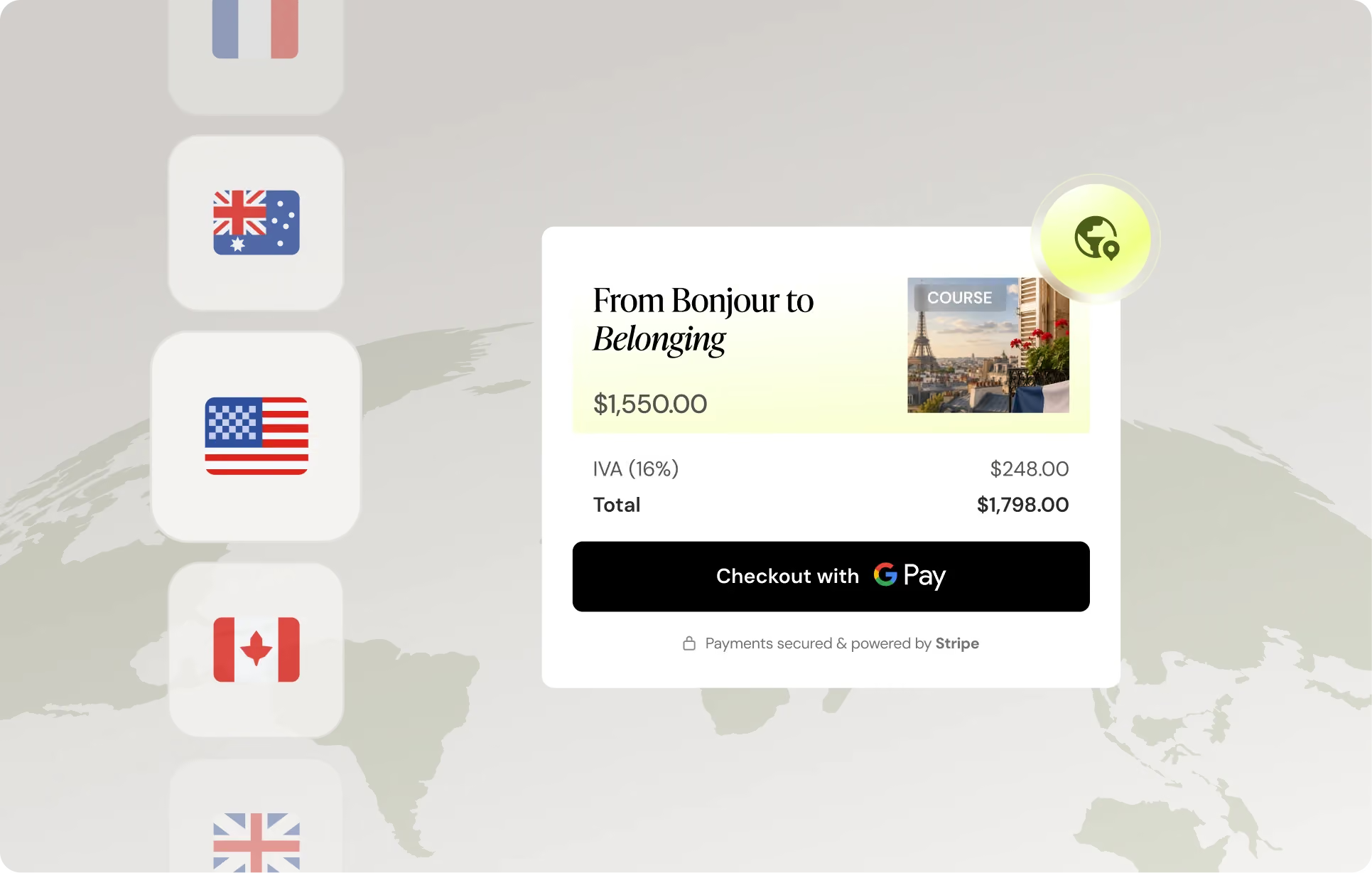
Your students should pay the way they already do. Teachable Payments gives them more than 35 ways to check out. On a phone, that means one tap with Apple Pay or Google Pay and no card entry. With local currency display, buyers see prices in their own currency automatically, so a student in Sao Paulo or Warsaw feels at home at checkout.
When a buyer sees their own currency and their usual payment method, more of them finish the sale.
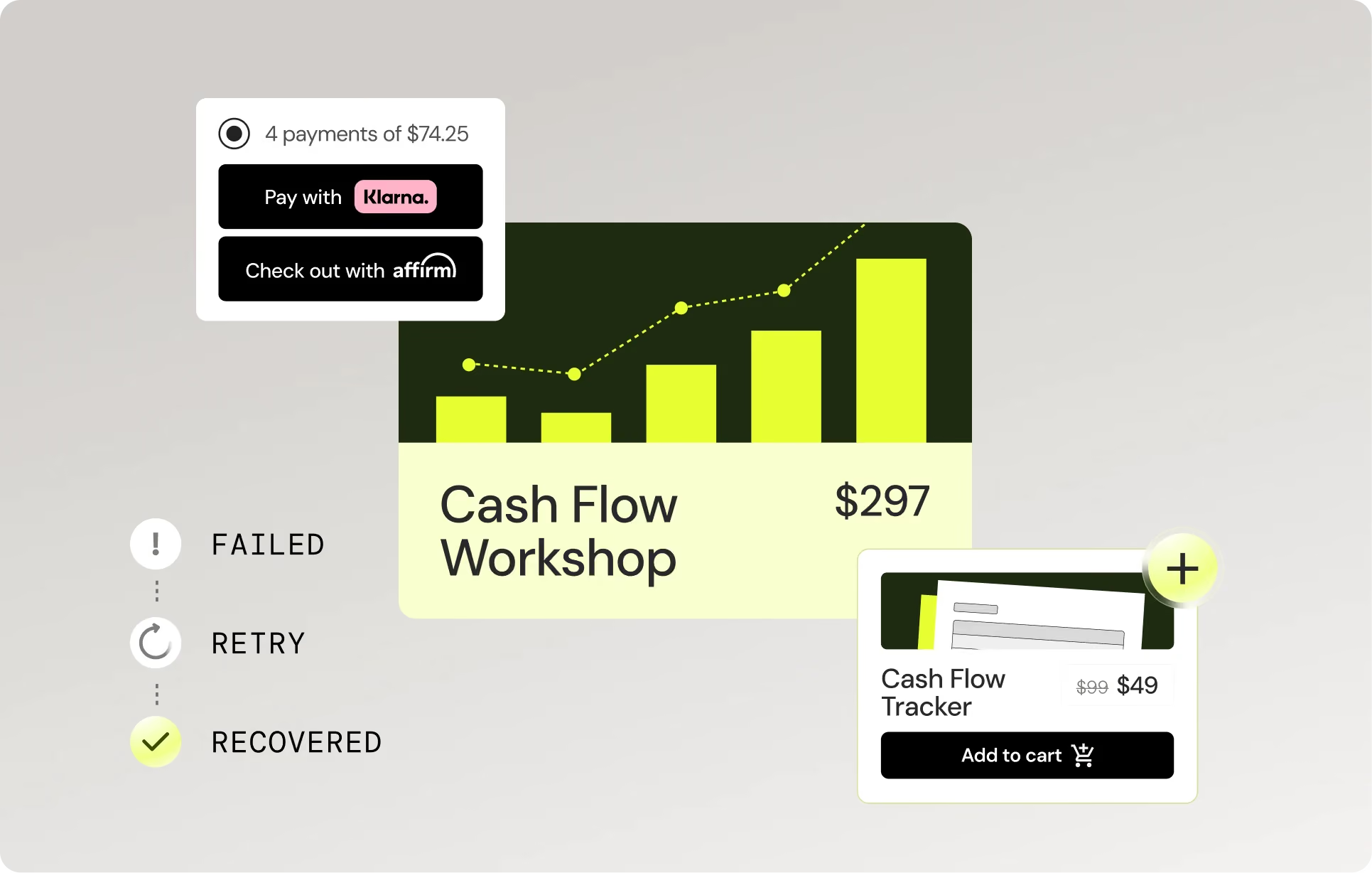
Recurring revenue runs on Stripe Billing. Failed payments get retried automatically, and many are recovered before you would notice. You get smart dunning, proration, and tax-aware invoicing from day one. For anyone selling memberships, coaching, payment plans, or drip courses, recurring payments can raise lifetime student value by around 43%.
Your money should reach you quickly. Eligible creators get instant payouts, with funds arriving in minutes through eligible debit cards or bank rails. Every transaction runs through Stripe fraud protection, so risky charges get caught early, before they turn into a costly chargeback.
There is no migration and no separate processor to connect. Teachable Payments is part of the platform, so it is on from your first product, and setup takes minutes. It is powered by Stripe for reliability and security.
You also get a named Customer Success Consultant who knows your setup and answers you directly, plus warm intros to other creators and invitations to Teachable events around the world.
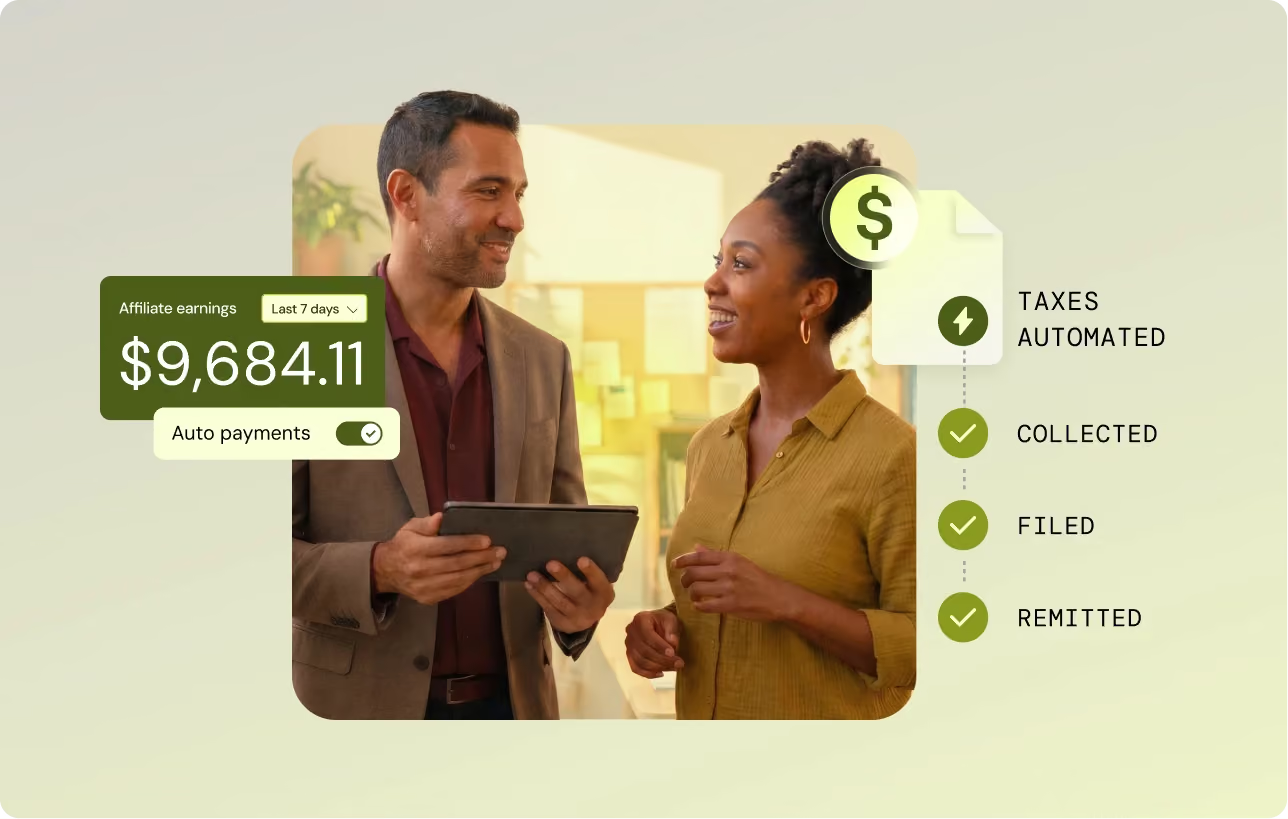
Creators are already growing across borders on Teachable, and these payment features fit exactly how they sell. For Stefan Kunz, having payments built into the platform mattered from day one. He could open enrollment without wiring up a separate processor, which kept his attention on his students.
“It felt like a platform that would let me focus on creating and teaching rather than managing technology.” — Stefan Kunz, founder of Stefan Kunz Studio
Stefan has taught more than 8,000 students across 25-plus launches, reaching learners on nearly every continent, with Teachable handling tax and local payment methods for him.
With students from 188 countries, tax compliance could have been a nightmare. Teachable handles it all, so we can focus on helping our members build their data skills. — Leila Gharani, XelPlus Academy
Youness School has supported more than 2,000 engineering-prep students across Morocco and France, plus another 20,000 reached through free lessons, on a platform that travels with the student wherever the signal goes. For more stories like theirs, browse our creator success stories.
The new Teachable Payments gives you better rates, less admin, and more buyers, all inside the platform you already use.
See the new Teachable Payments and talk with our team, then see how creators are already selling worldwide with it.
Teachable DOES NOT provide legal or tax advice to users of Teachable Payments. By using Teachable Payments, You are solely responsible for obtaining any such legal advice and tax advice that You consider appropriate in connection with Your use of Teachable Payments.
A large audience and a thriving business are two different things.
Plenty of creators build the first and assume the second will follow. The ones who grow past a certain point work out something harder: how to turn attention into demand, and demand into a business that holds up across markets, languages, and currencies.
That problem is the reason we brought Europe's top creators to Rome.
Teachable Collective Rome is a three-day, invite-only gathering running June 23 to 25, built for established European creators who want time with peers operating at the same level and direct access to what we see across our top accounts.
It is the European counterpart to the Collective we hosted in Los Angeles earlier this year. Follow along on Instagram as the week unfolds.
Twenty-two Teachable schools and around 30 creators and operators are in the room, and the guest list is regional by design. Seventeen of the schools are based in Europe, with a few more traveling in from the United States, Canada, and Australia. The largest groups come from the UK, Italy, Spain, Austria, France, and Romania.
What these creators teach covers a lot of ground. Languages lead the room, followed by music, exam and interview prep, and tech. Around those sit creators teaching astrology, aviation, dance, marketing, nutrition, philosophy, and photography. One attendee runs a language podcast with more than 400 million downloads.
Teachable Select schools start at $250K in annual sales and Elite starts at $1M, the same tiers we recognize across the Customer Journey program. Rome is what that support looks like at the top of the range in Europe. Like our week at SXSW this spring, it is built as much around the rooms between sessions as the sessions themselves.
The framing we are taking into the day is direct. A big audience is a strong starting point. Turning it into a strong business takes a different set of moves. Early growth rewards reach and repetition. Past a certain point the ceiling changes, and what drives results is product depth, repeat purchases, and how well a creator sells into new markets.
Three things come up again and again across our top European accounts:
The first evening is a welcome dinner on a rooftop terrace in the center of Rome. No agenda, no presentations. The point is to let the group meet, warm up, and set the tone before the working day that follows.
The full content day takes place at Soho House Rome and runs from morning into the evening. Our Managing Director, Giovana Carvalho, opens with Teachable's read on where creator education is heading in Europe. From there the day moves through three creator keynotes:
Between the keynotes, our data and product team breaks down what actually drives repeat purchases across top accounts and how to price for audiences a creator has not sold to before. After lunch, the whole group moves into hot seats, where creators bring a live business problem and the room works through it together. The day closes with a happy hour, and our team films creator content throughout.
The final day moves out of the city. The group heads to Frascati, in the hills outside Rome, for a wine tour and tasting. It is the least structured part of the event, and that is on purpose. Some of the most useful conversations at the LA Collective happened in exactly these moments, away from a stage, when creators compare notes on what is working in their businesses.
Rome is invite-only, and most creators reading this are not in the room this round. The thinking behind it applies at every stage.
The demand for expert-led education is growing, and it is global. Goldman Sachs Research expects the creator economy to roughly double to $480 billion by 2027, up from around $250 billion.
The creators who grow into that are the ones treating their teaching as a real business, with deeper products, stronger repeat purchases, and pricing and payments built for buyers in more than one country.
We run the Customer Journey program because a creator at $50K needs different things than a creator at $500K, and both need different things than one pushing past $1M.
The Collective is what that support looks like at the top tier. Rome is where we bring it to Europe.
Talk to our team to understand how Teachable can support where your business is heading next. If you are ready to start building, you can do that today.
We have been busy. Over the last few months we shipped updates to mobile, certificates, translations, and B2B distribution, plus there are a couple of existing features worth revisiting. Here is everything, and why it matters.
According to Salesforce Research, smartphones generated roughly two-thirds of all US online shopping orders in Q3 2024. For your students, mobile is the primary screen, and in many global markets it is the only one. So we treated it that way.
We shipped a set of improvements to the Teachable mobile app: offline access, push notifications, expanded language support, and better performance.
iOS and Android are now fully on par. Whatever the experience is on one, it is the same on the other.
The bigger story is reach. The gap between someone enrolling in your course and actually completing it is largely a mobile problem. Most students browse, buy, and consume content on their phones, and any friction in that experience is a drop-off point.
Offline access means a student on a plane, a commute, or a spotty connection can still make progress. Push notifications mean you can bring them back when they drift. Together, these become completion rate levers.
For course creators, completion rates tie directly to reputation, reviews, and referrals. For anyone building a global audience or selling into markets where mobile is less a preference and more a given, this update closes a meaningful gap.

Completion certificates are now available on Teachable, with direct LinkedIn sharing built in. Full setup details are in the certificates support article.
Strategically, this is one of the underrated growth tools available to course creators. Every time a student shares their certificate on LinkedIn, your course name reaches their entire professional network: people who are exactly the kind of audience likely to be interested in what you teach.
That is organic distribution you do not have to pay for, driven by the people who have already validated your content by completing it.
There is a second effect worth naming: certificates change how students engage with a course before they finish it. Knowing a credential waits at the end raises the perceived value of completing, which means higher finish rates, better reviews, and stronger word of mouth.

See how Antoine van der Lee built his iOS developer community on Teachable. Certificates are part of that story.
For anyone running corporate training, customer education, or compliance programs, certificates also add a layer of institutional credibility that enterprise buyers often require.
One-click translations already existed on Teachable. Previously, they covered the dashboard, product catalog, and product detail pages. Curriculum, checkout, and all other pages were excluded, which meant a student could browse in their language and then hit a wall as they moved deeper into your school.
That gap is closed. Translations now apply to your entire school. Go to Site > Language and text, select from the dropdown, and every page updates, checkout included. We support 13 languages: English, Arabic, Spanish, French, German, Portuguese, Italian, Japanese, Thai, Chinese (Traditional and Simplified), and Turkish.

The strategic implication is significant. Language has always been one of the biggest invisible barriers to course sales. A student who finds your content in their language but hits English at checkout is likely to leave. Localization at the checkout level is a conversion issue, and now it is resolved with a single setting. For creators who have been building multilingual audiences or expanding into new markets, this removes the last real friction in the purchase flow.
B2B Bulk Distribution is now available in Early Access, and it is worth understanding what this opens up.
Until now, running a training program on Teachable at volume meant friction at the enrollment layer. Bulk distribution removes that ceiling. You can enroll entire groups in one action, which means the operational overhead that used to make large-scale training painful is largely gone.
This matters beyond convenience. For creators and companies building B2B revenue streams, selling training to other businesses rather than individual consumers, the ability to deliver across dozens or hundreds of learners is often the difference between a pilot and a real contract.
Enterprise buyers need to know the platform can handle their volume before they commit. Teachable for Enterprise is built for exactly that, and bulk distribution is a core part of how it works. You can read more about the B2B revenue model in how to sell online training B2B.
Early Access means two things: you can start using it now, and you get direct input into how it develops. We are actively working with early users to shape the product. If you are running or planning a large-scale training operation, this is the time to get in.
Apply to the early access waitlist.
Some of the most powerful things on Teachable are not new. Here are two features that creators are already putting to work, and worth knowing about if you have not explored them yet.
If you are using teachable:pay, every sale you make is already covered for tax compliance: US sales tax, EU VAT, and UK VAT, with Teachable handling it automatically.
Most creators do not realize this is on by default, which means they absorb compliance worry they do not need.
The second piece is checkout conversion. teachable:pay supports Apple Pay and Google Pay, which means anyone buying on mobile can complete a purchase in a couple of taps.
Checkout abandonment is one of the most consistent revenue leaks in an online course business, and the payment step is a major contributor. This already exists. It is already working. If you have not enabled it yet, now is the time.
Teachable has achieved SOC 2 Type II accreditation, a rigorous independent audit covering security, availability, confidentiality, and privacy.
A Type I certification confirms controls are designed correctly. Type II verifies they are consistently followed over time. That is a meaningful distinction for buyers doing due diligence.
If you are selling training to enterprise customers or running B2B programs, security compliance is often a procurement requirement. SOC 2 Type II answers that question before it becomes a blocker.
It is also a credential worth putting in front of potential B2B buyers proactively. Most will not ask until they are already deep in a buying process, but having the answer ready can move things forward.
We are always building. Keep an eye on your school and stay up to date with us on Instagram, LinkedIn, and YouTube for more!
TL;DR The best online learning platform depends on what you're trying to do. If you want to own your brand, pricing, and student list while selling your own courses, we're the strongest fit, with built-in payments that remit VAT and GST across 45+ countries. If you want a ready-made audience instead, marketplaces like Udemy give you reach but control your pricing and discounting. If you're after accredited, university-backed learning rather than a platform to sell your own course, academic providers like Coursera and edX cover that instead. This guide compares all 11 platforms, from course-selling tools to marketplaces to academic providers, so you can match one to how you actually want to teach, sell, or learn.
Picking a place to teach, sell, or learn online can feel harder than it should be, because "online learning platform" covers a lot of very different products. Some are built for course creators who want to sell under their own brand. Others are marketplaces that bring you students but keep control of pricing. Others are academic providers offering accredited, university-backed learning that has nothing to do with selling a course at all. That mismatch is why the wrong choice costs real time: months spent building on a platform that was never designed for what you're trying to do. If you want a deeper walkthrough of that decision, see our guide to choosing a course platform that includes pricing too.
Online learning has grown into a major market. The online education market generated $185.20 billion in 2024 and is projected to reach $279.30 billion by 2029. This growth underscores the increasing demand for flexible and accessible learning solutions. Whether you're a creator turning your expertise into courses, a coach building a paid program, or a learner picking up a new skill, choosing the best online learning platform for you can make or break your results.
The challenge is that not all platforms serve the same purpose. Some focus on hosting and selling courses, while others specialize in structured academic learning or creative skills development. This guide breaks down the best online learning platforms, helping you determine which one fits your needs best.
Before you start comparing platforms, it's important to understand the key factors that determine the right fit. Whether you're a course creator, or a lifelong learner, consider the following aspects:
By keeping these factors in mind, let's explore the best platforms for different learning and teaching styles and needs.
If you're looking to sell online courses, coaching, or digital products under your own brand, we're built for exactly this: you set pricing, own your student list, and keep 100% of revenue from the Builder plan up at $69/month on annual billing. Over 150,000 creators use us to build, sell, and run their online courses.
Best for: Creators, coaches, and educators who want full control over their online school.
Example: A fitness coach could launch a paid video course with us, bundle it with 1-on-1 coaching, and sell it directly to their audience.
Udemy is one of the largest online learning marketplaces, with hundreds of thousands of courses across dozens of languages.
Pros:
Cons:
Best for: Instructors who want to reach a massive audience but don't need full control over branding or pricing.
Coursera offers university-level courses, degrees, and certifications in partnership with top institutions worldwide.
Best for: Professionals seeking accredited certifications, university-backed courses, or corporate training programs.
For creators: Coursera's instructors are university faculty and industry partners invited onto the platform, not a self-serve place to publish and sell your own course. Worth recommending to students who want an accredited, university-backed credential alongside what you teach them.
EdX provides an extensive catalog of university and professional courses, including MicroMasters programs.
Best for: Lifelong learners and professionals looking for structured, high-level education without committing to a full degree program.
For creators: Like Coursera, edX's courses come from university and industry partners rather than an open self-serve upload, so it is not built as a place to sell your own course. Worth recommending to students who want structured, university-partnered coursework beyond your own.
MIT OpenCourseWare (MIT OCW) provides free access to lecture notes, exams, and videos from MIT courses.
Best for: Independent learners who want high-quality, no-cost education from a top institution.
For creators: MIT publishes its own course materials here for free, there is no path for outside instructors, individual or institutional, to sell anything on it. Worth recommending to students who want deeper, no-cost study of a subject you teach.
BBC Maestro offers masterclasses by leading experts, similar to MasterClass but with a UK-centric focus.
Best for: Creative professionals and learners looking for expert-led courses in storytelling, music, and business.
For creators: Instructors are selected and invited by BBC Maestro's curation team rather than applying to self-publish, so it is not a place to sell your own course. Worth mentioning if your students want a UK-centric masterclass experience from recognized experts.
MasterClass offers high-production video courses taught by celebrity experts across various fields.
Pros:
Cons:
Best for: Those looking to gain insights and inspiration from top industry leaders rather than structured skill-building.
For creators: MasterClass invites its instructors directly with no public application or self-serve path, so it is not a place to sell your own course. Worth naming if your students want inspiration from celebrity experts rather than the structured skill-building your course provides.
Udacity specializes in technology and AI-related courses, often in collaboration with major tech companies.
Pros:
Cons:
Best for: Tech professionals looking to upskill in AI, programming, and data science.
For creators: Udacity instructors go through an interest-form and selection process and are compensated by contract rather than per-sale, so it is not a self-serve place to sell your own course. Still a reasonable recommendation if your students want deeper technical upskilling than your course covers.
Pluralsight offers cutting-edge courses in software development, IT, and cybersecurity.
Pros:
Cons:
Best for: IT professionals, developers, and cybersecurity experts.
For creators: Pluralsight's Author program lets individuals apply to create courses, but it is a competitive vetting process, and authors earn royalties on Pluralsight's pricing rather than owning their own pricing and student list the way you do with your own course. Worth pointing IT or developer students toward it for depth beyond your own curriculum.
Khan Academy provides high-quality, free educational courses in subjects like math, science, economics, and humanities.
Pros:
Cons:
Best for: Students, educators, and lifelong learners looking for accessible, high-quality education in core academic subjects.
For creators: Khan Academy is a nonprofit with no paid courses or creator payouts, so it is not a place to sell anything. Worth recommending as a free resource if your students need to shore up core academic fundamentals alongside your course.
YouTube has become an informal learning powerhouse, with countless channels offering free educational content.
Best for: Self-motivated learners who prefer flexible, video-based education at no cost.
For creators: Anyone can upload to YouTube, but it has no built-in course structure, checkout, or student management, so it is not a course platform you would sell through the way you do with your own course. Worth acknowledging as the free discovery channel where many students already look first.
With so many choices, picking the right platform depends on your goals. If you're a creator or educator looking to teach and sell your own courses, we're built for exactly this, with 0% platform fees on the Builder plan and up. We offer complete ownership, flexible pricing, built-in payments through Teachable Payments, and tools to grow a course business you own.
Do you have an existing audience through a Youtube channel, podcast, newsletter, social posts, or books? You can turn it into a paid course. With a free trial, you can be up and running in a few days.
Explore how we can help you build, sell, and grow your online courses. Start with a free trial today. Join the creators who use us to build and sell their courses.
What is the best online learning platform?
It depends on your goal. To sell your own branded courses, we're the best fit because you own your pricing, content, and student list. For a ready-made audience, Udemy is the largest marketplace. For accredited academic learning, Coursera and edX partner with top universities.
What is the best platform to sell online courses?
We're built for selling your own courses: you set your own prices, keep your student list, and our Teachable Payments checkout remits VAT and GST across 45+ countries. Marketplaces like Udemy reach more people but control discounting and take a larger cut.
What is the best free online learning platform?
For free study, Khan Academy, MIT OpenCourseWare, and YouTube offer high-quality content at no cost. They are built for learning rather than for selling your own courses, so creators who want to earn from their content will still need a course platform.
What is the difference between an online learning platform and a course marketplace?
We're a course platform: you build and sell courses under your own brand, keeping ownership of pricing and students. A marketplace, like Udemy, lists your course alongside others and brings its own audience, but controls pricing and discounting.
How much does an online course platform cost?
It varies by platform and plan. Our paid plans start at $29 per month (billed annually), with higher tiers removing transaction fees and adding more products. Marketplaces are often free to publish on but take a share of each sale.
Course platform: A tool built for creating, hosting, and selling your own branded online courses, where you set the price and keep ownership of your student list, unlike a marketplace.
Marketplace: A platform, like Udemy, that lists your course alongside thousands of others and brings its own built-in audience, in exchange for control over pricing and discounting.
Teachable Payments: Our integrated payment system that processes checkout and automatically calculates, collects, and remits VAT and GST across 45+ countries on your behalf.
Transaction fee: A percentage taken from every course sale on top of your monthly subscription. Ours starts at 7.5% on the Starter plan and drops to 0% from the Builder plan up.
Accredited certification: A credential issued in partnership with a recognized academic institution, as offered by platforms like Coursera and edX, distinct from the completion certificates course creators issue on their own.

TL;DR: Most course creators use roughly a third of Kajabi's built-in tools. If your actual workflow is a course builder, a checkout page, and an email list you run elsewhere, you are paying for a marketing stack you do not open. Kajabi Basic sits at $143/month on annual billing. Our Builder plan at $69/month includes 0% platform fees, native mobile delivery, and automated VAT and GST remittance across 45+ countries. If Kajabi's email automation runs your business daily, switching adds external tool costs that close the gap. This guide runs the numbers.
Kajabi's entry tier costs $143 a month on annual billing, and many creators use less than a third of its built-in marketing features, effectively paying a large premium on course hosting alone. If you pay that monthly invoice while running your actual email marketing through a separate tool, you are carrying the "Unused Feature Tax," and it compounds every month you stay.
Leaving Kajabi to protect your margins is a financially sound move, but only if you audit your usage first. For creators who live inside Kajabi's email automation and CRM every week, switching platforms means rebuilding a marketing stack, and that cost can quickly erase your savings. This guide breaks down the real cost of ownership across the top Kajabi alternatives so you can choose based on your actual revenue model.
Before looking at any alternative, answer one honest question: which Kajabi features do you open every week? Two clear paths follow, and which one describes you changes everything about the math.
Platform pricing comparisons almost always mislead because they anchor on the subscription line and ignore the full fee stack. Think of it like a receipt with multiple line items: the headline subscription is the sticker price, but transaction fees and processing fees are the line items at the bottom that determine your actual take-home.
Kajabi's Basic plan charges 2.9% + $0.30 per transaction on top of its $143/month subscription. At $5,000 in monthly course revenue, that processing fee adds approximately $145/month to your cost. Our Builder plan has 0% platform fees, and US card processing via Teachable Payments (our native payment gateway) runs 2.9% + $0.30, so processing costs are equivalent. The difference is the $74/month gap between the two subscription fees, or $888 in fixed annual savings before a single transaction is processed. Check our full pricing breakdown for processing rates across all plans.
Course-first platforms are built around one job: getting a student from checkout to course completion with as little friction as possible. That narrow focus produces tangible differences in the student experience, particularly on mobile. We include native iOS and Android apps on every paid plan, so students download the Teachable app, find your course, and consume it with offline playback and push notifications, starting at $29/month on the Starter plan.
The verified cost and fee comparison below splits across two tables because the key decision factors span more than four columns. Table 1 covers subscription and fee structure. Table 2 covers business model fit and migration trade-offs.
Table 1: Subscription and fee structure
Table 2: Business model fit and what you lose vs. Kajabi
If you move to a course-first platform, you need a standalone email tool. At 5,000 subscribers, the most common options are:
A MailerLite stack at $32/month plus Teachable Builder at $69/month totals $101/month, still $42 cheaper than Kajabi Basic at $143/month, and you carry 0% platform fees. Our business operations blog covers cost modeling for creators at different revenue stages.
Our Builder plan at $69/month (annual) is the most direct margin-saving alternative for course-first creators who already own an external email tool. The plan removes the 7.5% transaction fee that sits on the Starter plan and adds affiliate marketing tools. At $74/month less than Kajabi Basic, the annual saving is $888 before fees, and the 0% platform fee means every dollar of revenue stays with you rather than going back to the platform.
One reviewer's experience captures the core appeal:
"With Teachable, you can go from idea to execution fairly quickly, and get your course up and running and (potentially) making sales fast." - Verified user on G2
The Builder tier is the effective starting point for anyone earning more than $533/month in course revenue on annual billing. At $533/month, our Starter plan's 7.5% fee adds exactly $40/month, which equals the cost of upgrading. Above that threshold, upgrading costs less than staying on Starter. Our revenue and pricing blog covers this break-even math in more detail.
Teachable works best for two specific creator types:
We built Teachable Payments to automatically calculate, collect, and remit VAT and GST across 45+ countries on every sale. When a student in Germany buys your course, we charge the correct VAT rate, collect it at checkout, and remit it through the EU's VAT One Stop Shop (OSS) system on your behalf each quarter. You do not register in Germany, file anything, or track the liability manually. Teachable Payments also accepts payments in 130+ currencies, so your German, Australian, and Japanese students pay in their own currency without you building separate pricing sheets for each market. Kajabi offers no equivalent, leaving creators responsible for registering and filing taxes in every country where they sell. Our product updates section explains how the gateway handles EU VAT through the OSS system on a quarterly basis.
We also include native iOS and Android apps on every paid plan starting at $29/month. Kajabi's branded mobile app is included on the Pro tier at $399/month on annual billing and available as a $199/month add-on for Basic and Growth tiers. Basic and Growth plan subscribers do not receive a branded app for their school.
Our course-specific tooling, gradebook, compliance settings, minimum watch-time enforcement, and per-student progress tracking, also goes deeper than Kajabi's at the same price point. Kajabi's strength is the marketing stack wrapped around the course, several third-party reviews of both platforms note our learning-management depth as more developed at comparable tiers, which matters for creators whose students need structured progress tracking, not just a purchase funnel.
For non-USD transactions processed through Stripe where currency conversion is required, Stripe charges a 0.95% currency conversion fee shown separately from our processing rate. UK-based creators and those with high-volume EUR or AUD sales should model this fee against expected transaction volume before comparing net revenue across platforms. At $5,000/month in international sales, the conversion fee adds approximately $47.50/month.
We do not include a built-in email funnel builder or CRM. If Kajabi's automation is central to your business today, you need to rebuild those workflows in an external tool before migrating, and that is a real cost to model honestly.
Thinkific's Basic plan at $40/month on annual billing includes 0% platform fees, undercutting Kajabi's $143/month entry tier by 72% on subscription. Thinkific helps you configure tax collection for US and Canadian sales, but remittance remains the creator's responsibility, and VAT collection for UK and EU sales requires additional manual configuration.
Thinkific's Trustpilot rating, 1.8 of 5 as of mid-2026, is worth checking directly before committing. For any creator with international buyers, the Builder plan at $69/month covers automated VAT and GST remittance across 45+ countries without manual configuration, at $29/month more than Thinkific's entry price.
Podia's Shaker plan at approximately $84/month on annual billing (as of the June 2026 relaunch, confirm the current figure on Podia's pricing page before publishing) with 0% transaction fees caps you at 150 products (Earthquaker, at $150/month annual, is the only unlimited-product tier). Kajabi's Basic tier caps you at 5 products, which pushes many growing creators into the Growth plan at $199/month (annual) simply to expand their catalog. If you sell a large catalog of downloads, mini-courses, and webinars without needing deep educational infrastructure, Podia's product limits work in your favor. However, Podia does not offer a native mobile app, and students access content through their web browser on every plan.
There is also no automated international VAT remittance. The Builder plan at $69/month sits roughly $15/month below Podia's Shaker plan, and adds native iOS and Android delivery and automated international tax remittance, the two areas Podia leaves open at every tier.
LearnWorlds' Starter plan at $24/month on annual billing carries the lowest subscription price in this comparison, but the $5-per-course-sale fee scales quickly. At 50 enrollments a month, you pay $24 plus $250 in enrollment fees before card processing, totaling $274/month. That far exceeds our Builder plan at $69/month with 0% platform fees at the same enrollment volume.
LearnWorlds' Learning Center plan at $249/month removes the per-sale fee entirely, but that subscription cost exceeds Kajabi's entry tier and undercuts the value proposition for a margin-conscious creator. SCORM compliance is a narrow requirement. For creators whose courses do not depend on it, the fee structure and subscription cost of LearnWorlds erases the value proposition quickly compared to 0% platform fees at $69/month on the Builder plan.
Systeme.io's Startup plan at $17/month on annual billing includes built-in email marketing, sales funnels, and basic course hosting with 0% transaction fees. If you are leaving Kajabi primarily because of cost and need funnels built in, Systeme is the cheapest way to maintain that capability, at $126/month less than Kajabi Basic. However, the course player is basic, student management tools lack depth, and automated international tax handling requires manual VAT configuration.
Our course player, mobile delivery via native iOS and Android apps, and automated tax remittance through Teachable Payments are meaningfully more polished at $69/month. For any creator where student experience and completion rate affect refund rates and word-of-mouth, a basic course player is a real business cost that does not appear in Systeme's subscription comparison.
A complete Kajabi-to-Teachable migration covers three phases and typically takes anywhere from a few days for a small catalog to several weeks for a large, multi-integration setup, your migration specialist will confirm a specific date range for your setup:
Our launch strategy blog covers post-migration email sequence setup in practical detail. Weighed against $888/year in subscription savings and the elimination of international VAT filing, the migration time pays back in weeks for any creator earning above $2,000/month. Our success stories section includes creator accounts of the migration experience at different scales.
Run the full fee comparison across our plans, including processing rates. The 7-day trial requires a credit card, and a 30-day money-back guarantee covers the first month if the platform does not fit your workflow.
When does Kajabi pay for itself?
Kajabi pays for itself when you actively use its native email marketing, automated funnels, and CRM to manage a contact list that would otherwise cost $39 to $79/month on a standalone tool like MailerLite or ActiveCampaign. If you only use it to host courses, the $143/month entry price costs more than a course-first platform plus an external email tool combined.
What are the top Kajabi alternatives for low budgets?
Our Starter plan at $29/month on annual billing is the lowest-cost entry option that includes automated international VAT and GST remittance through Teachable Payments, which no other budget-tier platform in this comparison covers. For creators with any international sales volume, that remittance capability removes a compliance obligation that carries real cost and risk if ignored.
How do I export my Kajabi course content?
You can export student lists and transaction history as CSV files from Kajabi's account settings, but video lessons and text content must be downloaded and re-uploaded to your new platform manually. Our Custom plan includes migration support for high-volume creators moving from another platform.
Do I need a separate email provider?
Yes, if you leave Kajabi for a course-first platform like Teachable or Thinkific, you need a standalone email provider like MailerLite or Kit to run automated marketing campaigns. Zapier integrations with tools like Kit and MailerLite are available from the Builder tier up, so you can automate student list updates after each purchase.
How do platforms handle VAT and sales tax?
Most platforms, including Kajabi, Thinkific, and Podia, leave VAT and sales tax compliance entirely to the creator, requiring manual registration and filing in every country where you sell. We are the exception: our native gateway, Teachable Payments, automatically calculates, collects, and remits VAT and GST across 45+ countries on your behalf, removing you from the tax filing loop entirely.
Platform fee: A percentage Teachable or another course platform charges on each sale, on top of payment processing. Our Builder plan charges 0%, our Starter plan charges 7.5%.
Transaction fee: Used interchangeably with platform fee in most course platform contexts. Always confirm whether a platform's stated fee is the platform's cut, the processor's cut, or both stacked together.
VAT (Value Added Tax): A consumption tax applied to digital product sales in the EU, UK, and several other jurisdictions. Rates and registration thresholds vary by country. Teachable Payments remits VAT automatically when you use the native gateway.
GST (Goods and Services Tax): The equivalent of VAT in Australia, Canada, New Zealand, and other markets. Teachable Payments handles GST remittance in covered countries automatically.
VAT OSS (One Stop Shop): The EU system that lets a single quarterly VAT filing cover sales across all EU member states. Teachable files through OSS on your behalf each quarter so you do not register separately in Germany, France, or any other member state.
Annual billing: Paying a platform subscription in one upfront yearly payment rather than month to month. Annual billing typically reduces the effective monthly rate. All plan prices in this article use the annual billing rate unless stated otherwise.

TL;DR: Teachable is the only platform in this comparison that automatically calculates and remits VAT, GST, and sales tax in 45+ countries through Teachable Payments, our native payment gateway. Thinkific handles US and Canada sales tax automatically and calculates VAT for UK and EU sales, but creators remain responsible for filing with foreign tax authorities. If you sell to students in Europe, Australia, or other international markets, that gap puts you personally responsible for registering and filing in jurisdictions beyond the US and Canada. We close that gap through Teachable Payments, removing you from the filing loop entirely.
International tax compliance is the most commonly overlooked operational risk when creators choose a course platform. Most platforms handle domestic payment processing reliably, but the gap between collecting payment from an international student and actually remitting the correct tax to that country's authority is where creators run into trouble. Teachable solves this through Teachable Payments, our native payment gateway that automatically calculates, collects, and remits taxes in 45+ countries, removing you from the filing loop entirely.
If you sell to students outside the US, international tax compliance should be your first filter on any platform you evaluate, not an afterthought. This comparison examines how Teachable stacks up against Thinkific, Kajabi, Podia, LearnWorlds, Skool, and Systeme.io on tax remittance, pricing structure, and the features that matter most to creators who sell globally.
When evaluating alternatives to Thinkific, creators consistently prioritize three criteria. These are the same operational gaps that drive platform switches regardless of which platform a creator starts with.
The practical risk of international VAT is this: digital services sold to buyers in EU countries, the UK, Australia, and many other markets create an obligation the moment you cross that country's registration threshold. As a Thinkific creator, you are personally responsible for tracking those thresholds, registering in each relevant jurisdiction, collecting the correct rate, and filing on schedule.
If students in Europe, Australia, Canada, or any non-US market make up a meaningful share of your revenue, the VAT filing burden is a real risk that compounds as you grow. Our payments documentation confirms that Teachable Payments handles this automatically in 45+ countries, removing you from the filing loop entirely on transactions processed through the native gateway.
If you sell exclusively to US-based students, Thinkific's tax handling covers that compliance scope adequately. In that scenario, the decision comes down to builder preference, pricing math at your current revenue, and how much the support pattern matters to your tolerance for launch risk.
The table below uses entry-level annual pricing where available, as referenced on Teachable's pricing page. Platform fees are separate from credit card processing fees.
For creators with international buyers, Teachable is the only platform in this comparison with automated VAT, GST, and UK VAT remittance built in across 45+ countries. Skool automates EU VAT remittance as Merchant of Record but does not collect UK VAT and has not confirmed GST handling in its documentation. Thinkific, Kajabi, Podia, and LearnWorlds all leave filing and remittance to the creator. Our no-code course builder handles video, audio, text, quizzes, and drip content, and the built-in checkout includes order bumps, one-click upsells, and abandoned cart recovery on every plan. The revenue and pricing resources on our blog cover the fee math in more depth.
"Classes are easy to create and navigate." - Verified user on G2
Kajabi combines course delivery with a full email marketing stack, CRM, and pipeline builder in one subscription. The platform is positioned at a higher price tier than most standalone course platforms.
Podia suits creators selling digital downloads alongside courses who want a clean, low-friction storefront.
LearnWorlds targets creators who want an academic-style course structure with advanced quiz engines, SCORM compatibility, and interactive video.
Skool is a community-first platform built around gamification, group discussions, and live event hosting.
Systeme.io offers a free entry tier and positions itself as a budget funnel builder for creators who need basic course delivery alongside email sequences and sales page tools.
Thinkific remits US and Canada sales tax automatically and calculates VAT for UK and EU sales, which is genuine, functional tax handling for North American sellers. However, creators remain responsible for remitting that VAT to foreign tax authorities. When you sell a course to a student in Germany, you have a VAT obligation in Germany. When you sell to a student in Australia, you have a GST obligation in Australia. Thinkific calculates the correct rate at checkout but the remittance relationship with those tax authorities is yours to manage.
Our Teachable Payments changes that structure entirely. As documented in our payments documentation, we handle the filing relationship with tax authorities on your behalf in 45+ countries. You receive your payout and a clean record of what was collected, without ever touching a foreign tax form.
Use this as a decision filter before comparing features in more depth.
For most creators selling to an international audience, the VAT filing gap is the decision. If automated tax remittance in 45+ countries, 0% platform fees at $69/month, and a no-code checkout are the right fit for your current setup, start a 7-day trial and build your first course before committing to a plan.
Does Thinkific handle VAT for international sales?
No, Thinkific does not remit VAT or GST to foreign tax authorities on your behalf. You are personally responsible for registering, tracking, and filing taxes for sales made to students outside the US and Canada, where Thinkific's automatic remittance coverage ends.
What is the cheapest Thinkific alternative?
Our Starter plan costs $29/month on annual billing. Model your transaction fees before deciding: the Starter plan's 7.5% fee makes upgrading to the Builder plan ($69/month, annual) the cheaper option once monthly revenue passes approximately $533. Systeme.io offers a free basic plan for creators at the very beginning of their journey.
How does Teachable handle international taxes compared to Thinkific?
Our native gateway, Teachable Payments, automatically calculates, collects, and remits VAT and GST in 45+ countries, as confirmed by our payments documentation. Thinkific automates sales tax remittance for the US and Canada and calculates VAT for UK and EU sales, but creators remain responsible for remitting that VAT to foreign tax authorities. Of the platforms in this comparison, Teachable is the only one with automated remittance covering 45+ countries, giving you the broadest international tax compliance coverage available at this price tier.
Can I migrate my course from Thinkific to Teachable without losing student data?
Yes, you can migrate your content and student data from Thinkific to Teachable. Our support team provides migration assistance on select plans, and our support documentation covers how creators have moved their content and student records across platforms.
Does Thinkific charge transaction fees on paid plans?
Thinkific charges 0% platform transaction fees on all paid plans. Standard credit card processing fees still apply on every transaction at rates set by your payment gateway.
Teachable Payments: Our native payment gateway that automatically handles global tax compliance including VAT, GST, and US sales tax in 45+ countries.
Tax remittance: The process of sending collected sales tax, VAT, or GST to the appropriate government tax authority, which teachable:pay handles on your behalf for transactions processed through the native gateway.
VAT (Value Added Tax): A consumption tax applied to digital products sold to buyers in the European Union and many other international markets, creating a filing obligation for creators who exceed the registration threshold in each country.
Platform fee: The percentage-based transaction fee a course host charges on each sale, separate from credit card processing fees, which stack on top of the platform fee for every transaction.
Break-even point: The monthly revenue threshold where transaction fees on a lower-tier plan equal the higher subscription cost of an upgraded plan. For Teachable, the Starter-to-Builder break-even is approximately $533/month on annual billing.
TL;DR: Starting a YouTube channel is completely free, and setup takes under a minute: you only pay if you buy gear or editing software. All you need to begin is a computer, a camera (your smartphone works fine), reliable internet, and a microphone. This guide then walks you through 14 steps covering everything from defining your niche and planning content to filming, branding, uploading, and staying consistent, including newer features like YouTube Shorts. Most of these steps take under a day. Your real time investment goes into filming and editing your first video. Once you've built an audience, you can monetize through ads, channel memberships, sponsorships, or by turning your videos into a paid course.
If you love creating and sharing content with others, you might be curious about how to start a YouTube channel and make money. There has never been a better time to showcase your knowledge online with engaging video content. Over 80% of all internet traffic comes from video.
YouTube is one of the most popular video-sharing and social media platforms. According to global website rankings, YouTube is the second most visited website after Google Search. The platform also boasts an impressive following. There are currently over 2.5 billion monthly active users on YouTube, who together watch more than 1 billion hours of YouTube content on TV screens alone every day.
In this article, we walk through how to start a YouTube channel for beginners in 14 steps, what it costs, the gear you need, and how to set up your channel and monetize your knowledge.
If you're interested in creating a YouTube channel, you're probably wondering how much it costs to get started. The short answer: it is completely free to start a YouTube channel. However, you may have some upfront costs if you decide to buy any video equipment or video editing software. Similarly, if you choose to film certain videos like "haul" or "review" videos, you may need to pay out of pocket for products if you're not gifted the products or sponsored by a brand.
To set up a YouTube channel, you'll need a few basics: a computer, a camera, reliable internet access, and a microphone.
Starting a YouTube channel is easier than you might think. The channel setup process takes less than 60 seconds. But before you dive right in and start sharing, you'll want to create a plan for how you'll show up on the platform. Below are 14 beginner tips to help you get started.
Before you can start sharing content on YouTube, you need to set up an account and channel. This is the fastest part of starting a YouTube channel: the whole setup takes under a minute. If you don't already have a YouTube account, simply go to YouTube and use your existing Google account to set one up.
Then, once you've signed into your account, you can create a YouTube channel:
After you've created your channel, you'll get redirected to your channel dashboard. The dashboard is your channel's home base. Here you can customize your channel appearance, upload videos, monitor analytics, reply to viewer comments, and more.
It's important to have inspiration and (at least some) clarity about the content you'll be creating for your channel. This makes the process move a lot smoother. And having a plan helps to quell any overwhelming feelings. One easy and strategic way you can do this is to explore video ideas and gauge what your audience is consuming by doing keyword research.
Keywords on YouTube are words or a phrase that users type into the search bar. The YouTube search engine is powerful and second only to Google (which makes sense, as Google owns YouTube!) Keyword research shows you the hot topics other creators in your field are discussing, and helps you boost your own views by using those keywords when you create content. Including these words in your title, video description, and thumbnail can dramatically increase the views of your content. It's an easy step that can get people to watch your YouTube videos, even if you're just starting out. There are a few different ways you can do this:
Let's say you were making a video of a guided meditation. Type in the first few words related to your niche/what you're creating and check out the suggested searches that pop up to see what's most frequently being searched!
Before you start producing YouTube videos, you need to identify what your channel is all about. Your niche is the foundation of your YouTube channel and the focus of your channel's content. Knowing your channel purpose will also help streamline the content creation process later.
Some of the most successful YouTube channels have a well-defined niche. People like Graham Stephan (5M+ subscribers) educate on how to make money with real estate sales. Peter McKinnon (6M+ subscribers) shares entertaining, beginner-friendly photography tips.
Not sure how to choose a niche for your YouTube channel? Start by asking yourself a few questions.
Once you've identified what you want to talk about, do some research. Figure out what your target audience wants to see. Look at what types of content other YouTubers in your niche are producing. Determine how you'll bring value or a new approach to that audience or market.
Now that you know your purpose and target audience, it's time to plan your content. An organized content plan keeps your channel consistent. Start by selecting the type of content you want to produce. Remember, you can have more than one type of content for your channel.
Popular content types include:
Next, schedule how often you plan to create and upload content. Use your niche research to determine the best upload frequency. Consider picking a publishing day (e.g., every Thursday) to promote consistency and get subscribers excited about new content.
Then, sit down and brainstorm content ideas. Jot down 10 to 20 video ideas based on your audience research. If you've already built an online course on Teachable, you have a lot of this legwork done. YouTube is a great place to share small parts of teachings from your courses. You can encourage people to learn more at the end of your video by redirecting them to your Teachable course page or website.
If you're serious about starting your channel and making money from your content, you need to put your best foot forward. Like other social media platforms, YouTube is highly visual, and each channel has unique visual elements. To customize the look and feel of your channel's page, start by adding a few essential brand elements, including:
Add these items to your channel with three easy steps:
In addition to your channel branding, consider adding a channel trailer or featured video to your homepage. A channel trailer is a preview of your channel shown to people who haven't subscribed yet. Your featured video is a highlight video for your subscribers to watch. Both will give current and potential subscribers a good impression of your channel and brand.
Your YouTube channel description is like the "About" page on your website. It tells viewers about you and your channel. Use it to share your story and give visitors a reason to watch your videos and subscribe. Be specific and include your posting frequency, content style, purpose, etc.
Your channel description will appear in the About section of your channel and search results. The first 100 to 150 characters of your channel description are critical. YouTube only shows this snippet next to your channel in search results. It is the first thing people read when finding your channel, so you want to communicate your value and purpose right away.
Just like other search engines, YouTube also uses keywords to rank channels, so be sure to do your research and include target keywords in your description.
To update your description, click "customize channel" and navigate to the "Basic info" tab to add your channel name and description. On this tab, you can also edit your channel URL and add links to other pages you want to share with viewers (e.g., your website, Teachable homepage, social media pages, etc.)
A well-written script is essential to creating quality, watch-worthy YouTube videos. A good script captures the viewer's attention, keeps them engaged, and leaves them with a key takeaway. A script will also help you stay on track during production and reduce the time you spend making edits afterward.
Start by writing down your video goals and key takeaways. Keep the content short and straightforward. For best performance, keep videos between 7 to 15 minutes. Remember, YouTube ranks videos based on total watch time. Your goal is to get viewers to watch the video from start to finish.
Need help structuring your script? Follow this basic framework:
Once you've drafted your script, it's time to start filming.
Here are some easy tips to improve your filming quality:
Remember, you don't need to spend a fortune on cameras and recording equipment. You can inexpensively create a home recording studio setup.
If you want to invest in a few pieces of equipment, it's also possible to do it without breaking the bank. For example, you can easily learn how to record sound from your phone or computer. However, you can grab one of these best budget microphones for under $35.
To start, use what you already have and focus on getting the content out there rather than making it perfect.
As you practice and produce more content, you'll learn what filming techniques work best for you and your audience.
You've worked hard to create, film, and edit your video. Now it's time to upload your video and share it with the world. Here are eight easy steps to upload your first video:
Your video thumbnail is the static image people see before clicking your video. This small but important detail can make or break your channel performance. A good thumbnail gives your video a professional look and entices viewers to watch it.
Although you can select an auto-generated thumbnail for your video, we encourage you to create a custom thumbnail for each video. A good thumbnail can help your videos stand out and increase the click-through rate.
Your custom thumbnail should always include the following:
Consistency is critical to your success on YouTube. When people think of consistency, they often think of how often they post. But, on YouTube, consistency is important with both your schedule and your content.
Not only do viewers expect to see new content on your channel as promised (e.g., "new videos every Monday and Friday"), but they also expect the quality and style of your videos to remain consistent.
Here are a few tips to help you stay consistent:
Wondering how often you need to post? Posting consistently matters more than posting often. Research on YouTube channel growth shows a regular, predictable upload schedule tends to outperform an erratic one, even when the erratic channel posts more total videos. Pick a cadence you can sustain, whether that's once a week or several times, and stick to it.
In 2020, YouTube released a new feature called YouTube Shorts. Like Instagram Reels and TikTok videos, Shorts are vertical, short-form videos (60 seconds or less) created on smartphones. Creators can easily film, edit, and upload Shorts directly on the YouTube mobile app.
YouTube encourages creators to use this new feature to expand their reach, increase engagement, and drive more traffic to their long-form content. Viewers can easily share, comment, like, or subscribe to your channel while viewing your Short.
To create and upload YouTube Shorts, follow these easy steps:
It's best to keep content for your Shorts specific, catchy, and valuable. You can use Shorts to give an update, share highlights from a recent event or launch, tease a new product, pull clips from long-form videos, and more.
Finally, let's talk about data. YouTube provides extensive data about your channel performance, content, audience, and more. Measuring your channel performance will help you better understand your audience and promote your YouTube channel. Use the YouTube Analytics feature to review your channel performance and determine what's resonating with your audience the most.
It's easy to access your YouTube Analytics:
Inside the Analytics dashboard, you can review data in four different tabs:
We recommend reviewing your content and engagement metrics at least once a month. That way, you can decide what's working vs. what's not. You can also analyze who is coming to your channel and why. Once you've done that, you can adjust your content strategy to fit your audience's interests and needs better.
Analyzing your competitors' YouTube channels is a great way to gather inspiration and see what your ideal audience is already consuming. If you're not sure who your competitors are, then start by searching keywords related to your topic or niche. Ask yourself where your ideal audience would hang out, and check out the channels that seem the most popular within this.
Once you identify who your competitors or fellow creators are, do a deep dive into their page. Notice what topics, keywords, and playlists they've curated. Check out views and comments on their top videos, and any other details of how their channel is set up. Do they have a welcome video? What do their top videos have in common? What is the common structure/style of their videos?
It's important to remember that everyone has their own unique way of doing things. The goal here is not to directly copy what your fellow creators are doing, but to get a better idea of what resonates with your ideal audience, and to let that inform your creative process.
Focus first on creating high-quality content people want to watch. Once you have an audience, there are several ways to make money on your YouTube channel.
Two of the most common YouTube partner program features are:
Another way people make money on YouTube is through YouTube sponsorships. Many brands use this powerful influencer marketing strategy to promote their products and services on YouTube. There are three primary types of YouTube sponsorships: product reviews, affiliate marketing, and paid brand sponsorships. Once you've grown an engaged audience on YouTube, you can learn how to get sponsored on YouTube and start making money off your video content.
There are other ways to monetize your knowledge, not just on YouTube. Many YouTubers use their video content to create paid courses on Teachable. As you grow your following on YouTube, consider taking your creative skills to the next level. With us, you can continue to teach people what you know and easily get paid for creating content you love.
The most important factors when creating quality content are lighting, clear video, and easy-to-hear sound. You can hit all these marks with a smartphone.
Invest in a tripod. You can get a decent one for under $30 on Amazon. Then find a well-lit spot (natural, indirect sunlight is usually best) and a quiet room to film in. You'll also need access to video editing software, such as iMovie or Premiere Pro. If learning how to use these tools feels overwhelming, don't worry! YouTube Studio has basic editing tools available that you can use before publishing a video, and there are plenty of free resources you can access to learn more about how to edit YouTube videos.
If you're in a space to do so, getting a ring light and wireless microphone can improve the quality of your videos, and having a membership to a site like Epidemicsound (or another royalty-free music site) can provide you with opportunities to make your videos more engaging.
Don't get too caught up in needing to get all the latest gear or feeling like you need to have all these things in order to get started. Your smartphone is more than enough. The most important part is showing up authentically in the video!
Start a 7 day free trial and join the more than 150,000 creators already using us to make a real impact and earn a real income.
How much money do you need to start a YouTube channel?
You need no money to start a YouTube channel. Creating an account and channel is free, and the setup takes under a minute. Costs are optional and come only if you buy gear or editing software, many creators start with just a smartphone, natural light, and a basic microphone for under $35.
How do I start a YouTube channel and get paid?
Start by creating your channel and posting consistent, high-quality videos in a defined niche. You get paid once you join the YouTube Partner Program and earn from ads and channel memberships, or through sponsorships. Many creators also turn their audience into recurring income by selling a paid course based on their videos.
Do you need 1,000 subscribers to get paid on YouTube?
To earn ad revenue through the YouTube Partner Program you need to meet YouTube's eligibility thresholds, which include a subscriber minimum and a watch-time or Shorts-views requirement. You do not need to hit that threshold to earn from sponsorships or from selling your own course, both of which you can start with a smaller audience.
What is a brand account on YouTube?
A brand account allows you to have an account that is associated only with your brand instead of being linked to your personal Gmail account, as would usually be the case. It also means you can allow multiple people to access the account as you grow your team, while protecting the privacy of your personal account/email.
What type of content is popular on YouTube?
The majority of content falls into one of the following categories: comedy, music, entertainment/pop culture, and "how to". Overall, you can think about the purpose of the content is to entertain, to inform, and/or to inspire. The best YouTube channels will have a variety of content that serves a mixture of purposes. Do keyword research and analyze your fellow creator's content to get more specific ideas on videos that fit in your niche!
How can I change my YouTube channel name?
YouTube Partner Program (YPP): The program that lets eligible creators earn ad revenue and other monetization features on YouTube once they meet its eligibility thresholds.
Watch time: The total number of minutes viewers spend watching your videos, a factor YouTube uses to rank and recommend content.
Niche: The specific topic or audience your channel focuses on, which shapes your content, your branding, and who finds your channel.
Thumbnail: The clickable preview image for a video, custom-designed to stand out and encourage viewers to watch.
YouTube Shorts: Vertical, short-form videos of 60 seconds or less, uploaded directly from the YouTube mobile app to reach new viewers.
TL;DR: Self-hosted online course prices run from around $50 to $1,000 or more, and a very low price can be harder to build a profitable business on than it looks. This guide covers pricing your own course in three steps: set a baseline of at least $100, work backwards from an income goal using price times number of buyers, then sweeten the offer with pricing tiers, payment plans, and small extras like live Q&As or coaching. Premium pricing tends to beat volume over time: fewer buyers at a higher price meets the same goal with less time spent chasing enrollments.
Knowing how to price your online course is a common and often difficult challenge for content creators. But understanding how to sell online courses and putting a price tag on your knowledge doesn't have to be intimidating. By valuing yourself, your course, and the work you put into course creation, you'll be able to come up with a fair price that your audience will be more than willing to pay for.
So exactly how much should you charge? We've created a three-step guide to online course pricing to help you figure it out. We'll also cover what online courses actually cost, so you can price yours against the market.
Before you set your own price, it helps to know the range buyers see. Online course prices run a wide range, from around $50 for short, introductory lessons up to $1,000 or more for comprehensive, certification-backed, or cohort-based programs. A very low price can be harder to build a profitable business on, since it leaves little room to cover your own time and marketing costs.
So what should you charge? Rather than copy a market number, work backwards from your own income goal and the value you deliver. The three steps below walk through exactly that.
Make your baseline price higher than you think. We're just going to lay it out: Consider pricing your online course at a minimum of $100. Because you've validated your idea, acquired an audience, and developed your course, you already know it's valuable. A good baseline price for a course is $100, if not more.
So, why have a baseline price of at least $100?
With premium pricing, more is absolutely more. Would you believe us if we said it's as simple as: Charging less means you make less money. It's normal to worry about scaring off potential clients with a higher priced course, but playing it safe can be dangerous in business as it may not accurately reflect the work content creators put into their offerings. Plus, if you price too low, students might not appreciate it as much or be as motivated to follow through with it.
In addition to the overhead needed to create the course, such as video production equipment, you can also factor in soft costs. Think about the time you put into creating your course, what you'd charge a client for that same time, and what you invested learning the material you're teaching. Your time and expertise are valuable.
While there is a ton of free information available, don't underestimate the value of the information you curate, organize, and package for your students. It will save them time and energy, and make their lives easier in the long run.
It can be difficult to measure the true value of your course, which gets easily entangled with financial gains. When considering what makes your idea or offering valuable to others, go beyond what you're selling and consider why you're selling it.
For instance, you might be an art teacher, who beyond different painting techniques, empowers students to explore their creativity with confidence and playfulness. Or you may be a yoga teacher who doesn't just demo the fundamentals of poses but also offers tools for increasing mindfulness and building resilience, too. Set your prices bearing in mind all students get out of the course, rather than just the course itself.
Meanwhile, you can always reduce the price via course sales or promotions after your go-to-market strategy is finished, but unless you're prepared to enhance your original offering, it can be harder to raise the price of a course once you've announced it to your audience.
While online courses don't always have to have a high price tag, premium pricing will help you in the long run and has a number of benefits.
How much can you really charge for your online courses? It's up to you, but arming yourself with some pre-pricing knowledge can be indispensable.
The simplest method is to work backwards from an income goal:
Before anything else, you should come up with income goals for your online course. Whatever you're hoping to accomplish with your business, come up with a goal number.
For example: Let's say you're hoping to make $5,000 with your online course. With that in mind, if you keep your price point at $100, you need 50 people to buy your course to reach your goal.
But, what if you decide to offer at a higher price point of $250? In that case, you only need 20 people to enroll. And if you price your online course at $500, you only need to sell to 10 people. See where we're going?
By putting these goals into place, you can establish a clearer picture of just how many people you need to be selling to in order to consider your launch successful.
Generally, you can assume that at least two percent of your email list will purchase it. That lines up with published course-launch email benchmarks of roughly 2% to 5%, so it's a solid starting point.
For example: If you have 1,000 people on your list, 20 people will likely purchase. If you want to make $4,000, you need to sell your course for at least $200 to meet your goal.
Now that you're armed with some basic knowledge on how to price your online course and more importantly, why you should be aiming for a premium price, close the deal for your students with an offer they really can't pass up.
Pricing tiers make your course accessible to a larger number of students and to students who may not be interested in all of the bonuses you're offering. To create your pricing tiers, first decide on which pieces of bonus content you want to offer. Consider which ones make the most sense for your audience and which ones will have the largest ROI. Once you've decided on your bonus content, decide how much each piece is worth.
Although not every student may be able to shell out a lump sum upfront, it might be more manageable if your course offers smaller payments spaced out over a few months. What's more, you can typically have higher price tags on plans that are paid out over time.
Your knowledge inherently has value, but as your prices increase, so too should your offerings. Some of the best ways to enhance your course content and add value don't have to be overly complicated. Learning some basic tricks for how to market online courses can help.
Remember: Setting your rates is upholding a boundary. It teaches clients how to treat you and respect what you have to offer. So price accordingly.
Once you've settled on a price, start a 7-day trial and get your course live before committing to a plan.
How much should I charge for an online course?
Charge at least $100 for an online course, and often more. Premium pricing will help you in the long run and has a number of benefits. Once you've validated your idea, acquired an audience, and developed your course, you already know it's valuable. A good baseline price for a course is $100, if not more.
How do you determine a course price?
Set an income goal, then divide it by the number of buyers you expect. Before anything else, you should come up with income goals for your online course. Whatever you're hoping to accomplish with your business, come up with a goal number. Then figure out how many people are likely to buy. Generally, you can assume that at least two percent of your email list will convert, which makes it a solid starting point.
How much do people sell courses for?
People sell courses from a wide range of price points. Some start around $50 (though, like we mentioned, we recommend keeping your price at a minimum of $100) while others go up to $1,000 or more.
How much does an average online course cost?
Self-hosted online courses typically range from around $50 for short, introductory lessons to $1,000 or more for comprehensive, cohort-based, or coaching-heavy programs. Price and perceived value tend to move together, so a higher price is not automatically a barrier.
Do payment plans change the total price of a course?
Yes. Courses sold on a payment plan often carry a higher total price than the same course paid in one lump sum, because you are spreading smaller payments over several months. Payment plans widen access without forcing you to lower your headline price.
Baseline price: The minimum price you set for a course, recommended here at $100 or more, so the price reflects the value of your expertise rather than just the time it took to create the course.
Premium pricing: Setting a higher price on purpose. It increases perceived value and revenue per sale, and it takes fewer buyers to reach the same income goal.
Income goal: The specific revenue target for a course, used as the starting point for the price-times-buyers formula that determines what to charge.
Pricing tiers: Multiple price levels for the same course, usually built around bonus content, so the course stays accessible to more students without lowering the headline price.
Payment plan: An option to split a course's price into smaller payments over time instead of one lump sum, which can support a higher total price while widening access.
Sections of this post are adapted from previous content written by Morgan Timm and Katie Davidson.
TL;DR: The fastest-converting lead magnets are specific and quick to use, a checklist, template, quiz, or short email course, not a long ebook nobody finishes. Match the format to your offer: a template removes a blank-page problem, a quiz gives a personalized result you can segment by, and a mini-course previews what you're selling next. Whichever format you pick, it only works as a lead magnet if it's a free preview of the paid product it's meant to sell.
A lead magnet is the single most reliable way to turn an anonymous visitor into a subscriber you can email. But most creators stall at the same point: they know they need one, they just do not know which format to build or who it should be for. This guide fixes that. Below are 52 lead magnet ideas and examples, grouped by format, each with a one-line note on why it works and who it suits, followed by how to turn any of them into email signups and, eventually, a paid course.
A lead magnet is a free resource you give away in exchange for an email address. Someone lands on your site, sees an offer worth more than the cost of their email, hands it over, and joins your list. That is the whole mechanic. A good lead magnet solves one specific problem quickly and gets used immediately, and a resource that gets used builds trust.
The lead magnets that convert share four traits. They are specific (they solve one named problem, not everything). They are fast to consume (a checklist beats a course for a first touch). They are genuinely useful on their own, not a teaser for something you have to buy. And they are aimed at a person you can actually sell to later. Keep those four in mind as you read the ideas below, and pick the one that matches where your audience is stuck right now.
Picking the idea is step one. Turning it into subscribers and, eventually, buyers, is where the funnel does the work. Here is the sequence:
What are some good lead magnet ideas?
The lead magnet ideas that tend to work best are a checklist, a template, a quiz, a mini-course, or an email course, because each solves one specific problem fast. Match the format to where your audience is stuck: a template removes a blank-page problem, a quiz gives a personalized result, and a mini-course previews a paid one. The 52 ideas above are grouped by format so you can pick the closest fit.
What makes a good lead magnet?
A good lead magnet is specific, fast to consume, genuinely useful on its own, and aimed at someone you can sell to later. A two-page checklist that gets used beats a 40-page ebook that gets abandoned. The value should be obvious the moment someone sees the offer.
What is an example of a lead magnet for coaches?
A strong lead magnet example for a coach is a short readiness quiz or a first-session prep worksheet. Both surface a gap the coach can help close and start the relationship on a concrete win.
How do I create a lead magnet?
To create a lead magnet, pick one specific problem your audience has, choose the fastest format that solves it (usually a checklist, template, or short guide), build it, then place it behind an email opt-in form so subscribers receive it automatically. Keep the first version small: you can expand it once you see which one converts.
Are lead magnets still effective?
Yes. An email list is an audience you own, unlike social followers, and a lead magnet is still the most reliable way to grow one. Fast, specific, interactive formats (checklists, quizzes, templates) are popular right now, but the mechanic of trading a useful free resource for an email is as effective as ever.
Lead magnet: a free resource you give away in exchange for an email address, built to solve one specific problem fast enough that someone finishes it and trusts you for the next thing you sell.
Opt-in: the moment someone submits their email to receive a lead magnet or access a free offer, the action that turns an anonymous visitor into a subscriber on your list.
Lead magnet template: a fill-in-the-blank document, spreadsheet, or design a subscriber can copy and use immediately, one of the fastest formats to build because the value is obvious on sight.
Mini-course: a short, free 3-to-5-lesson course delivered by email or on a course platform, built to act as a free preview of a paid course so it pre-sells before the reader ever pays.
Email list: the subscribers you've collected through opt-ins, the one audience asset you fully own and control, unlike followers on a social platform.
.avif)
Stefan Kunz can fill a room. Before he recorded a single lesson, he was teaching hand lettering in person to sold-out workshops in New York, Los Angeles, London, and beyond.
Reaching the rest of his audience meant teaching online, and the first online setup he saw up close looked complicated. Stefan taught a guest course for a fellow lettering educator whose school ran on WordPress, Vimeo, and password protection, all wired together by hand. The arrangement delivered the course. Keeping it running took constant attention.
Stefan wanted the opposite of that. He went looking for one place to build, sell, and run his courses, even if a packaged platform meant giving up some custom control. A recommendation from his friend and podcast co-host Lauren Hom pointed him to Teachable, and he has stayed there ever since.
“It felt like a platform that would let me focus on creating and teaching rather than managing technology.” — Stefan Kunz, Founder of Stefan Kunz Studio
Related: How to make money selling courses right now
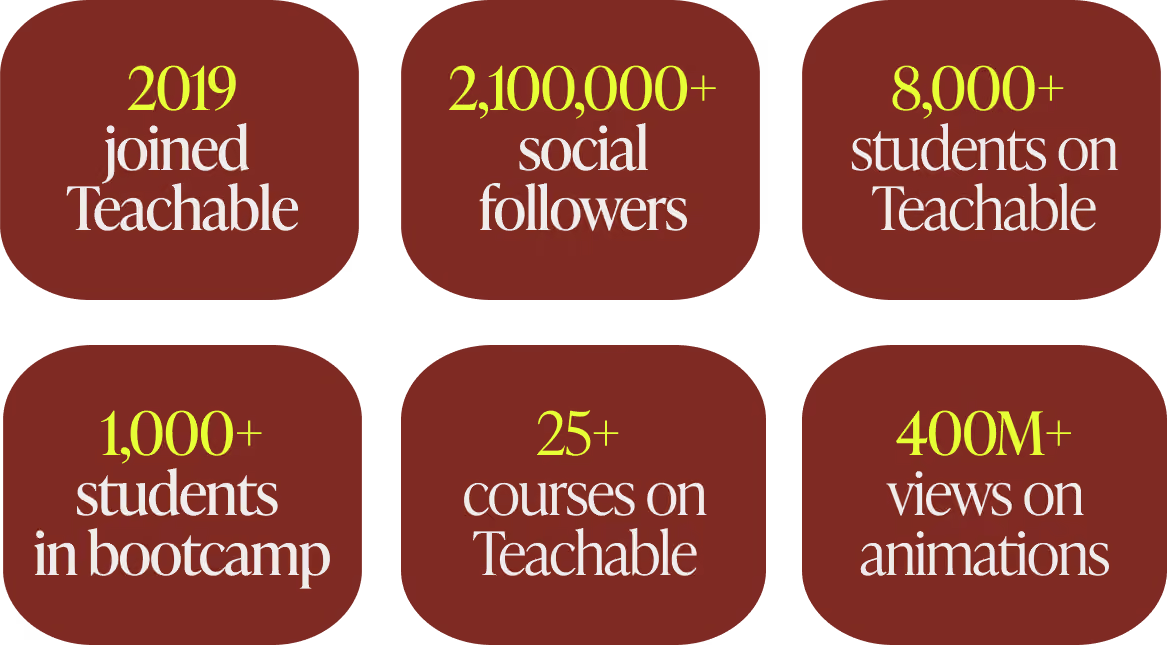
Stefan never set out to become a teacher. His path ran through filmmaking, then wedding photography, then hand lettering, each craft picked up on his own and turned into a living.
Lettering took off as a trend, and people kept asking him the same question about how he did it.
Answering that question in person became a business of its own.
In 2019 he hired an assistant, cleaned out his studio, and ran his first lettering workshop off a big chalk wall in his own office, with pizza for about fourteen people. Demand kept showing up, so the rooms kept getting bigger.
By the time recording crossed his mind, he had taught hundreds of students face to face. He understood that whatever platform he picked would carry all of that online, which raised the stakes on choosing well.
That first online teaching, the guest course for a fellow lettering educator, ran on a custom mix of WordPress, Vimeo, and password protection stitched together piece by piece.
The setup delivered the lessons, and it also showed Stefan how much upkeep a hand-built system demands.
He wanted one place that handled the whole job, and he was willing to give up some custom control to get it. When Lauren Hom, his friend and Striving Artist podcast co-host, told him she was running her own courses on Teachable and loving it, the platform went straight to the top of his list.
A closer look confirmed the fit. The course builder, student management, comments, and online course tools all sat in one place, with a setup simple enough to learn in an afternoon. What stood out most was speed, since payments and delivery already worked together, so he could put his attention on the course instead of the connections between separate tools.
One detail settled it for him. Stefan could build his entire course before paying anything, which let him confirm everything worked before he committed. He created his first course, an online version of his lettering workshop, in a few days.
The feature he reaches for most today solves a problem that used to eat his evenings. Teaching a global audience, he once uploaded every video to separate services to make transcripts and subtitles by hand. Teachable now generates them for him, which feeds the kind of student experience that keeps international learners moving through a course.
“Being able to upload a video and have transcripts and translations generated automatically saves an incredible amount of time and helps me make my courses accessible to students around the world.” — Stefan Kunz, Founder of Stefan Kunz Studio
Stefan started with Teachable and has stayed. Switching platforms later, he points out, is no small task, which made getting the first choice right worth the care he gave it.
When Stefan started, having payments built into the platform mattered. He could open enrollment without wiring up a separate processor, which kept his attention on the course itself.
His needs changed as the business grew, and the platform gave him room to adjust. Stefan now connects his own Stripe and PayPal accounts through Teachable while keeping the built-in option available for whenever he wants it.
“As my business expanded, I had more flexibility to customize parts of my setup, including connecting my own payment processors like Stripe and PayPal.” — Stefan Kunz, Founder of Stefan Kunz Studio
Those options matter more for someone teaching across borders. Stefan's students reach nearly every continent, and Teachable Payments, powered by Stripe, handles tax and local payment methods across dozens of countries. For a creator selling to that kind of audience, the platform manages each market so the creator does not have to.
Stefan is the first to say there is no single right platform for everyone. Predicting how a business will grow is hard at the start, so he tells new creators to pick a tool that can grow with them.
“I would highly recommend choosing a platform that can grow with you.” — Stefan Kunz, Founder of Stefan Kunz Studio
The economics deserve early attention too. Giving up a small percentage feels minor in the beginning, and it adds up as the numbers get bigger.
“When you are just starting, giving up a small percentage may not seem significant. But as your business grows, every percentage point starts to matter.” — Stefan Kunz, Founder of Stefan Kunz Studio
The last thing he weighs is presentation. How a course looks and feels is part of a creator's brand, so Stefan wants a platform that lets him organize content, shape the student experience, and use tools like drip release to deliver a course the way he pictured it.
Take action
Stefan has launched more than 25 courses since 2019, and along the way he built a way of working that any creator with an audience can follow. The core of it is simple. He proves that people want something before he spends weeks building it.
Stefan learned this the hard way. Early on he poured months into courses he felt sure would land, then watched some of them open to near silence.
“You should sell first and then build it later. If it sells really well, then you build it. If it does not sell, what is the point of building it?” — Stefan Kunz, Founder of Stefan Kunz Studio
His model came from outside the course world. A sportswear brand he follows released a limited shoe by inviting people to enter their payment details for a chance to buy a pair, which told the brand exactly how much demand existed before it produced anything.
Stefan runs his launches on the same logic. For his animation course, he set up a tool that sent a waitlist link to anyone who commented the word animate on his videos. Around 3,000 people signed up within a couple of weeks, and that list became his proof.
“I had to have around 3,000 people on the waitlist to get 250 students. That conversion is still really good.” — Stefan Kunz, Founder of Stefan Kunz Studio
Take action
Stefan began in the smallest way possible, with a chalk wall and a pizza order.
His first workshop ran in his own office, with room for about fourteen people, and he taught it across a weekend before running it again. From there he booked a thirty-seat space, then back-to-back weekends in New York and Los Angeles with 120 seats to fill, followed by London, the Philippines, and India.
By the time recording crossed his mind, he had taught more than 300 students in person. He knew the questions they asked, the parts that confused them, and the moments things clicked.
“Start small, understand how it works, build up, and you can grow it piece by piece.” — Stefan Kunz, Founder of Stefan Kunz Studio
Take action
Stefan rarely changes his order of operations. He runs a live workshop first, turns it into a multi-week bootcamp next, and records the evergreen course last, once the material has proven itself several times.
The bootcamp stage is where Teachable's comment feature earns its place. In his weekly animation bootcamps, students post their homework and Stefan replies with video feedback, something a single-day workshop never had room for. The multi-week format makes space for that exchange, and the work students hand in gets noticeably better.
“Like a band performing the same show at different stadiums, I have refined it with every iteration.” — Stefan Kunz, Founder of Stefan Kunz Studio
By the time he records the evergreen version, real students have pressure-tested every lesson. The final course is the polished result of all those rounds.
Take action
Stefan compares a good course to a football team with one play it runs perfectly. The other side knows exactly what is coming and still fails to stop it.
“They were so good at that one single play that nobody could beat them.” — Stefan Kunz, Founder of Stefan Kunz Studio
He has watched his own launches grow so elaborate that even his team lost track of the plan. The fix was always the same. He stripped the launch back until everyone understood it again.
Simple plans are the repeatable ones. A launch you can run cleanly the second and third time is worth more than a clever one you manage to pull off once.
Take action
Plenty of creators teach students to copy one finished piece, step by step, which produces good imitations and little else. Stefan teaches the thinking underneath instead, the principles he uses to make any piece, and he gets students to a first win as fast as possible because an early result keeps them going.
He has a phrase for the balance.
“People want the quick win. So I try to hide the vegetables in the food.” — Stefan Kunz, Founder of Stefan Kunz Studio
The quick win is the food, and the principles are the vegetables. Students arrive for the result they saw on Instagram and leave able to make work of their own.
Take action
A common worry among creators is that teaching will pull them away from their craft. Stefan found the reverse to be true.
“You try to figure things out yourself, and then there comes the next level. Now you have to teach it to someone else, and that is when you learn whether you really understood it.” — Stefan Kunz, Founder of Stefan Kunz Studio
Explaining a technique forces him to understand why it works, which sharpens his own work. When he shares a method and watches other artists run with it, the pressure to find the next idea pushes him forward.
That loop is why he keeps taking client projects alongside teaching. His wife, a primary school teacher, pointed out that he learns the most when he solves real problems for paying clients. One recent brand project asked for a painterly texture effect he had never made before. He spent hours working it out, and now it is one more thing he can teach.
His path has run from lettering to Procreate to animation, and each new area started as a client challenge or a personal experiment. The teaching always follows the making.
Stefan prefers to let his reach tell the story rather than share revenue figures.
His brand animations have passed 400 million views, and his audience across social platforms sits above 2.1 million people. More than 8,000 students have come through his courses and workshops, with over 1,000 in his animation bootcamp alone. He has worked with brands including Coca-Cola, Apple, and Adobe, and he has taught students on nearly every continent.
For an artist who started by adding words to his Instagram photos, the pattern holds steady. He keeps making the work, and the teaching grows out of it.
Stefan is one of many creators using Teachable to reach students far beyond their home country. Elisa Azoum grew French Mornings to more than 2,850 language students across dozens of countries on the same platform, and Amie Tollefsrud built an eight-figure course business on it. The pattern repeats: real expertise, a clear program, and a platform that travels with the student.
Stefan's focus right now is client work, which has kept him busier this year than ever. He treats every project as research.
The lessons stack up quietly. How to use AI as a real tool in animation rather than a shortcut, how to build a studio camera setup, how to edit a video that travels well. Each one is a future course waiting for the right moment.
When the season turns and he has room to teach again, the material will be ready. The order will stay the same as always. Prove the demand, run it live, then record it.
The wider market is moving in his direction. Goldman Sachs Research projects the creator economy could reach $480 billion by 2027, roughly double its 2023 size. Creators who prove demand before they build, the way Stefan does, are the ones ready to claim a share of it.
See Stefan's work: Follow his animation on Instagram and YouTube, explore his Teachable school, or browse his full portfolio at stefankunz.com. You can also hear him on the Striving Artist podcast.
Read more creator stories: See how Youness School chose Teachable to train more than 2,000 engineering-prep students, and browse the full Success Stories collection.
Learn the sell-first approach: Stefan proves demand before he builds. For more on that, read how to make money selling courses right now.
Try Teachable yourself: Teachable gave Stefan one place to build, sell, and run his courses, with Teachable Payments handling tax and local methods for a global audience. Start your free Teachable trial and build the course your audience keeps asking you for.
Before Youness Es-Sebiy built Youness School into a course business that has trained more than 2,000 students, he did what most serious creators do first: he tried the other options.
He taught on several platforms and compared what each one actually delivered for his school.
The answer he reached was Teachable, and he is direct about the reasons.
"I have tested other platforms in the past, including Thinkific and Podia. While they are good platforms, I ultimately chose Teachable because of two factors that were very important for my business and my students … The first is security … The second is the mobile learning experience." — Youness Es-Sebiy, Founder of Youness School
That decision came from someone who knows the stakes from the inside. In Morocco, the road to a top engineering school runs through CPGE, the Classes Préparatoires aux Grandes Écoles: two intensive years after high school studying advanced math, physics, chemistry, and engineering sciences, then one national exam that decides which schools will take a student. Youness went through all of it. He reached the other side and graduated from École Hassania des Travaux Publics, one of the leading engineering schools in the country.
Then he started teaching the students coming up behind him. He launched Youness School in 2019 while he was still an engineering student himself, recording lessons for the exact exams he had just survived. By 2023 the school was his full-time work.
Today it has directly supported more than 2,000 students preparing for Morocco's national exam (the CNC) and the French Grandes Écoles exams, with more than 20,000 others reached through free lessons and his YouTube channels across Morocco, France, Tunisia, and Mauritania.
The two reasons he named for choosing Teachable, security and the mobile experience, run through every part of how that school works.
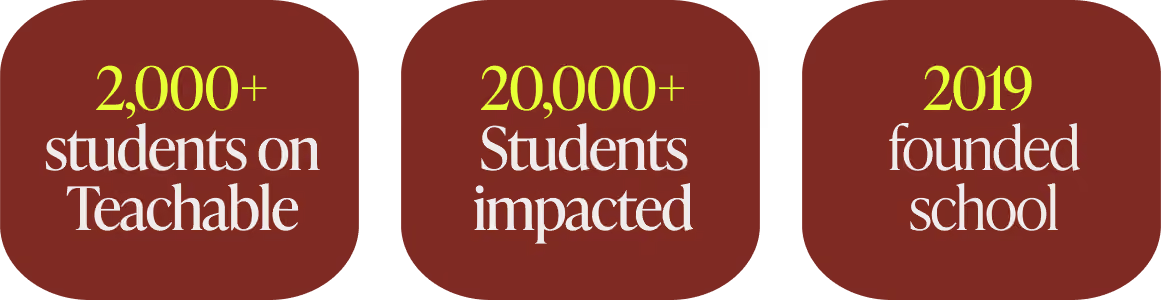
Youness built Youness School around a problem he had felt directly. CPGE students carry an enormous load across many subjects, and a lot of them hit a wall in one or two of those subjects with little structured help to get past it. He wanted to give them that help in a format that fit how they actually live and study.
" I went through the same preparatory classes, and they were very difficult. My goal is to help students who are facing the same problems, to help them grow and reach the best engineering schools." — Youness Es-Sebiy, Founder of Youness School
He made one early decision that shaped everything after it. Youness School would be online only. He had looked at in-person tutoring and found it too limited for what he wanted to build.
"We chose e-learning because we find the platforms very efficient. Physical classes are limited, and for our students online learning is the best solution." — Youness Es-Sebiy, Founder of Youness School
That decision raised the stakes on the platform itself. If an entire school lives online, the platform has to protect the content, reach students on whatever device they own, and keep working when the connection drops. Those three requirements are what pointed Youness toward Teachable over the other tools he had tried.
Youness runs the school with the same clarity he asks of his students. Five choices shape how Youness School finds, teaches, and keeps its students.
Most enrollments at Youness School begin with a conversation, usually on WhatsApp, where his sales team finds out where a student is actually struggling before recommending anything.
"In the beginning, we try to understand the needs of the student. If a student has problems across many topics, we offer a bundle with the whole platform. If they only have difficulty in one subject, we give them one or two courses." — Youness Es-Sebiy, Founder of Youness School
The result is a recommendation matched to what the student actually needs. A student weak in one subject buys a single course. Someone starting the full two-year climb buys a bundle, which Teachable lets him package as one grouped program.
Take action
Youness School runs on three formats at once: recorded lessons students watch on their own time, live sessions with collaborating professors, and one-on-one coaching.
"We use both approaches. We have recorded classes on the platform with Teachable, and we have live courses with professors who teach in these preparatory classes. There is also coaching to answer questions and correct their work." — Youness Es-Sebiy, Founder of Youness School
The recorded library carries the core curriculum and reaches every enrolled student. Live sessions and coaching cover the moments where students need a person in the room with them: stuck on a problem set, preparing for a mock exam, or talking through method. Together they create the kind of student experience that keeps learners moving through the material.
Take action
For a school that sells exam-prep video, the content is the product. Youness named content protection as one of the two factors that decided his platform choice.
"As an online school, protecting our educational content is a top priority. I found Teachable's video hosting and content protection to be particularly strong, which gave me more confidence using the platform for premium courses." — Youness Es-Sebiy, Founder of Youness School
Secure video hosting keeps his lessons from leaking out, which matters when the same exam prep sells to a fresh cohort every year. Content that walks out the door loses the value he priced it on.
Take action
This is the choice most specific to where Youness teaches. His students are spread across Morocco and the wider Francophone world, and the connection they study on is uneven. The Teachable mobile app, and offline downloads in particular, became central to how the school reaches them.
"The mobile app lets students access their courses easily on their phones and tablets. The ability to download videos for offline viewing has been extremely valuable, especially for students who do not always have a stable internet connection." — Youness Es-Sebiy, Founder of Youness School
The context behind that quote is real. In 2025, about 36 percent of people in Africa used the internet, the lowest rate of any world region, according to the International Telecommunication Union. For a student living inside that gap, a course that only streams is a course that stalls every time the signal drops. An offline download turns a commute, a power cut, or a weak connection into study time.
Take action
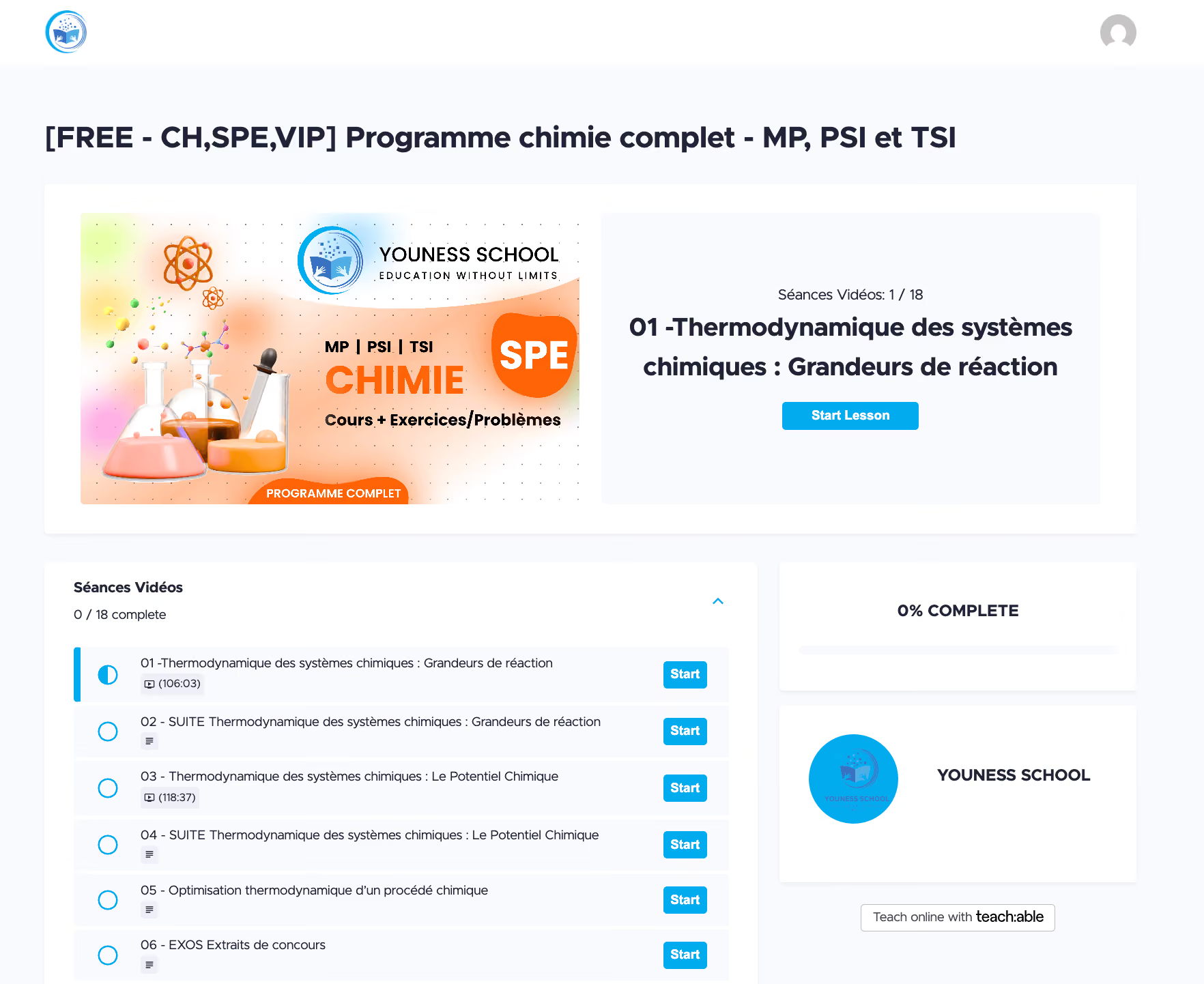
Youness prices across a wide range, from single courses around $60 to full programs above $1,000, so a student pays only for what they need. He also gives free access to families facing financial hardship, and he has used free trial periods to let students try the school before paying.
"We give some courses for free to families facing financial difficulties. We want talented students to have access regardless of their financial situation." — Youness Es-Sebiy, Founder of Youness School
More than 5,000 students have come through Youness School's free-access and trial campaigns, which widened his reach and let prospective students experience the platform before buying. Payment access shapes the model too. In Morocco, many students and parents pay by bank or cash transfer, and a card is rarely the default, so a real conversation often comes before a sale.
Take action
Youness built the school around one belief, and he states it plainly.
"We believe talented students should have access to elite-level education regardless of their city, country, or financial situation." — Youness Es-Sebiy, Founder of Youness School
That belief is why offline access matters so much to him, and why the price range stays wide. The students he most wants to reach are often the ones with the least reliable connection and the tightest budgets. Building for them first is what makes the school useful to everyone else.
The measure that matters to Youness is straightforward: whether his students get into the schools they are aiming for. Since 2019 he has worked directly with more than 2,000 of them, with another 20,000-plus reached through free lessons, webinars, and his YouTube channels. They sit the same national exam he once sat, and the strongest performers go on to the top engineering schools in Morocco and France.
"My advice would be to focus on the student experience and content protection. If security, accessibility, and mobile learning matter to you, I would recommend Teachable. Students can learn from any device and access content wherever they are, and that makes a real difference." — Youness Es-Sebiy, Founder of Youness School
Youness is one of a growing number of creators using Teachable to teach students far beyond their home country. Elisa Azoum grew French Mornings to more than 2,850 language students across dozens of countries on the same platform. The pattern is consistent: subject expertise, a clear program, and a platform that travels with the student.
Youness has a wider plan for the school. CPGE is a small field by design, with roughly ten thousand students entering each year in Morocco. He wants to take the same model to high school students, a group he puts at around half a million in Morocco alone, and eventually to learners in other countries.
"I have a global strategy to develop Youness School and help more people. In Morocco there are about half a million high school students, and we want to give them similar platforms and solutions." — Youness Es-Sebiy, Founder of Youness School
The plan he describes brings together education, technology, and the careful use of AI, built for students who would otherwise sit outside the reach of this kind of coaching.
Youness's students pay differently than a US or European creator's audience does. Cards aren't the default in Morocco. Many families pay by bank transfer. And selling across Morocco, France, Tunisia, and Mauritania means four different markets, currencies, and different sets of tax rules.
But the best part is that, in the near future, Youness won't ave to manage payments manually.
That's exactly what Teachable Payments is built for. Local payment methods appear automatically at checkout based on where the student is. Tax is calculated, collected, and remitted across 45+ countries without the creator filing anything. Prices display in the student's local currency without manual configuration.
For a school built around the belief that talented students should have access regardless of where they live, the checkout experience should reflect that too, and now it does.
Explore Youness School: Visit younesschool.com to see the courses and programs, and youness.online for more on Youness's work. Follow Youness Es-Sebiy on LinkedIn and YouTube, and follow the Youness School YouTube channel and company page on LinkedIn.
Try Teachable today: Youness built a school that protects its content, reaches students on any device, and keeps teaching when the internet drops. Teachable handles the video hosting, the mobile app, and the payments so creators can spend their time with students. With Teachable Payments, that now includes local payment methods for an international student base like his.

Amie Tollefsrud calls herself a lazy person. She has generated over $11 million on Teachable saying so.
"I am a self-proclaimed, very lazy person." – Amie Tollefsrud, Founder of Rebelle Nutrition and Lazy Millionaire
Most creators treat that word as the enemy. Amie treats it as the whole strategy.
She runs an eight-figure course business from her bed or a beach club lounger, and she got there by doing less of the wrong work, not more of it. The lazy move, in her hands, keeps turning out to be the smart one.
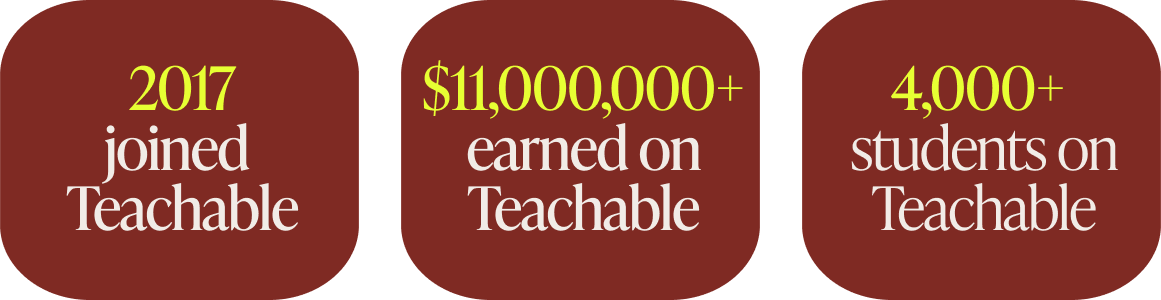
Before the eight figures, Amie worked a nannying job and felt certain it was not going to be her life. She trained as a nutritionist, started seeing clients one-on-one, and hit the ceiling every service provider eventually hits.
There are only so many hours in a day, and trading them for money never scales.
So she did the lazy thing, which also happened to be the smart thing. Amie took the advice she repeated to clients over and over and built it into an online course that could reach all of them at once.
"That's when I created my first online nutrition course to try and reach and help more people all at once. A little less effort from there." – Amie Tollefsrud, Founder of Rebelle Nutrition and Lazy Millionaire
She built that first course from a tiny hut in Maui, carrying five figures of debt and using an outdoor toilet. Amie had no business degree, no investors, and by her own account no tech skills. The slick tools creators reach for today did not exist for her, so she sold it without them. Then she ran her first launch.
"One of my first course launches ever, I think I had made like $5,000 in the span of an hour. And I just remember, like, jumping up and down. [It] was the most money I'd ever made at once in my entire life." – Amie Tollefsrud, Founder of Rebelle Nutrition and Lazy Millionaire

The nutrition courses worked, and as they kept working, her audience started asking her about something other than nutrition.
"All anybody ever wanted to ask me was, like, how I ran [and] how I built [my] business online, because it allowed me to travel the world and really do all the things that I dreamed about growing up." – Amie Tollefsrud, Founder of Rebelle Nutrition and Lazy Millionaire
That repeated question was its own market research. Her audience told her what they wanted before she ever built it, the exact validation signal she now teaches her students to watch for.
So she followed it. The nutritionist became the course-creation expert.
That pivot grew into Rebelle Nutrition's eight-figure education business: Online Course Academy, Passive Income Academy, and the program that ties them together, the Lazy Millionaire Method, which has helped more than 4,000 students across niches build profitable courses of their own.
Amie has been on Teachable since close to the platform's earliest days, running the same play on repeat for the better part of a decade: take lived experience, turn it into a course, sell the shift it creates, and let it run.
The throughline from that first nutrition course to the business today comes down to a handful of principles Amie applies every single time. Here are the ones doing the heaviest lifting.
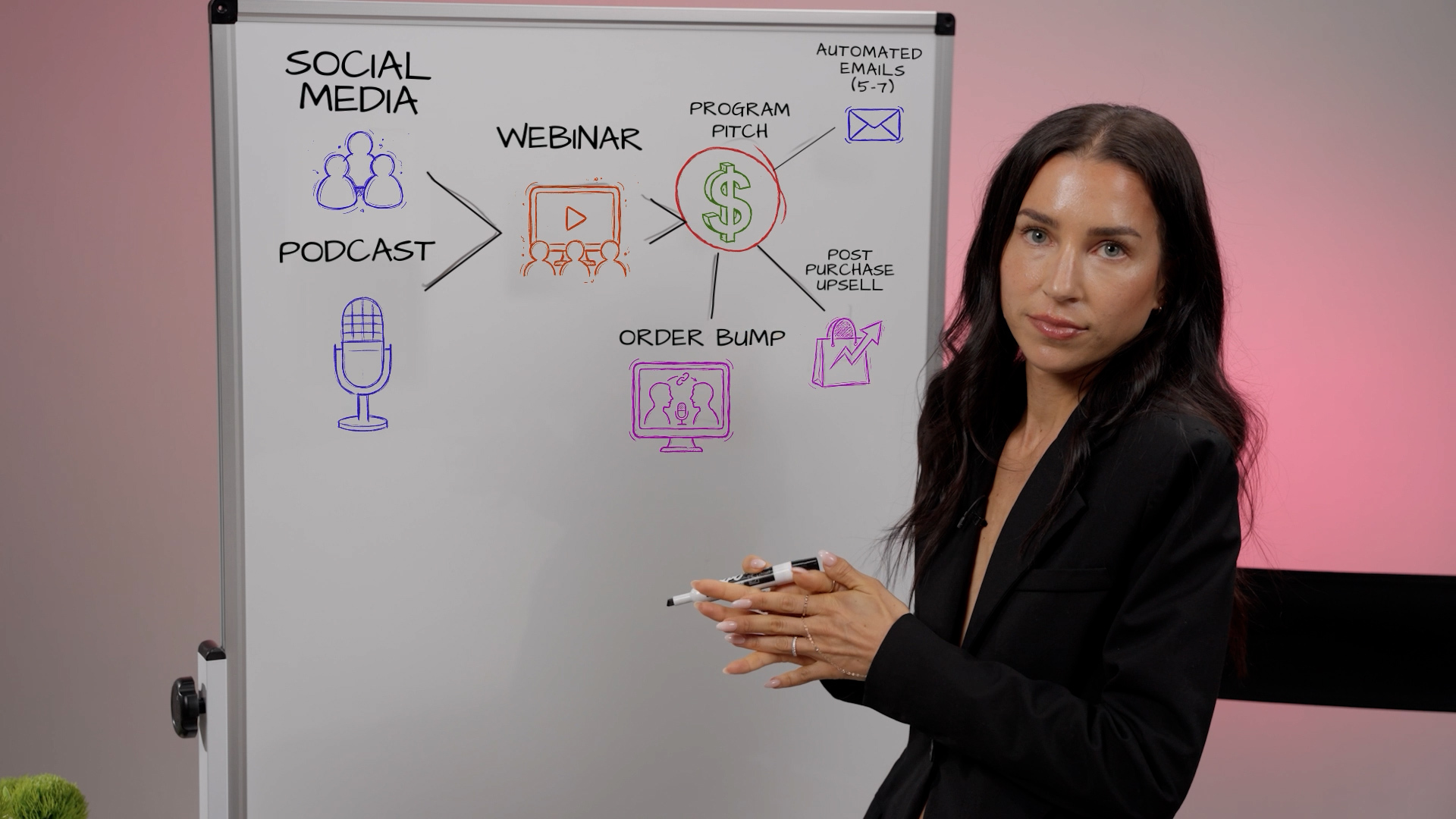
The biggest mistake Amie sees in first-time creators is selling the wrong thing. They list their modules, their PDFs, their hours of video, then wonder why nobody buys.
"When somebody buys a course, they're not just buying the number of lessons or modules or PDFs. They're buying a shift, a shift in how they feel, how they think, what they can do, or what their life is going to look like after the course is finished." – Amie Tollefsrud, Founder of Rebelle Nutrition and Lazy Millionaire
Amie points to her own dentist as the perfect salesperson.
Curious about Invisalign, she expected a pitch about process and timeline. Instead he showed her a photo of her teeth that day, next to a mockup of her teeth a year later. He simply sold her the result she actually wanted.
"Immediately, I was like, 'Take my money. I want that.'" – Amie Tollefsrud, Founder of Rebelle Nutrition and Lazy Millionaire
Amie has her students build what she calls a before-and-after blueprint. They write the student's exact frustration today in the student's own words, then the specific, tangible result waiting on the other side.
The result has to be concrete, never a fuzzy phrase like "feel empowered." It should be something a person could physically point to, like "I don't even need to wear foundation anymore because my skin is so clear," or "I got my 5K down by five minutes." The course becomes the bridge between those two points.
Take action
Selling a shift only works when it gets specific enough that the right person cannot scroll past it.
"Vague doesn't sell. Specific sells. Specific is what makes people stop scrolling. Specific is what makes people pull out their wallets and buy." – Amie Tollefsrud, Founder of Rebelle Nutrition and Lazy Millionaire
Her litmus test sits in the gap between "Learn how to eat clean" and "A step-by-step guide to clear your hormonal acne in 30 days."
Identical expertise sits underneath both titles. The second one aims at one specific person with a real promise, and that version is the one that sells. Broad offers leave buyers quietly wondering whether the thing is really for them, and uncertainty kills the sale.
"When somebody is not sure, they do not buy. But when your offer is specific, it builds instant trust. It shows people that you know exactly what they're going through and exactly how to help them." – Amie Tollefsrud, Founder of Rebelle Nutrition and Lazy Millionaire
Amie pushes for a timeframe wherever it stays honest, such as "in 30 days" or "in 90 days," because a clear timeline makes the result feel achievable. She also insists on the buyer's actual language over insider jargon.
Take action
Amie is blunt about why so many capable creators, even ones with big audiences, launch into silence. They guessed.
"You wouldn't want to open a French bakery without knowing if anyone in town likes croissants, right? So same thing here. Let's make sure you're baking what people are actually hungry for." – Amie Tollefsrud, Founder of Rebelle Nutrition and Lazy Millionaire
Her method skips surveys and spreadsheets.
Amie has creators hold three to five real conversations with people who feel like ideal students, through DMs, email, or a quick call.
The questions stay simple: their biggest frustration with the topic, what they have already tried and why it fell short, and whether a step-by-step course to the result would actually help. Then she listens for the line between polite interest and real urgency.
"We're not looking for perfection, we're just looking for proof. Proof that your idea has legs, and proof that people are already searching for this solution." – Amie Tollefsrud, Founder of Rebelle Nutrition and Lazy Millionaire
She also reframes the whole exercise so it never feels like begging for approval.
"Validation is not about asking for permission. You are the expert. You have the vision. This is just about making sure that your offer meets people where they are before you invest the time turning it into something amazing." – Amie Tollefsrud, Founder of Rebelle Nutrition and Lazy Millionaire
Take action
For all the strategy, Amie credits one unglamorous habit above the rest. She ships before it is ready.
"That's also, I think, exactly why I have been successful, because I take action and I launch things actually before they're perfect." – Amie Tollefsrud, Founder of Rebelle Nutrition and Lazy Millionaire
Her first launch, by her own description, was scrappy and far from what she wanted. It still made $5,000 in an hour.
The creators who never break through are usually the ones tweaking and refining until the moment to launch quietly slips past.
"Launch quickly and fast and let it be imperfect. And also just always go back and iterate, like, there's always something you can make better, and then you can get, like, 1% better every time. And it really, over time, does make a difference." – Amie Tollefsrud, Founder of Rebelle Nutrition and Lazy Millionaire
That iteration habit also keeps students coming back. Asked what most reliably turns a one-time buyer into a repeat customer, Amie answered without hesitating.
"The results that they get the first time around. So if they feel like you went above and beyond the thing that they thought they were going to get, they're definitely going to come back in for a second time." – Amie Tollefsrud, Founder of Rebelle Nutrition and Lazy Millionaire
Take action
Amie's revenue does not come from chasing new customers all day. It runs on a system that works without her and pulls more value from every person who already decided to buy.
The top of her funnel is her audience on Instagram, TikTok, and now Substack. From there she offers something free and valuable, a fully automated hour-long masterclass, and sells her program at the end of that training.
Automated email sequences of five to seven messages follow up over the next week with anyone who did not buy right away, paired with a real reason to act now.
The lazy genius shows up in what she layers on top: order bumps and post-purchase upsells.
"Think about, like, when you're at the grocery store and there's all the candy right before you checkout, the people are buying things anyway. So at the last minute, it's a really good time to upsell them on similar items that they might also want." – Amie Tollefsrud, Founder of Rebelle Nutrition and Lazy Millionaire
Someone who just decided to spend money will spend a little more, so one buyer becomes worth far more without any extra traffic.
"It's just a really easy and lazy way, honestly, to generate more revenue with the same amount of effort. You [don't] have to be continuously, like, chasing down [a new] client. You can just make more off of the one-time purchase." – Amie Tollefsrud, Founder of Rebelle Nutrition and Lazy Millionaire
Take action
The obvious objection to any course in 2026 sounds simple. Plenty of people ask why they would pay for a course when AI hands over information free.
Amie does not dodge that objection. She agrees that good free information exists everywhere, then explains why it falls short of the real thing.
"[AI] can give you a lot of valuable information, but [it hasn't] actually done the thing in real life and achieved the results that you're looking for. Like a human can." – Amie Tollefsrud, Founder of Rebelle Nutrition and Lazy Millionaire
Her edge comes from having lived the outcome she teaches, start to finish.
"I actually have achieved the results that I'm teaching in real life. I'm somebody who literally started from zero. I didn't have any money to invest. I didn't even have tech skills... I went through years of, like, struggle and figuring it out and trying things that didn't work and failing. And that was years of experience in real life." – Amie Tollefsrud, Founder of Rebelle Nutrition and Lazy Millionaire
She sees the same change defining the whole industry. The creators who win next will skip the losing game of competing with a chatbot on facts.
"The next wave of successful course creators will be the ones who are thinking really innovatively about what they can offer and sell that is... offering people more than what they can just go to [AI] and find an answer to." – Amie Tollefsrud, Founder of Rebelle Nutrition and Lazy Millionaire
In practice, that means pairing the digital course with something only a person can give: community, group support, an occasional live touchpoint, whatever fits the creator's energy and style.
This reframe helps any creator worried that AI made their knowledge worthless. Amie's bet runs the other direction. The more information becomes free and instant, the more valuable a real guide who has walked the path becomes.
"People don't want a robot or a guru or a PhD professor. They want a real person who's relatable and a few steps ahead of them." – Amie Tollefsrud, Founder of Rebelle Nutrition and Lazy Millionaire
These days, Amie is most excited about Substack, which she started in the past year.
It has become both a fresh revenue stream and a surprisingly strong top of funnel. Readers who find her there often go on to buy her courses, sometimes converting better than social media. Her approach to it stays pure Amie: every post gets treated like a tiny product.
"I look at every article I write almost like a 12-minute course." – Amie Tollefsrud, Founder of Rebelle Nutrition and Lazy Millionaire
For someone who has done eight figures, she stays remarkably clear that the path was never about being special.
"To be honest, I always imagined that this would be my life... I just had no clue, like, how [I was] actually going to do that." – Amie Tollefsrud, Founder of Rebelle Nutrition and Lazy Millionaire
The advice she would give the version of herself still working that nannying job is the same advice underneath everything she teaches today.
"Keep going. Let the things that you are excited about drive you. If you feel this excited about something, you're probably onto something. Keep going. Keep doing it, because it's just going to lead you to [the life] that you've always dreamed of." – Amie Tollefsrud, Founder of Rebelle Nutrition and Lazy Millionaire
Get Amie's free playbook: Grab The Profitable Course Playbook on Teachable, where Amie walks through how to find the right course idea, validate it, and build something people actually pay for.
Watch the full interview: See Amie tell her complete story on YouTube.
Explore more from Amie: YouTube | Instagram | Teachable School | Website
Explore more creator stories: Read how other educators are winning on Teachable in our Success Stories collection.
Try Teachable yourself: Amie turned a scrappy first launch into an eight-figure business by selling the shift her students want, validating before building, and refusing to wait for perfect. Start your free Teachable trial and build the course your audience already keeps asking you for.
TL;DR: Most platform comparisons focus on discussion features. The real differentiators are fee stacks, tax compliance, and course delivery depth. Skool offers strong gamification and Circle has polished discussion layouts, but both leave international tax filing to the creator across most markets. Our Teachable Payments handles automated tax remittance across 45+ countries, and our Builder plan ($69/month on annual billing) bundles course delivery tools and 0% platform fees in a single subscription. If you sell structured courses to an international audience, the fee math and tax exposure matter more than leaderboard badges.
A thriving discussion board is only as valuable as the business infrastructure sitting underneath it. Creators who pick a community platform based on engagement features alone often discover, after their first international sale, that they owe VAT or sales tax to authorities in various countries, and their platform left that entirely to them. This guide compares the top online community platforms on the metrics that actually determine take-home pay and operational risk: fee stacks, tax compliance, course delivery depth, and mobile delivery.
Running a paid community is running a business. Before evaluating discussion layouts and gamification, confirm a platform covers three operational requirements:
Creators who skip this audit typically discover the gaps during a live launch, when a broken checkout or missing payment tool costs them revenue that cannot be recovered. The launch strategy resources on our blog cover how to pressure-test your full workflow before a live window opens.
Engagement inside a paid community does not happen by itself. The platforms that drive the highest daily active participation combine three mechanics: structured prompts that give members a reason to post, member directories so participants can find peers with shared goals, and gamification layers such as points, leaderboards, and badges that reward consistent contribution.
The trade-off is that gamification without structured content creates engagement that peaks and then plateaus. For creators building course-based student engagement, the combination of discussion spaces and drip-released lesson content produces more sustained retention than either tool alone.
You need built-in checkout support for one-time purchases and recurring memberships, multi-currency acceptance, and subscription management tools that allow students to pause or cancel without manual intervention on your end.
A short enrollment window to a warm email list is a high-stakes event, and downtime or a broken upsell during that window is not recoverable. Reviewing a platform's incident history and uptime documentation before committing is a useful due diligence step.
A community without a learning path is a chat room. Creators who combine structured courses with discussion spaces see meaningfully higher completion rates because students have clear milestones to work toward and a community to discuss them in. The features that separate deep course delivery from basic video hosting include drip content scheduling, progress tracking at the individual student level, compliance settings like minimum watch-time enforcement, and quizzes with graded assessments.
These features also affect how students perceive the value of what they bought. For creators building toward credentialed programs, delivery depth matters as much as the content itself.
Headline subscription prices are the sticker price. The receipt has more lines. Every platform stacks a subscription fee, a platform transaction fee on every sale, and a payment processing fee charged by the underlying card processor. International transactions can add a currency conversion fee on top.
Think of the platform transaction fee like rent versus buying: percentage-based fees on lower-tier plans compound as revenue grows. The revenue and pricing strategy resources on our site cover how to model this across different product structures.
The six platforms below represent the realistic shortlist for creators building monetized communities in 2026. Each has a distinct strength, and each has structural limitations that matter at different revenue levels.
Skool positions itself around community-first design: the member feed is the product, and gamification, including points, leaderboards, and level-ups for participation, drives daily logins. Skool's Pro plan runs $99/month on monthly billing ($82/month effective on annual billing) and charges 2.9% + $0.30 per transaction up to $900, rising to 3.9% + $0.30 above that.
On tax compliance, Skool collects and remits VAT for EU buyers as a qualifying marketplace under VAT regulations. That coverage does not extend to the 45+ countries that Teachable Payments covers, so creators with students in Australia, Canada, India, or across the US may remain personally responsible for those tax obligations.
On course delivery, Skool reportedly lacks quizzes and completion certificates. Skool reportedly includes a drip feature that unlocks content after a set number of days from when a member joins. If your paid community sells certification-based programs or needs graded assessments, Skool may require a separate platform to handle that delivery, which adds cost and integration fragility.
Circle offers polished discussion spaces with custom branding, organized spaces, and solid moderation tools. Circle's Professional plan runs $89/month on annual billing with a 2% transaction fee, and Business runs $199/month annual with a 1% fee, both stacking on top of standard Stripe and PayPal processing fees.
Circle's course builder reportedly includes basic quiz functionality with minimum passing grades and drip content scheduling across structured and time-based release options. It also reportedly supports basic lesson-order enforcement. What Circle reportedly lacks are graded open-ended assessments, rubric-based scoring, and completion certificates at the level we provide. Circle does not automate international tax remittance, so creators handling international sales are personally responsible for calculating and remitting VAT, GST, and applicable sales taxes. Our Teachable Payments automates that across 45+ countries, and our Builder plan includes the certificate issuance and compliance settings that Circle reportedly cannot match at its mid-tier pricing.
Fully branded iOS and Android mobile apps on Circle require Circle Plus, which carries custom pricing. We include native apps on all plans.
Mighty Networks combines community, courses, and live events under one roof. According to third-party sources, its plan structure reportedly includes Launch ($79/month), Scale ($179/month), and Mighty Pro (custom pricing) tiers. Platform transaction fees reportedly run 2% on Launch, 1% on Scale, and 0.5% on Mighty Pro.
Mighty Networks supports drip content scheduling and course modules, but does not issue native completion certificates, requiring a third-party tool connected via Zapier to generate them. Like Circle, Mighty Networks reportedly does not automate international tax remittance, leaving VAT and GST obligations as a manual responsibility that Teachable Payments removes. Custom-branded iOS and Android apps require Mighty Pro, putting them out of range for most independent creators, while we include native apps on all plans without an enterprise subscription.
Discord costs nothing to start, which makes it an attractive early option. The operational reality for paid communities is less convenient. Discord offers native Server Subscriptions where members pay a monthly fee directly for exclusive channels and perks, with Discord taking a 10% cut of subscription revenue. What Discord reportedly cannot do is gate content by lesson completion, track learner progress, deliver drip-scheduled course content, or automate international tax remittance. Paywalled course delivery still requires third-party tools, and each additional integration is a failure point during a live launch.
Slack's free plan limits message history to 90 days of searchable content, which becomes a real problem for a paid community designed as a searchable knowledge base. Paid Slack plans run $7.25 to $15 per user per month on annual billing, and those per-seat costs scale against you as your community grows. Neither Discord nor Slack reportedly includes built-in course delivery, checkout capability, or automated tax compliance. Both require external subscription management software and leave you personally responsible for international VAT and GST remittance that Teachable Payments automates across 45+ countries.
Our course delivery infrastructure covers graded assessments, native completion certificates, drip content scheduling, and watch-time enforcement. No other platform in this comparison provides all four natively. Teachable Payments automatically calculates and remits VAT and GST across 45+ countries, removing the creator from the tax filing loop entirely, at a geographic breadth no other platform here matches. The Builder plan ($69/month on annual billing) carries a 0% platform transaction fee, native iOS and Android apps, affiliate tools, and email integrations. BackOffice, an optional add-on carrying its own 2% to 2.8% fee, automates affiliate payouts and tax forms so you don't have to handle disbursement manually.
"Easy to create courses and sell. The platform is so good, and mainly, the designs of the landing page are stunning... I also loved the community they built." - Raghu V. on G2
The table below covers the full cost stack across each platform for a creator on an entry-level paid plan, including subscription, platform transaction fees, and payment processing ranges.
Teachable processing: 2.9% + $0.30 for US cards, 3.9% + $0.30 for international cards. Non-USD transactions incur an additional 0.95% Stripe currency conversion fee where currency conversion is required.
The Starter plan's 7.5% platform transaction fee costs more than upgrading to Builder once monthly revenue passes $533 on annual billing, or approximately $667 on monthly billing. Creators should model their expected monthly revenue against both plan options to determine which tier offers better economics at their revenue level.
At higher revenue levels, the math becomes more stark. Percentage-based platform fees on lower-tier plans can compound significantly, while plans with zero platform fees eliminate that variable cost entirely. Non-USD creators should also model currency conversion fees against expected international transaction volume before comparing net take-home across platforms. For a deeper breakdown of how these fees interact with different product structures, the revenue and pricing section of our blog covers the modeling frameworks.
The three structural differences that determine long-term operational risk are:
The table shows that drip content scheduling is available across most platforms, but the features that separate us are quizzes with graded assessments, native completion certificates, and watch-time enforcement. For creators building certification-based programs, these features are not optional additions. They are the product.
Your primary interaction mode determines which platform makes the most sense operationally. If your members primarily engage through live events and real-time video sessions, dedicated event integration is a gap on Teachable, but creators who choose a community-only platform for that feature remain personally responsible for VAT and GST filing across the EU, UK, Australia, and Canada, where none of those platforms automate remittance.
If your members primarily work through asynchronous video content and self-paced lessons, our course delivery infrastructure gives you deeper student management, graded assessments, native certificates, and Teachable Payments handling tax remittance automatically across 45+ countries. If long-form threaded discussion is the main mode, community-only platforms offer more layout customization for that format, though adding structured courses or certificates later means either working around a platform that lacks them natively or migrating your community to one that does, which is disruptive to members and administratively expensive.
Building on a platform that handles structured course delivery from day one reduces migration risk, provided community discussion depth is not the primary product you are selling.
Community-only platforms offer threaded, channel-based discussions with search and moderation tools, along with more layout customization or event integration than a course-first platform typically provides.
These platforms require creators to manage international tax compliance manually, which becomes a material risk as international sales grow. Our Teachable Payments removes that administrative burden across 45+ countries, and creators whose members expect a community-first experience should weigh that tax and course-delivery advantage directly against the discussion depth and layout customization that Circle and Mighty Networks offer.
Discussion-first creators who choose Circle or Mighty Networks also inherit the course-delivery gap: no native completion certificates, no graded assessments, and no compliance settings, which becomes a structural problem the moment a student asks for a credential or a program needs watch-time enforcement.
Low-ticket memberships at $10 to $20/month are highly sensitive to transaction fees. Processing fees and platform transaction fees can represent a significant percentage of revenue per member. When a platform adds a percentage-based transaction fee on top of processing, those margin losses compound fast. Our Builder plan eliminates the platform transaction fee entirely at $69/month annual, so the only per-sale cost is payment processing.
A free or low-ticket community tier works as a lead magnet for higher-ticket structured courses. Creators who offer free community access to warm their audience before a course launch consistently see higher conversion rates from engaged community members than from cold email lists. Our audience-building resources detail how to structure this funnel across different audience sizes.
Three clear triggers indicate that a community-only platform is no longer the right fit:
Sending a paying community member to a separate URL to access the course they paid for is friction. Friction reduces completion rates and drives refund requests. Our case studies show how creators structure combined product tiers without splitting the student experience across tools.
When course content and community discussions live on separate platforms, students deal with two login systems, two notification streams, and two places to look for help. Each additional tool is a potential failure point, and the creator absorbs the support load when they break. Disconnected tools also make it impossible to tie community access to course completion milestones, which is one of the most effective retention mechanics available to course creators.
Our drip content lets you release lessons on a schedule that syncs with community discussion topics. For example, a creator running a six-week cohort can unlock lesson three on Monday and progress students to lesson four the following week, all without manual intervention. For cohort-based teaching design, this sync between content release and discussion timing is the structural mechanic that drives higher completion rates.
The most durable revenue architecture for creators combines three tiers: a free or low-ticket community entry point, a structured paid course as the core product, and a high-ticket coaching or mastermind tier for students who want direct access. We support all three through free enrollments, paid course checkouts, and native coaching features. Each tier feeds the next, and Builder's 0% platform fees protect margins across all three revenue streams.
If you're modeling platform costs before committing to a plan, run the full fee stack, subscription, transaction fee, and processing, against your expected monthly revenue. Compare plans and fees on our pricing page, or start a 7-day free trial and build your first course before paying anything.
What should you look for when evaluating platforms for paid groups?
Prioritize payment processing, tax compliance, and course delivery depth before evaluating discussion features. We automate VAT and GST remittance across 45+ countries and include quizzes, certificates, and compliance settings, while Circle and Mighty Networks reportedly leave international tax filing to the creator and lack native completion certificates.
Does managing courses and community in one hub improve student outcomes?
Yes, students who access courses and discussions through a single login complete more lessons and submit fewer support tickets than students navigating between disconnected tools. Single-hub management also allows milestone-based community unlocks, where completing a course module automatically opens a new discussion channel.
How do you calculate your true platform take-home on each plan?
Start with your monthly revenue, subtract the platform transaction fee (percentage varies by plan and platform), then subtract payment processing fees (typically 2.9-3.9% + $0.30 depending on card origin, plus potentially a 0.95% Stripe currency conversion fee for non-USD transactions), and finally subtract the monthly subscription. The economics shift depending on your revenue level and the specific fee structures of each plan tier.
How quickly can you go from signup to first sale on Teachable?
KYC verification is required before payouts are enabled, and processing time varies, so connecting your payout account early in your setup is worth doing before your launch window opens. Most creators build their first course in the no-code editor within a few sessions. The 7-day free trial gives you enough time to build a full course, connect your payout account, and test checkout before committing to a paid plan.
Does Skool handle VAT and sales tax?
Skool remits VAT for EU buyers, acting as a qualifying marketplace under EU VAT regulations, per Skool's own VAT documentation. Skool does not automate tax remittance across the broader set of countries covered by Teachable Payments, so creators with significant sales outside the EU remain personally responsible for calculating and filing those tax obligations.
What is the transaction fee on Teachable's Builder plan?
Our Builder plan charges a 0% platform transaction fee. Standard credit card processing fees apply to US and international card transactions, with a separate Stripe currency conversion fee on non-USD transactions where currency conversion is required.
Teachable Payments: The native payment gateway that automatically calculates, collects, and remits sales tax, VAT, and GST across 45+ countries, removing the creator from the tax filing loop entirely.
Platform fee: The percentage-based transaction fee charged by a platform on each sale, sitting on top of standard credit card processing fees and separate from the monthly subscription cost.
Merchant of Record: A legal entity authorized to process payments and assume liability for financial transactions, including tax compliance and remittance to the relevant tax authority on behalf of the seller.
Drip content: A content delivery method where course lessons unlock on a schedule or after specific conditions are met, rather than all at once on enrollment.
Break-even point: The monthly revenue level at which the transaction fees on a lower-cost plan equal the subscription cost difference of the next plan up, making the upgrade economically rational.
TL;DR: You don't legally need a life coach certification: life coaching is unregulated, so it's optional, not required. Certification can add credibility with corporate or higher-paying clients, plus structured training and a professional network, and accredited programs (look for ICF or NBHWC) range from about $1,400 to $20,000, with some unaccredited courses under $500. Real-world experience, starting with a few clients, and referrals are legitimate alternatives if you'd rather skip a program. Whichever path you choose, you can build and sell your own coaching program on Teachable.
If you've thought about becoming a life coach, you may have also thought about whether you need a life coach certification. The short answer is no, you don't need one. There's no official life coaching certification process. However, the long answer is it depends on your coaching services, clients, and goals.
Life coaching is a fast-growing industry, with the US market estimated at $2.6 billion in 2025 (IBISWorld). Globally, the coaching industry generated $5.34 billion in revenue over the past year, according to the ICF's 2025 Global Coaching Study. It could be a profitable business for you, but what do you need to get started?
There are hundreds of life coaching programs to choose from, which can also make it hard to decide. In this article, we'll dive into life coach certification programs and alternatives to help you make a decision.
To be a life coach, you only need knowledge and experience in your coaching niche. An accredited life coaching certification can distinguish you from other providers. For example, let's say you work with a large company and offer your coaching services to their employees. The company may ask for a certification as an extra layer of credibility.
Life coaching isn't a regulated profession. It doesn't have a universal standard or certification process. It's up to each coach to decide whether to pursue formal life coaching certification.
However, you can use the qualifications below to help you land more (and higher-paying) coaching clients.
Most life coaches hold a degree, according to ICF's 2023 Global Coaching Study: 30% have a Bachelor's degree and 65% hold a more advanced degree. They don't usually go to college specifically to pursue life coaching. Rather, backgrounds like psychology and business can naturally transition to a life coaching career.
Certification may provide resources, training programs, and networking opportunities. You can supplement certifications with real-world experience, too. For instance, a former personal trainer or professional athlete would have the right experience to become a fitness coach.
Ultimately, life coaches should be ethical, honest, and knowledgeable of the subject they're coaching. Whether you gain those qualities through a life coach certification program or somewhere else, isn't as important.
Becoming a certified life coach won't hurt, but is it worth it? The answer depends on your background, needs, and goals.
For some, life coaching certification is a valuable way to gain the tools and knowledge for a professional coaching career. It can also help you connect with potential clients, demonstrate your expertise and credibility, and expand your network.
On the other hand, you can be a successful life coach without it. Ultimately, you must decide what's best for you. Consider the potential benefits and other factors to determine whether life coaching certification is worth it for you.
Opting out of life coaching certification today doesn't mean you can't do it later on after you have your first coaching clients. You can jump into your coaching career and revisit it in a year or two. There's no right or wrong way to start down the path of coaching.
If you pursue certification, look for programs that are accredited. The International Coaching Federation (ICF) and the National Board for Health and Wellness Coaching (NBHWC) accredit coaching programs. ICF focuses on life coaching more broadly, while NBHWC accredits health and wellness coaching programs.
ICF offers three coaching credentials (ACC, PCC, MCC), each requiring an exam, specific education hours, and logged coaching experience. Here's the breakdown for each level:
Many legitimate coaching programs use the ICF credentialing structure for their certificate programs. However, they may call their levels different names from those above. Carefully review the details of a program to verify it's worth your time and money.
Your coaching niche will also influence the certification you choose. For instance, if you specialize in nutrition, business, or executive coaching, you might look for a certification for that area versus a broader life coaching program.
When you're ready to choose a life coaching program, you may find the number of available courses overwhelming. First, it's helpful to narrow down your niche. Here are different types of life coaches:
Once you have a niche, you can research programs that suit your goals, skillset, and budget.
If you want a thorough life coaching program and don't mind a higher price point, the Institute for Professional Excellence (iPEC) is a good choice. This program focuses on developing leadership qualities and core competencies, including:
The program also includes training on how to create coaching business plans and develop successful teams. The cost includes ongoing support, membership in an online community of other coaches, and monthly seminars from experts.
The base program includes two life coaching certifications, with a third available as a paid add-on. As a result, the iPEC program is one of the most comprehensive, and also more expensive, options on the market. Therefore, it's ideal for full-time, experienced coaches.
If you've been coaching for a few years and want to boost your credibility for higher-paying clients, it could be worth the investment.
The Institute for Life Coach Training (ILCT) has several programs and paths for different credentials and coaching specialties. It offers programs for the following coaching specialties.
At the end of the program, students receive a life coaching certificate and take the ICF exam. Pricing varies depending on the course you choose. ILCT is a good option for those who want to start small and take more courses from the same school later.
Life Coach School's Coach Certification Program is a self-paced, budget-friendly option for those who want to build coaching skills without committing to a long, expensive program. Participants will learn to help others set meaningful goals, create actionable plans to achieve those goals, and develop coaching skills.
The program includes foundational modules, deep-dive coursework, and a certification exam, with 12 months of access to complete it on your own schedule.
Upon completion of the program, participants receive a certification from the Life Coach School.
The Health Coach Institute's courses cover nutrition, lifestyle coaching, business development, and more. It's best for those who want to become a health and wellness coach.
Courses from the Health Coach Institute are entirely online. Still, there are opportunities to connect with others in the program. The Institute gives students access to an online library and a private Facebook group.
Trustpilot users rate the company 4.0 out of 5 stars, based on over 1,100 reviews.
One unique aspect of the certification program is addressing your self-limiting beliefs. Learning to do this personally will help you teach your own pupils to do the same.
Professional health coaches teach all Health Coach Institute courses. Parts of the program offer 1:1 instruction, so you can ask experts questions directly.
The CaPP Institute offers several programs, but the best choice for new coaches is its Coach Training Intensive program. Unlike other coaching certifications, this is a three-day, online workshop that teaches you how to change lives as a coach.
The program focuses on psychology and coaching theory. The end of the course focuses on business development. It includes a workshop where you'll create a coaching business plan.
The Coach Training Intensive program is best for coaching beginners who want to start right away. It's also a solid option for coaches who have been out of the market for a while and want a quick refresher course.
The five programs above compared side by side:
The cost of life coach certification programs depends on the program. Generally, accredited programs range from about $1,400 to $20,000. Some unaccredited online courses may offer life coaching programs for less than $500. However, intensive courses and those accredited by the ICF cost more.
While these prices may seem high, they could be worth the investment compared to how much life coaches make. According to ICF's 2023 Global Coaching Study, the average annual revenue for coaches in North America is $67,800, though this figure will vary based on your niche, experience level, and overhead expenses. The same study puts the average cost per coaching session at $244 globally.
Once you are ready to coach, you can keep your own overhead low by running your program online: with us, you sell coaching without a physical location.
Given all the variables at play, choosing a life coach certification program can be challenging. Answering the questions below will help you decide which coaching program is right for you.
If you don't think life coaching certification is right for you, don't fret. Getting certified doesn't guarantee a profitable coaching business. It's optional. People care more about results than credentials.
Here are some alternatives for life coaching certification:
If you've worked as a personal trainer, nutritionist, therapist, or in another role related to the coaching vertical you've selected, put that to use. Talk about your experience when interviewing new clients and include information about your past in your marketing materials. Relevant work history may get you farther than a certification.
You can always learn by doing, and anyone can start coaching. In the beginning, you can take on two or three clients to build experience. As you gain new skills and confidence over time, you'll be able to take on more clients or charge higher rates. If you want a structured product to sell from day one, you can create an online course or coaching program and price it around your niche.
Most coaches get new clients through referrals. Request Google or social media reviews from your satisfied customers and ask them to pass your name along to anyone they know in the market for services like yours. Those testimonials will do more for your credibility than any certificate would.
Ultimately, whether to pursue life coach certification is a personal decision that you should base on your circumstances and goals. Weigh the pros and cons carefully to decide what's best for you.
If you enroll in a life coach certification program, be sure it's accredited. You should also run the numbers on the course cost and outline a plan for when you'll break even in your coaching journey.
If you decide that certification isn't right for you, draw on your experiences and seek referrals to help you build your business. You can start your coaching journey today without a life coaching certification. Start a 7-day trial and build your first coaching product before committing to a plan.
Do you need a certification to be a life coach?
No. Life coaching is not a regulated profession in the United States, so no certification is legally required to practice. Certification is optional and mainly helps with credibility, training, and access to higher-paying or corporate clients.
Is a life coach certification worth it?
It depends on your goals. Certification is worth it if you want structured training, a professional network, and added credibility with clients who ask for it. It is not essential if you already have relevant experience and can win clients through results and referrals.
How long does it take to become a certified life coach?
It ranges from a few days to over a year. Short intensive workshops run about three days, while ICF-accredited programs require 60 to 200-plus education hours and 100 to 2,500 hours of coaching experience depending on the credential level (ACC, PCC, or MCC).
What is the best life coach certification?
There is no single best certification. Look for programs accredited by the ICF or, for health and wellness coaching, the NBHWC, then match the program to your niche, budget, and schedule. This guide compares five accredited options across price points.
How much do life coaches make?
The average annual revenue for coaches in North America is $67,800, according to ICF's 2023 Global Coaching Study, though it varies widely by niche, experience, and how many clients you take on. The same study puts the average cost per coaching session at $244 globally.
Life coach certification: a voluntary credential from a training program that signals a coach has completed structured education and, often, supervised coaching hours, it is not a legal requirement to practice.
ICF (International Coaching Federation): the leading accrediting body for life coaching, with three credential levels (ACC, PCC, MCC) based on training hours and logged coaching experience.
NBHWC (National Board for Health and Wellness Coaching): the accrediting body for health and wellness coaching certifications, distinct from ICF's broader life-coaching focus.
Accredited program: a certification course that has met an external body's, like the ICF or NBHWC, standards for curriculum, training hours, and assessment.
Coaching niche: the specific area a coach specializes in, such as executive, relationship, or health coaching, which shapes which certification and marketing approach fits best.
TL;DR: Creating an online course starts with a profitable idea and a clear transformation for students, not a platform choice. From there: price for value rather than volume, build a curriculum lesson by lesson, and choose a creator-first hosting platform that keeps you in control of pricing, content, and student data. You do not need expensive gear, voiceover slides and a basic microphone are enough to start. Grow an email list before you launch, then launch with a planned email sequence. This guide covers all nine steps, idea to launch, plus FAQs on cost, timeline, and platform choice.
If you've been wondering how to create an online course, we'll walk you through the entire process in nine steps, from picking a profitable idea to launching.
With the rise of online course creators, more people are interested in how to start teaching online for a living. Is it profitable to sell online courses? Our answer would be yes. More than 150,000 creators use Teachable. Across Teachable and Hotmart combined, creators have earned more than $10 billion to date.
That said, when it comes to how to sell a video course, PDFs, templates, quizzes, live coaching, or other teaching resources, there are best practices to keep in mind. Across thousands of course launches on Teachable, we've found a standard pattern that has been proven successful time and time again.
Everything you need to know about how to create, build, and make your online course, then start making money is here.
For some, coming up with a course idea is the hardest part of the process. We all want a slice of that multi-billion dollar pie, but how do you know your online course idea is profitable?
We created a profitable course idea workbook to help you unleash your money-making course idea. Download our guide if you're ready to:
Believe it or not, everyone has an online course in them. We all have unique hobbies, passions, and skills that can translate into an online course. We have profitable teachers with courses ranging from cake decorating to watercolor painting.
When it comes to finding your profitable course idea, it can be broken down into three main questions:
If you know a topic well, you can create a profitable online course around it.
For example, perhaps you're passionate about horticulture. While everyone may not be invested in aquaponics, some are dying to learn more about aquaponics. You need to find them.
Finding your audience is easy. Your audience may hang out in the same online spaces that you do. Whether you frequent horticulture subreddits or are active in Facebook groups, go there and ask about their struggles.
Think about the transformation your course provides for your target audience. What outcome will students have after taking your course? As a course creator, you need to make that outcome apparent in your pitch to potential students.
Do your students want to learn all about aquaponic gardens? Maybe not. But if you can teach them how to set one up in their own home on a budget, that will get people excited!
To ensure that your customers value your course, present it clearly. You can tell them that you'll teach them programming, and that's fine and dandy. However, you'll show them real value if you tell them instead that you'll teach them programming so they can get a job that pays more and has more flexibility.
It's great to advertise what your customers are going to learn. It's even better if you can market your course and tell them what they will get from learning the skills you'll teach them.
Many creators have brought in attractive, sizable incomes through online courses. Setting clear income goals is important, but your goals should be more specific than "make money."
Whether you're hoping to make $1,000 or $10,000, keep that number in your mind while you're pricing your course. You can systematically work backward to make sure you hit your revenue goal.
To make $10,000 from creating an online course you could either sell it for $10 to 1,000 students or for $100 to 100 students.
To make more money with an online course, the answer is simple: charge more.
If you price too low, students might not be as motivated to follow through. People oftentimes associate "cheap" with "low-quality" and will be less inclined to buy based on that perceived value.
There are many benefits to using premium pricing. Here are a few proven ones to consider:
There are many considerations when it comes to pricing, so we have an in-depth post on other pricing strategies here.
Charging more for your courses is one of the easiest and most important tactics you should take. However, there are other ways that you can make more money. We've built in course features like upsells, course bundles, and more to help creators increase course revenue.
You've got your idea and you've figured out pricing. Now you get to start creating your course.
When people set out to make an online course, this is often where they get stuck. They know what they want to teach, but implementing it is another story entirely.
The best way to plan your course is to write down every step that students would need to do in chronological order to get their desired outcome. Each step becomes a lesson in your course.
Keep in mind that the purpose of your course is to bring your students to a transformation, so plan your course accordingly. Each lesson should lead to that final outcome.
Once you've outlined your lesson topics, you're one step closer to building a complete curriculum. You'll probably spend the most time here, and it makes sense. Your course is your product.
Developing a full course curriculum can feel overwhelming, so complete it in small steps. For example, set aside at least 30 minutes a few days a week to develop a 10-minute lesson. When it's broken up into smaller tasks, it feels easier to accomplish.
Also, remember that the curriculum you use after your first-course cohort can change and evolve. There will be opportunities to improve your content, so gather feedback from your students. Much of the feedback you receive will be things you wouldn't have thought about or noticed without having real student experiences to pull from. It is completely acceptable to launch your course and adjust it later, so don't let the fear of imperfection hold you back.
It is easier to sell an online course when you have an organized curriculum with learning objectives, milestones, lessons, and estimated hours to complete. You should include these specifics on the sales page so that potential students know what to expect and understand what is expected of them in terms of time, costs, and benefits.
If you still aren't sure where to begin, you can follow our step-by-step guide on how to create a curriculum.
Of course, your course will need a home. Before you can launch, you'll need to decide where you will host your content. At a minimum, the platform that you choose should house your course materials in various formats: video, PDF, and so on. It should also serve as a sales page, also called a landing page.
This will help potential students learn more about you and your course. It's also where they will hit buy and make a purchase.
There are typically three options for hosting:
An online course platform is designed for creators. For instance, with Teachable, you'll have everything you need to create and sell online courses, on your terms. You can start a 7-day free trial and start uploading your videos, PDFs, and other course materials right away.
There is also the option to host your site on Teachable. Alternatively, if you already have a website, we can easily integrate with it.
A creator-first platform lets you keep control of your content, pricing, and student data, which is the key point marketplaces lack. (More on the specifics below.)
With self-hosting, you set up everything yourself. You'll need to set up and pay for a server to host your site. Then, you have to build the site, set up payment processing, design landing pages, and everything in between.
Self-hosting gives you the freedom to build your site how you like, but doing that also takes a significant amount of time and technical knowledge.
In terms of hosting, learning marketplaces like Udemy and Skillshare act similarly to YouTube. They host everything on their site, and you upload the videos. The appeal for some is that these sites have users and traffic, although, that doesn't mean that those users will watch your video course.
We commonly see creators move away from marketplaces because the platforms take a significant portion of a creator's revenue. After putting hours of time into a course, you could end up keeping only a fraction of what a student pays, since a marketplace platform can take as much as 63% of a standard sale.
When you're figuring out how to create an online course, consider which features are not negotiable for you. Here is what many creators prioritize:
All of the above is available on Teachable. If you are itching to make a course, you can get started right now with a 7-day free trial.
People often ask: What equipment do I need to create an online course?
With Teachable, you can get started without fancy camera or microphone equipment. We let you upload text, PowerPoints, keynote presentations, videos, and audio interviews, so you can work with whatever medium you are most comfortable with.
To create slides, you can use templates from one of the below free services, and customize them with your own personal branding:
Most often we see instructors using a combination of both text and video. If you are voicing over slides, we recommend using a free tool like Loom or trying out Screenflow for Mac. Both allow you to voiceover slides, and you can edit the video afterward.
You can also easily set up a low-cost home video studio in the beginning. As your online course business grows, you can always invest in equipment but it isn't needed to get started. Video content can seem intimidating, but with a bit of practice, you'll start feeling like a natural.
If you want to invest in audio, video, or other recording equipment, we have some recommendations.
You can start off using natural lighting for your videos. All you need to do is set up near a window with the light facing you. However, natural lighting can be fickle. If you are filming during rainy days or early morning and evening hours, there may not be much daylight to work with.
It is a good idea to have backup lighting equipment, and there are a lot of affordable options. With a home studio, you'll generally want to go with two lighting choices.
If you have a space in your home or office to set up a background that reflects your brand and business, then you may not need a backdrop. However, if you don't have a dedicated space or just want a simple background, you can do that with the help of a backdrop. If you plan to change your background through editing, grab a green screen. You can find a backdrop separately for as low as $35, or get an all-in-one studio kit that includes it along with lights.
Once you record your videos, you may want to add or overlay them with images or text. You also may make mistakes during recording. Instead of completely redoing your course, you may be able to simply clean up and cut sections. To do that, you'll need video editing software. The most popular choices are:
When it comes to how to sell a video course, you may want to invest a little more into the production quality of your content. These tools can help give your courses a professional polish, but again, they aren't required to get started.
You may have heard that you should build an email list for your business, but how do you do that exactly?
The fastest way to grow your email list is to give something away for free.
This free product will be your lead magnet, and it's intended to draw in a targeted and interested audience.
This lead magnet will prove to your audience that you produce quality content and that you're a trusted resource.
Here's what you can give away:
Your lead magnet should be directly related to your online course content, so you attract your target audience. If you teach TikTok marketing, create a lead magnet for TikTok, not Facebook or another platform.
With a mini email course, you can look at your full, ten-section course. Then, take the first section and repurpose it into a lead magnet. The people interested in your lead magnet will also be interested in your premium offering on the same topic.
Viral giveaways are another popular way to grow your email list. With software like KingSumo, you can give away a high-value prize pack. Make sure it's specific to your course and grow your list like crazy. Viral giveaways are effective because entrants can share a link to your giveaway to get more entries, thus advertising your giveaway with zero effort on your part.
If you have a ton of blog posts on your course topic, compile them into an ebook to giveaway to your course audience. If you already have the content it will be nearly effortless to compile and convert to a PDF. From there you can set up landing pages and lead magnets on relevant posts and begin collecting emails.
It's usually safe to say that 2% of your email list will convert into paying customers. Going back to step two, we can figure out how large your list should be before you launch. If you need 100 students to reach your $10,000 goal, then you should aim to have a list of 5,000 before you launch.
Setting up your sales page is key to start making money online and creating your online course.
There are six assets that we recommend including to make your sales page as high-converting as possible:
Interested in more information on creating beautiful sales pages?
After all your hard work, it's time to launch your online course. And, while it's fun to experiment with different marketing techniques, we've found that when it comes to launching, a tried-and-true method always performs better. This is why we've created a plug-and-play email launch sequence for you.
It's easy to implement, effective, and has been used by Teachable creators to drive their own launches.
The idea is simple: After building your email list and nurturing it with some free content (like blog posts, videos, etc.), you launch your course through a series of strategic emails. These emails work to build anticipation for your launch and the urgency to buy now.
Here's what the sequence looks like per day:
To make it even easier, we created a full step-by-step guide and email sequence template for launching a course.
Anyone can learn how to create an online course. However, you can increase your chances of success by following this step-by-step guide. Join more than 150,000 creators who use Teachable to turn an idea into an online course. Start a 7-day trial and build your first course before committing to a plan.
How much does it cost to create an online course?
You can create an online course using a creator platform's free trial plus tools you likely already own, like a laptop and a phone camera. Beyond that, the main costs are optional: a budget USB microphone (around $80), basic lighting (from $30), and a paid platform plan once the trial ends. Most first courses are made for under $200.
How long does it take to create an online course?
Most creators take four to eight weeks to build their first online course, working part-time. The curriculum takes the longest. A good rule of thumb is to set aside 30 minutes a few days a week to produce a single 10-minute lesson, then launch once you have enough lessons to deliver the outcome you promised. You can improve the course after launch based on student feedback.
How do I create an online course for free?
Sign up for a platform's free trial, outline your course as a chronological set of lessons, and record them as voiceover slides using free tools like Google Slides, Canva, or Loom. You do not need paid gear or software to publish a first course. Start with the free trial, then reinvest in equipment once the course earns.
How do you structure an online course?
Structure an online course by writing down every step a student needs to take, in order, to reach their desired outcome, then turning each step into a lesson. Group related lessons into modules or sections, and give each one a clear learning objective. Include milestones and an estimated time to complete so students know what to expect.
What is the best platform to create an online course?
The best platform is one built for creators, so you keep control of your pricing, content, and student email list rather than handing them to a marketplace. Look for an intuitive builder, native mobile apps, built-in payments, and your own course domain. See how we handle all of this.
Online course platform: Software that lets you build, host, and sell digital course content, along with handling payments and student access, without writing code or managing separate tools.
Curriculum: The ordered sequence of lessons that takes a student from where they start to the transformation your course promises, usually broken into modules with clear learning objectives.
Lead magnet: A free resource, such as an ebook, mini course, or template, that you give away to attract and qualify an audience before pitching a paid course.
Sales page: The dedicated page where you present your course's transformation, pricing, and social proof to convert a visitor into a paying student.
Cohort-based course: A course where a group of students moves through the material together on a set schedule, as opposed to a self-paced course students complete on their own timeline.


.png)