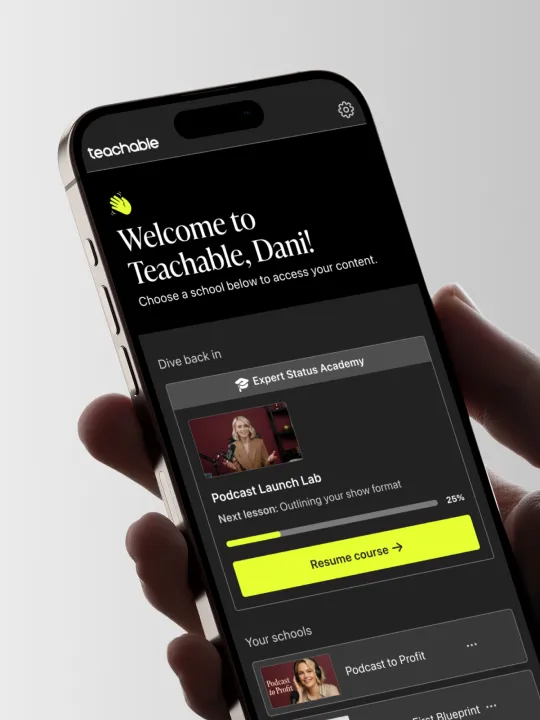
Empower learning. Wherever. Whenever
Teachable’s mobile app is top-rated for digital learning products. Your online courses go anywhere and best of all, the app is included free on all plans. Available on iOS and Android.
Provide a professional, seamless learning experience with Teachable's mobile app
Savvy creator-educators choose Teachable for its anytime, anywhere iOS mobile app for students. Courses built on Teachable are automatically available in the app at no extra cost. Optimized for student engagement with interactive and drip content, the app also features offline viewing and a streamlined account login for easy 24/7 access.
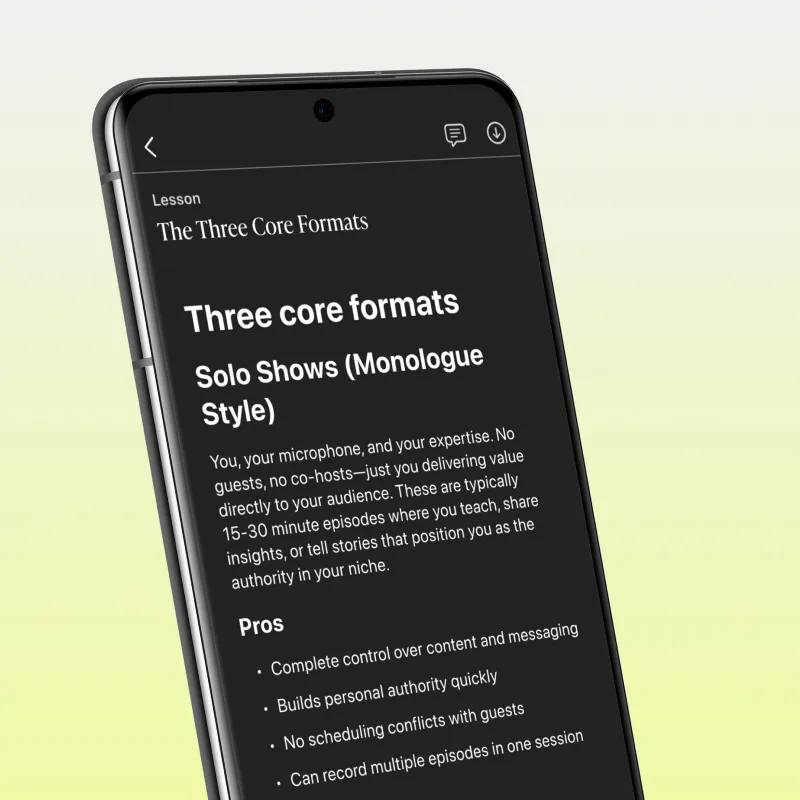
55% of students learn on mobile
Save yourself the cost or effort of building an app—with Teachable's mobile app your students can learn on-the-go. Robust offline viewing means your students can carry courses with them in their pocket and view content in the app offline.
Why students and creators love the app
Teachable's app provides a best-in-class student experience while keeping your content safe and secure.
Offline lessons in the app means students can truly take their learning anywhere.
Your content is protected from piracy with screenshot prevention and secure one-time-password login.
Students can easily access all the content they've purchased from you on Teachable with one account.
Students can save progress on any device and pick up where they left off.
Drive student engagement at no additional cost
Students who access content in the mobile app are 2x more likely to return by day three and 3x more likely to complete course lessons than those on web.

Teachable success stories write themselves






Less stress. More results
Get started for free and delight your students from day one with the best-in-class mobile app for digital learning products.
Frequently asked questions
What devices does the Teachable mobile app work on?
The Teachable app is supported on iPhones and iPads with iOS version 16.0 or later and Android smartphones and tablets with Android version 11 or later.
How do students log in to the mobile app?
Students who have enrolled in any course on Teachable can download the app and log in using the same account they set up on the web. When they log in, they'll receive a one-time-password for the app that will be sent to their email address. For step-by-step instructions, check out our Knowledge Base here.
How do I make my courses available in Teachable's mobile app?
All courses built with Teachable are automatically available in the mobile app. There's no need to worry about settings or additional fees.
How much does the app cost?
The mobile app is completely free both to creators and students.
Where can I download the mobile app?
The app is available for download in the App Store for iOS devices and in Google Play for Android devices.
What features are available on the mobile app?
The Teachable mobile app is available for both iOS and Android. Features include: offline mode for on-the-go learning; dark mode; locked screen video controls; automatic syncing between mobile and desktop; push notifications for new drip content and progress reminders; and piracy protection, with screenshot prevention and one-time-password logins.