
Explore creator support services
When you become a Teachable creator, we never stop working to help you succeed. Check out our powerful resources and award-winning personal support.
We're investing in your success
Your online business is unique. And its support needs are, too. From educational content to business training courses to group coaching, you can access just the right mix of support to move your business forward.
You can even connect with your fellow creators through our creator community. Insights from creators who have been right where you are can be a powerful way to learn as you grow.
Powerful features to build and grow your business
Explore our industry-leading support services.

Teachable University online courses
More learning, more earning—teachable:u provides a library of mini courses that deliver the strategies you need to build and scale a thriving online business.
Product webinars
Get in-depth guides to new release and sneak peeks at our roadmap in webinars led by Teachable's product team.
teachable:rewards
We designed teachable:rewards to celebrate and incentivize every sale you make on Teachable. Unlock greater access as you move up the ranks.
Launch Accelerator Challenge
With this proven program, you can start selling your course in just 30 days with expert guidance from the Teachable team.

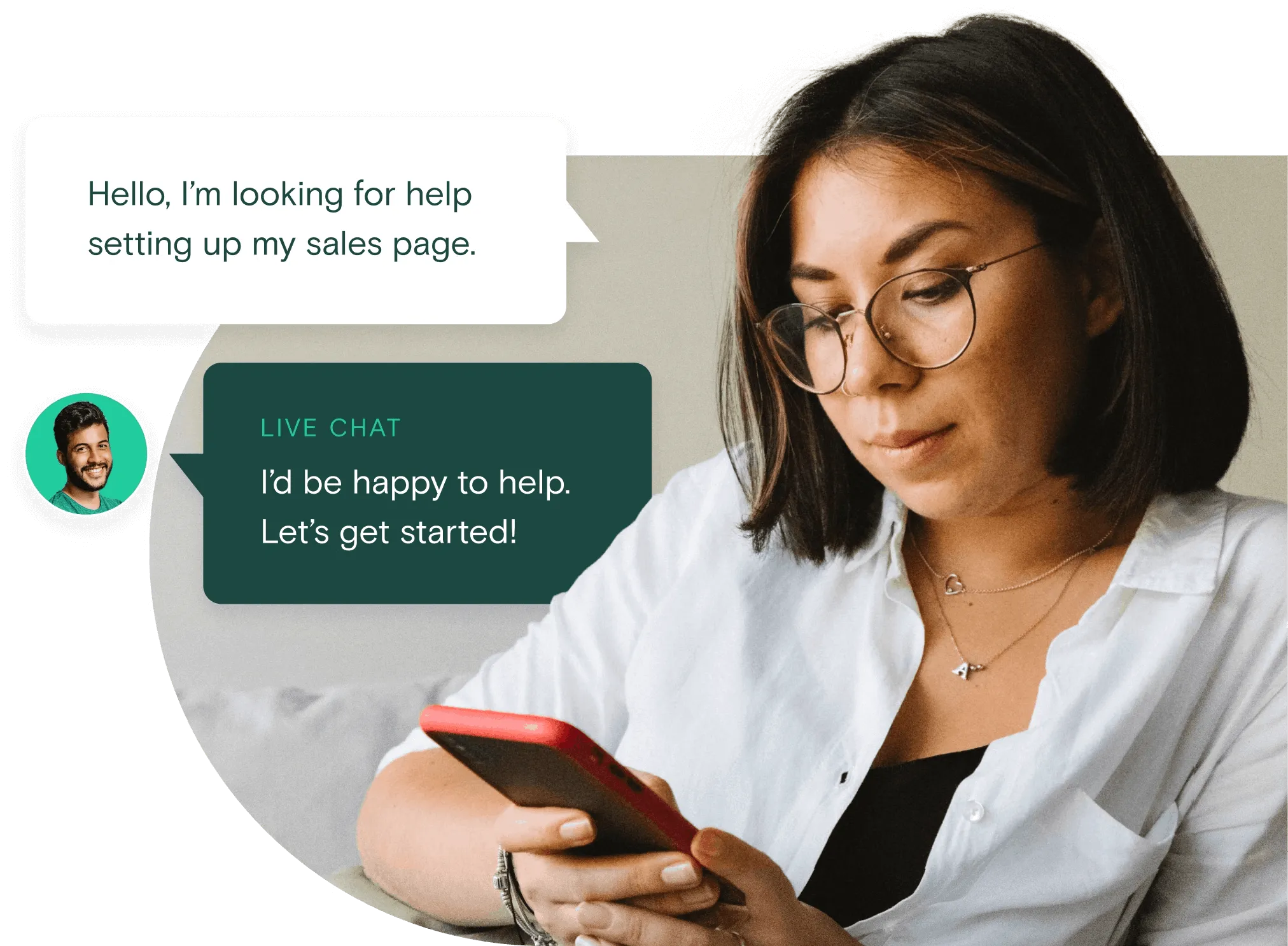
Live chat
We offer live chat support to help you get fast answers to your most pressing questions.
Guides and how-tos
Access our library of downloadable workbooks, ebooks, case studies, and more to help you run your online business.
Teachable success stories write themselves






Quick resources
News, articles, and advice at your fingertips.
Build your online business with the confidence that we’re right behind you
Frequently asked questions
What devices does the Teachable mobile app work on?
The Teachable app is supported on iPhones and iPads with iOS version 16.0 or later and Android smartphones and tablets with Android version 11 or later.
How do students log in to the mobile app?
Students who have enrolled in any course on Teachable can download the app and log in using the same account they set up on the web. When they log in, they'll receive a one-time-password for the app that will be sent to their email address. For step-by-step instructions, check out our Knowledge Base here.
How do I make my courses available in Teachable's mobile app?
All courses built with Teachable are automatically available in the mobile app. There's no need to worry about settings or additional fees.
How much does the app cost?
The mobile app is completely free both to creators and students.
Where can I download the mobile app?
The app is available for download in the App Store for iOS devices and in Google Play for Android devices.
What features are available on the mobile app?
The Teachable mobile app is available for both iOS and Android. Features include: offline mode for on-the-go learning; dark mode; locked screen video controls; automatic syncing between mobile and desktop; push notifications for new drip content and progress reminders; and piracy protection, with screenshot prevention and one-time-password logins.